Zing Forum

Reading

Simple Code Chatbot: Engineering Practice of a Lightweight AI Code Assistant

This article introduces a concise and practical AI code assistant project, demonstrating how to combine large language models (LLMs) with software engineering tools to build a command-line tool that can read, understand, and modify code, providing intelligent programming assistance for developers.

AI代码助手命令行工具代码审查代码重构大语言模型编程工具本地部署软件开发
Published 2026-03-29 05:15Recent activity 2026-03-29 05:27Estimated read 8 min
Simple Code Chatbot: Engineering Practice of a Lightweight AI Code Assistant
1

Section 01

Simple Code Chatbot: Guide to the Engineering Practice of a Lightweight AI Code Assistant

This article introduces the Simple Code Chatbot project, a lightweight AI code assistant positioned between commercial IDE integration tools and complex open-source projects. It adheres to the design principle of "simple yet effective", offering three core capabilities: code reading, understanding, and modification. It adopts design trade-offs of command-line first, local first, and explicit interaction, combining large language models (LLMs) with software engineering tools to provide intelligent programming assistance for developers.


2

Section 02

Background: Evolution of Programming Assistants and Pain Points of Existing Tools

AI tools in the software development field have evolved from early code completion tools (e.g., IntelliSense) to modern AI programming assistants (e.g., GitHub Copilot). Existing solutions are polarized: commercial IDE integration tools (like Copilot, Cursor) are powerful but require subscriptions, depend on specific editors, and may upload code to the cloud; open-source projects are often complex or lose simplicity in pursuit of all-round functionality. Simple Code Chatbot is positioned between the two, serving as a concise, practical, fully local command-line tool that assists rather than replaces developers.

3

Section 03

Technical Architecture: Integration of LLMs and Software Engineering Tools

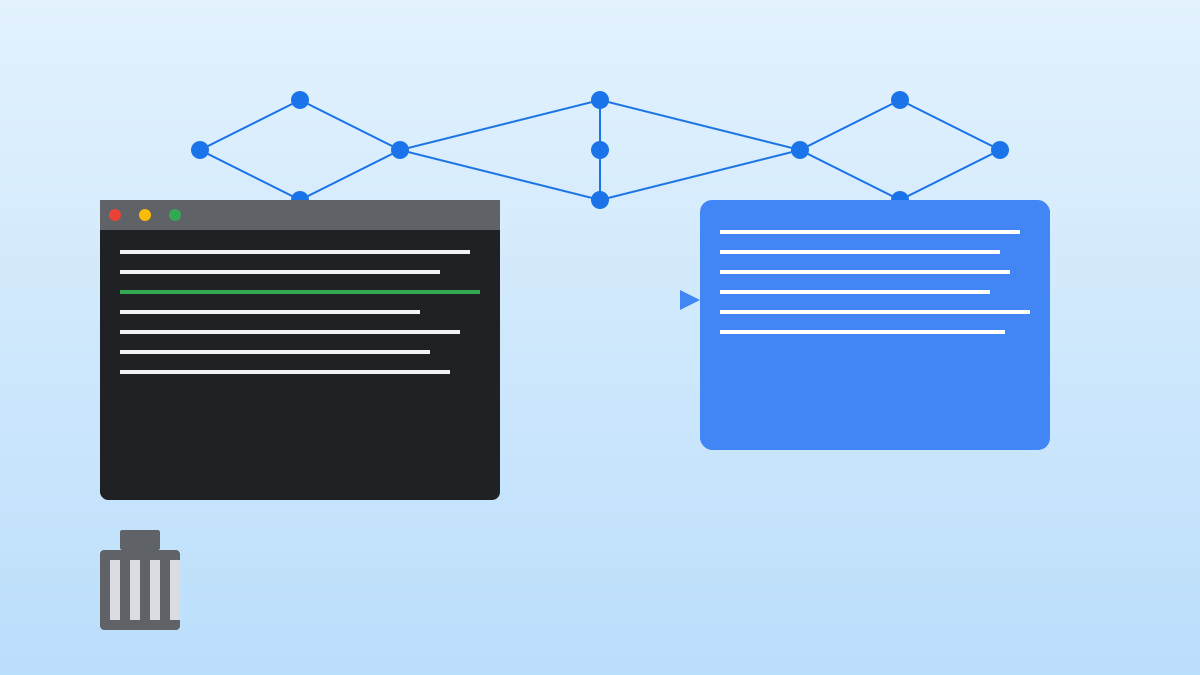
Simple Code Chatbot uses a layered architecture: User Interface Layer (command line, supporting interactive and one-off commands), Conversation Management Layer (maintaining context and session state), Code Analysis Layer (syntax parsing, indexing, context extraction, summarization), Tool Integration Layer (files, code execution, Git, analysis tools), and Model Interaction Layer (supporting multiple backends like OpenAI API, Anthropic API, Ollama). The code understanding mechanism includes tree-sitter syntax parsing, lightweight code indexing, intelligent context extraction and summarization; the tool system uses standardized interfaces to allow LLMs to call external tools.

4

Section 04

Usage Scenarios and Practices: Five Core Application Scenarios

The project supports multiple practical scenarios: 1. Code Review: Review commits or specific files, analyze issues, and generate fix patches; 2. Refactoring: Rename variables, extract functions, etc., ensuring consistent behavior and validation; 3. Bug Fixing: Locate issues based on error messages and propose fix solutions; 4. Code Generation: Generate standards-compliant code based on descriptions or existing code; 5. Learning and Exploration: Explain code functions, generate code maps, and conduct Q&A-based exploration. Example commands include chatbot review src/auth.py, chatbot refactor --rename old_name new_name, etc.

5

Section 05

Technical Highlights: Intelligent Context Management and Safe, Efficient Code Processing

The project's technical highlights include: 1. Intelligent Context Management: Hierarchical summarization, relevance sorting, dynamic expansion, code compression to address LLM context window limitations; 2. Safe Code Execution: Sandbox isolation, permission control, resource limits, audit logs to ensure execution safety; 3. Incremental Modification: Generate unified diff format, support selective application, atomic commits, conflict detection to ensure controllable modifications.

6

Section 06

Tool Comparison: Differences Between Simple Code Chatbot and Similar Tools

Feature Simple Code Chatbot GitHub Copilot Cursor Aider
Deployment Method Command-line tool IDE plugin Editor Command-line
Auto-completion No Yes Yes No
Code Understanding Explicit analysis Implicit Implicit Explicit
Multi-file Editing Supported Limited Supported Supported
Local Model Supported No No Supported
Privacy Control Fully local optional Cloud processing Cloud processing Local optional
Cost Open-source free Subscription Subscription Open-source free
The project is positioned to be lighter and more flexible than IDE plugins, and simpler and easier to use than Aider.
7

Section 07

Limitations and Future Directions: Current Challenges and Development Plans

Current limitations: No IDE integration (high switching cost), context limitations for large codebases, insufficient support for niche languages, limited automation for complex refactoring. Future plans: Provide editor plugins for VS Code/Neovim, enhance static analysis tools, support collaboration features, allow custom tools, add learning modes for personalized recommendations.

8

Section 08

Conclusion: Pragmatic AI Programming Assistant Philosophy

Simple Code Chatbot represents a pragmatic direction for AI programming tools. It does not pursue fully automated programmers but serves as an intelligent assistant for developers, maintaining the developer's leading position. Its value lies in controllability (developers decide code quality), learnability (learning from suggestions), auditability (changes are recorded), and privacy (local processing option). It is a worthwhile choice for developers seeking lightweight AI assistance.

