Zing Forum

Reading

Pollex: A Localized Text Refinement Toolchain Based on llama.cpp

A complete private text refinement solution, including a Go backend API and Chrome browser extension, supporting GPU-accelerated inference on edge devices like Jetson Nano.

llama.cpp文本润色边缘计算Jetson Nano私有化部署GoChrome扩展本地推理数据隐私
Published 2026-06-06 10:13Recent activity 2026-06-06 10:20Estimated read 6 min
Pollex: A Localized Text Refinement Toolchain Based on llama.cpp
1

Section 01

Pollex: Introduction to the Localized Text Refinement Toolchain Based on llama.cpp

Pollex is an open-source private text refinement toolchain developed by developer mlorente, providing a complete solution including a RESTful API service developed in Go and a Chrome browser extension. It supports GPU-accelerated inference on edge devices like Jetson Nano. Its core advantage is that data never leaves the local device, ensuring user privacy, making it suitable for privacy-sensitive scenarios.


2

Section 02

Development Background and Design Philosophy of Pollex

Against the backdrop of the popularization of large model applications, data privacy has become a focus of user attention. Pollex's design philosophy is 'data never leaves the local device'; all text processing is done on the user's hardware without needing to upload to third-party servers. Suitable scenarios include: enterprise sensitive document processing (legal contracts, business emails, etc.), personal privacy protection (diaries, private communications), offline environment use, and industries with strict compliance requirements (finance, medical care, government).

3

Section 03

Technical Architecture and Core Components of Pollex

Backend API Service (Go)

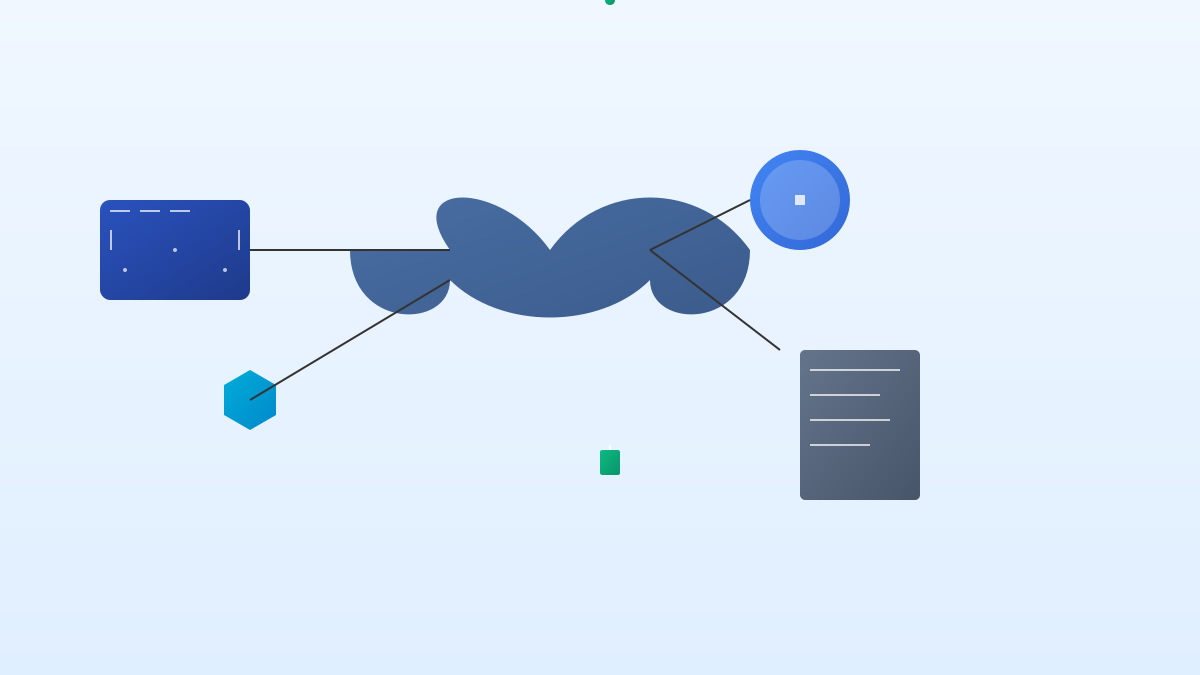
Developed in Go, it balances performance and deployment convenience. Its high concurrency feature can handle multiple requests efficiently; statically compiled single binary files simplify deployment, and RESTful API supports HTTP/JSON interfaces for easy integration.

Chrome Browser Extension

It lowers the threshold for use; users can select text on web pages and trigger refinement via right-click or shortcut keys, communicating with the local API to ensure data remains local.

llama.cpp GPU Inference Engine

It uses the llama.cpp library developed by Georgi Gerganov, implemented in pure C/C++ with no dependencies, optimized for NVIDIA Jetson Nano, leveraging GPU acceleration for inference to achieve a smooth experience on edge devices.

4

Section 04

Hardware Adaptation and Application Scenarios of Pollex

Hardware Adaptation

Supports NVIDIA Jetson Nano: compact power consumption (5-10 watts), 128-core Maxwell GPU supporting FP16 acceleration, and runs Ubuntu for easy deployment.

Application Scenarios

  • Academic writing assistance: optimize paper abstracts, refine English expressions, check grammar, and protect unpublished results.
  • Business communication optimization: enhance the professionalism of emails/reports and protect commercial secrets.
  • Content creation support: quickly generate multiple versions of text to improve efficiency.
  • Multilingual text improvement: enhance the fluency of non-native language expressions.
5

Section 05

Value and Future Outlook of Pollex

Pollex demonstrates a pragmatic path for large model implementation: focusing on text refinement scenarios, achieving local deployment through engineering optimization, which has reference value for individual developers and small teams. In the future, as the quality of open-source models improves and edge hardware performance enhances, localized AI tools will become more popular, complementing cloud services and balancing privacy and convenience.

6

Section 06

Deployment and Usage Recommendations for Pollex

  1. Prepare hardware: Jetson Nano or other Linux devices supporting CUDA.
  2. Install dependencies: deploy Go runtime environment and llama.cpp compilation toolchain.
  3. Obtain models: prepare compatible GGUF format model files (e.g., Llama, Mistral, etc.).
  4. Compile and start: compile the backend service according to the documentation, and configure the Chrome extension to point to the local API address.
  5. Test and verify: test the refinement function via the browser extension or curl command.

