Zing Forum

Reading

OpenEMMA-UI: A Visual Reasoning and Multi-Model VLM Testing Platform for Autonomous Driving

This article introduces OpenEMMA-UI, a Windows application for running the OpenEMMA autonomous driving system in real time within the CARLA simulator, supporting chain-of-thought reasoning visualization and multi-model visual language model (VLM) comparison.

autonomous drivingCARLA simulatorVLMchain-of-thoughtvisualizationend-to-end driving
Published 2026-04-02 22:12Recent activity 2026-04-02 22:22Estimated read 5 min
OpenEMMA-UI: A Visual Reasoning and Multi-Model VLM Testing Platform for Autonomous Driving
1

Section 01

OpenEMMA-UI Core Overview

OpenEMMA-UI is an application specifically designed for the Windows platform, aiming to seamlessly integrate the OpenEMMA autonomous driving system with the CARLA simulator. Its core value lies in providing an intuitive visual testing environment that supports chain-of-thought (Chain-of-Thought) reasoning visualization and multi-model visual language model (VLM) comparison, helping researchers and developers simplify the testing and debugging process of autonomous driving systems.


2

Section 02

Project Background and Positioning

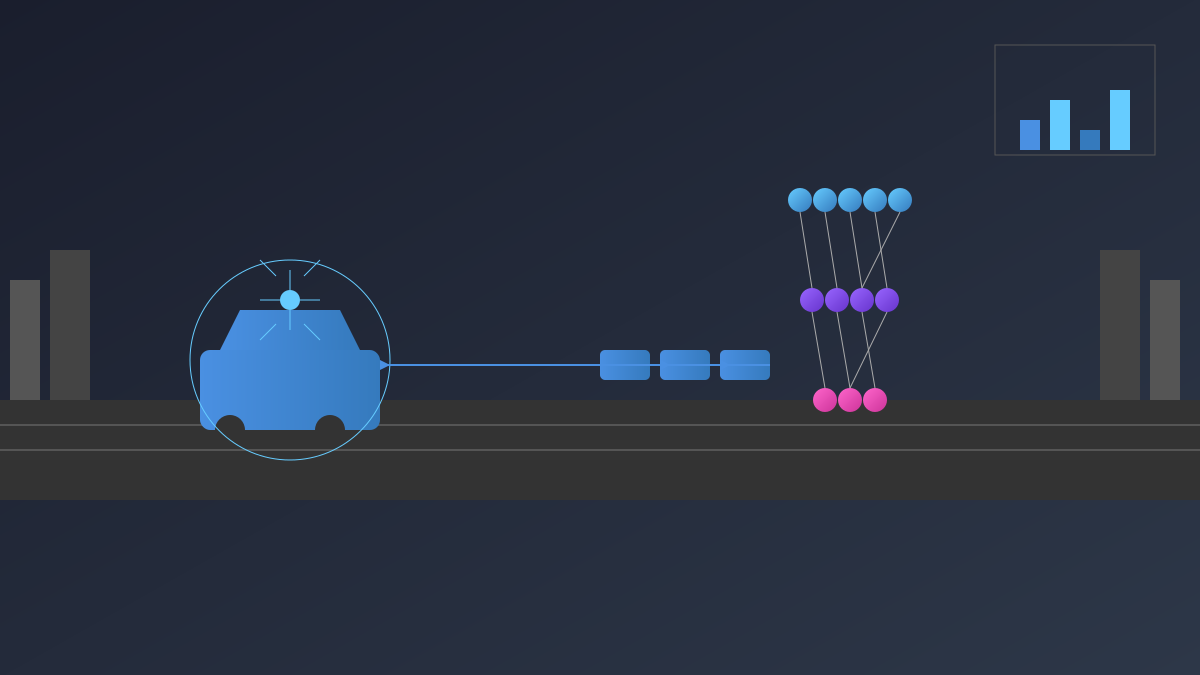
OpenEMMA is an end-to-end autonomous driving system based on visual language models (VLMs). However, running and debugging it in a simulation environment requires handling complex command-line tools and configuration files, which hinders rapid iteration and understanding of system behavior. OpenEMMA-UI provides a graphical user interface to address this issue, enabling real-time scene viewing, observation of decision-making processes, comparison of multi-model performance, and understanding of chain-of-thought reasoning.

3

Section 03

Core Features

OpenEMMA-UI has four core features: 1. Real-time scene visualization: Displays driving scene images from the vehicle's camera; 2. Chain-of-thought reasoning display: Presents natural language explanations of model decisions via the reasoning panel; 3. Multi-model comparison support: Connects to multiple VLM backends, allowing side-by-side output comparison; 4. CARLA simulator integration: Simplifies the connection process (Launch CARLA → Open UI → Enter address and port → Start session).

4

Section 04

System Requirements and Installation

Hardware Requirements: Windows 10/11, 8GB+ RAM, modern GPU, sufficient disk space; additional graphics card support for real-time simulation and storage space for map resources are required if running CARLA. Installation Process: Download the latest version from GitHub Releases → Extract ZIP (if compressed) → Run the installer or main application → Brief initialization is needed on first launch.

5

Section 05

Typical Application Scenarios

OpenEMMA-UI is suitable for various scenarios: 1. Model behavior verification: Check the system's performance in handling scenarios such as traffic lights and vehicle responses; 2. Fault diagnosis: Analyze the causes of decision anomalies via the reasoning panel; 3. Model comparison research: Evaluate differences between different VLM architectures in the same scenario; 4. Demonstration and teaching: Intuitively show how end-to-end autonomous driving systems work.

6

Section 06

Technical Significance and Outlook

OpenEMMA-UI lowers the barrier to research on VLM-driven autonomous driving technology, encouraging more people to participate in related fields. Future expectations include: support for more simulation platforms and real datasets, enrichment of visualization dimensions (e.g., attention heatmaps), integration of automatic evaluation and regression testing, and support for distributed testing and cloud deployment.

