Zing Forum

Reading

OneThinker: A Unified Visual Reasoning Framework for Image and Video Understanding

A comprehensive visual analysis application for images and videos, integrating advanced reasoning capabilities to help users deeply understand visual content. It supports multi-format input and custom analysis settings, providing an integrated solution for visual content understanding.

视觉推理图像分析视频分析多模态AI计算机视觉内容理解开源应用视觉AI
Published 2026-03-29 23:08Recent activity 2026-03-29 23:21Estimated read 8 min
OneThinker: A Unified Visual Reasoning Framework for Image and Video Understanding
1

Section 01

OneThinker: Introduction to the Unified Visual Reasoning Framework for Image and Video Understanding

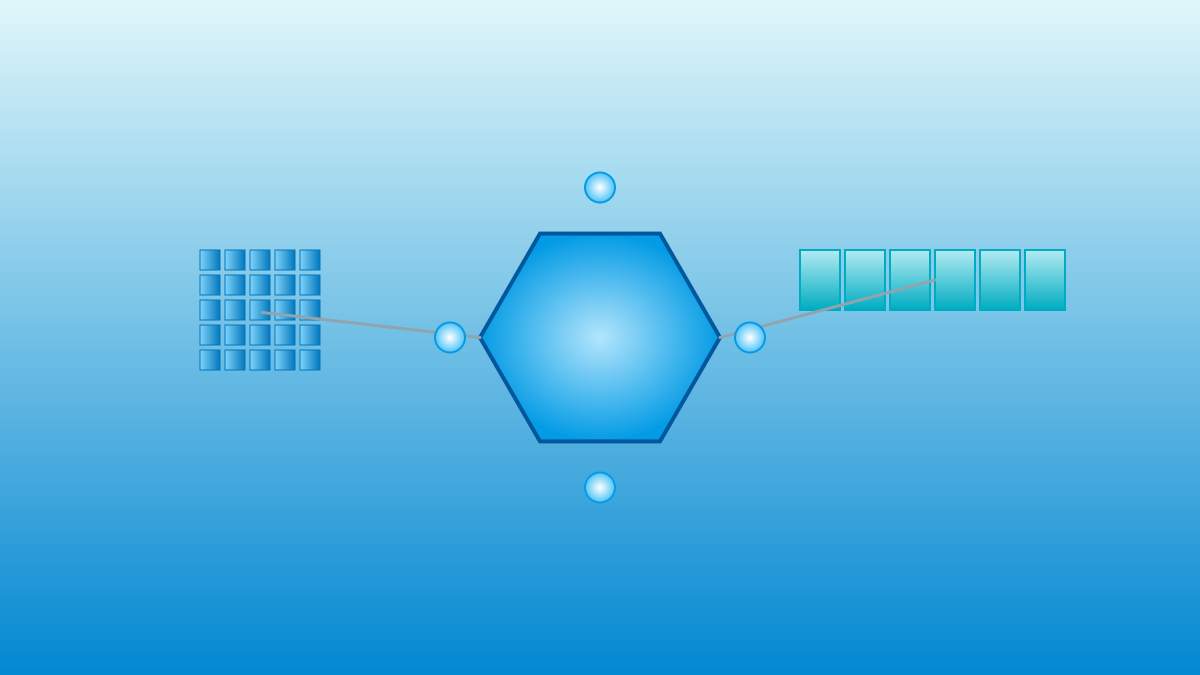
OneThinker is a comprehensive visual analysis application for images and videos, aiming to build a unified visual reasoning framework that handles both image and video tasks simultaneously. It balances ease of use and professionalism, supports multi-format input and custom analysis settings, provides an integrated solution for visual content understanding, lowers the barrier to using visual AI technology, and covers a wide range of users from ordinary consumers to professional analysts.


2

Section 02

Background: The Integration Trend of Visual Understanding Technologies

In the field of computer vision, image understanding and video analysis have long been regarded as independent directions—image models focus on static feature extraction and semantic understanding, while video models emphasize temporal modeling and action recognition. However, visual content in reality often crosses forms, such as images derived from video frames and videos containing key frames. Based on this observation, OneThinker attempts to build a unified framework to simplify user workflows and open up new possibilities for multi-modal AI applications.

3

Section 03

Analysis of Core Features

Unified Analysis of Images and Videos

It can process both image and video inputs simultaneously without switching tools. Image analysis identifies objects, scenes, text, and visual relationships; video analysis tracks temporal changes, recognizes action patterns, and extracts key events, suitable for scenarios like content moderation and media analysis.

Multi-Format Compatibility

Supports common formats such as JPG, PNG, GIF, MP4, and AVI. Materials can be imported directly without conversion.

Custom Analysis Settings

Users can adjust parameters: set sampling frequency and focus areas for video analysis; select recognition accuracy and output detail level for image analysis, adapting to scenarios from quick preview to in-depth analysis.

Result Export and Sharing

Analysis results can be exported in multiple formats, facilitating subsequent processing, report writing, or team collaboration.

4

Section 04

System Requirements and Deployment Methods

Hardware Requirements: 2GHz dual-core processor, 4GB memory, 1GB disk space, graphics card supporting OpenGL3.3+. Operating System: Windows10+, macOS Catalina+, mainstream Linux distributions. Deployment Methods: Precompiled packages are provided. Download the installation file for the corresponding platform from GitHub Releases—.exe for Windows, .dmg for macOS, .deb or AppImage for Linux.

5

Section 05

Application Scenario Outlook

  • Content Creation: Assists video bloggers and photographers in screening materials, extracting key frames, and analyzing visual styles.
  • Market Research: Batch processes advertising materials and competitive visual content to extract design trends and user preferences.
  • Education: Analyzes teaching videos to automatically generate summaries and knowledge point annotations.
  • Security Monitoring: Quickly retrieves abnormal events from surveillance footage to improve response efficiency.
  • Ordinary Consumers: Intelligent album management with automatic tagging, classification, and memory collection generation.
6

Section 06

Speculations on Technical Implementation and Limitations

Speculations on Technical Implementation: It may adopt a multi-modal large model as the core reasoning engine, combined with traditional computer vision algorithms for preprocessing and postprocessing, balancing analysis quality and resource consumption. Limitations: The precompiled distribution method makes it difficult for users to perform deep customization or model fine-tuning. For professional users who need training in specific fields (such as medical imaging or industrial quality inspection), a more open solution is required.

7

Section 07

Highlights of User Experience Design

  • Simple and Intuitive: Simple import process, intuitive analysis options, and clear result display, focusing on users' needs to quickly obtain reliable results.
  • Community Support: Provides user manuals and community forums to help solve problems and exchange experiences, enhancing user stickiness and product iteration.
8

Section 08

Conclusion: Another Attempt at Democratizing Visual AI

OneThinker represents the trend of visual AI popularization among ordinary users. It encapsulates complex analysis capabilities through a concise interface, lowering the threshold for use. Although there is room for improvement in openness, its focus on user experience and multi-scenario coverage makes it a tool worth paying attention to. We look forward to more similar products driven by multi-modal AI progress, bringing lab-level visual understanding capabilities to a wider range of users.

