Zing Forum

Reading

Graphite: Innovative Design of a Visual Node-Based AI Collaborative Workspace

Graphite is a desktop AI collaboration environment built with Python and PySide6, transforming traditional linear chat into a visual node graph on an infinite canvas, supporting multi-model integration and privacy protection with a local-first approach.

GraphiteGraphlinkAI工作空间节点式界面可视化对话PySide6Ollama本地AI人机协作无限画布
Published 2026-03-30 07:49Recent activity 2026-03-30 08:20Estimated read 5 min
Graphite: Innovative Design of a Visual Node-Based AI Collaborative Workspace
1

Section 01

Graphite: Innovative Design of a Visual Node-Based AI Collaborative Workspace (Introduction)

Graphite is a desktop AI collaboration environment built with Python and PySide6, designed to address the limitations of traditional linear chat interfaces by converting conversations into a visual node graph on an infinite canvas. Core features include non-linear conversation organization, multi-model integration (supporting local Ollama and remote APIs), local-first privacy protection, and rich organizational and AI-generated tools, providing users with a more natural thinking workspace.


2

Section 02

Project Background: Fundamental Limitations of Linear Chat Interfaces

Traditional linear chat interfaces have three major limitations: 1. Forcing chronological organization of thoughts, conflicting with human non-linear thinking; 2. Context is easily buried, requiring frequent scrolling to find and disrupting thinking coherence; 3. Difficulty in clearly presenting the connections and evolution paths between different ideas. Graphite solves these problems through spatialized dialogue (nodes + links), which is closer to the natural way of brainstorming.

3

Section 03

Core Architecture: Infinite Canvas & Node System

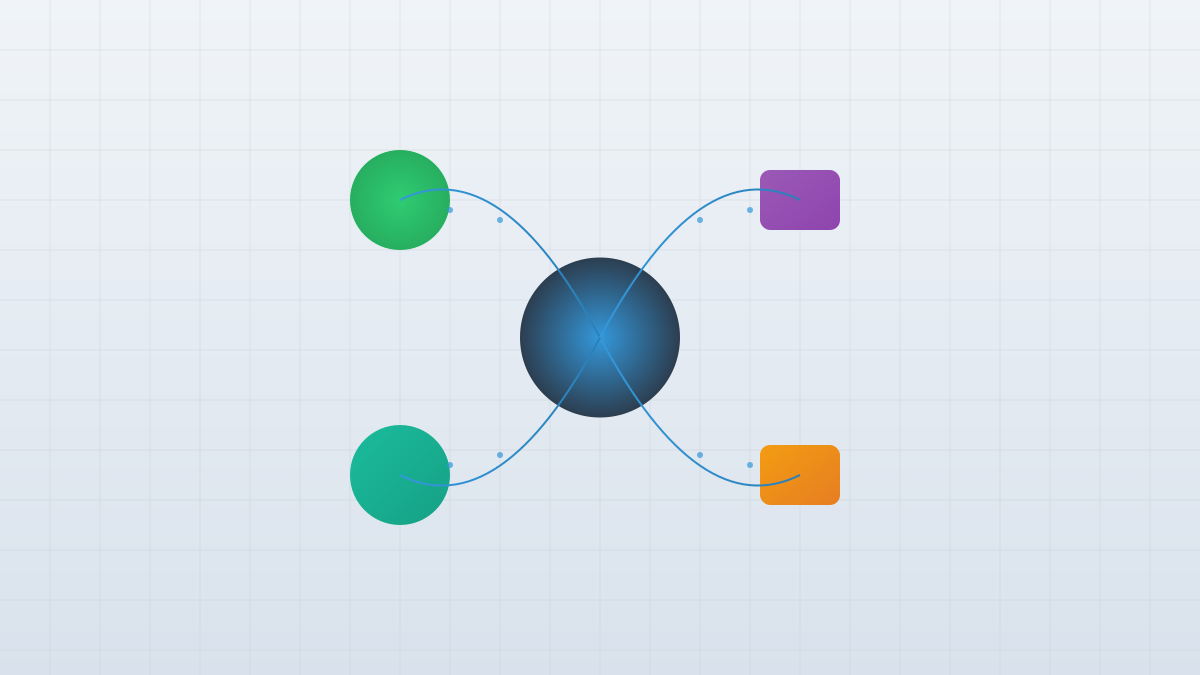
Graphite's core architecture includes: 1. Infinite canvas: A virtual space that can be infinitely panned and zoomed, optimized for AI dialogue scenarios; 2. Node system: Each prompt/response is an independent node, supporting drag-and-drop, connection, and branching to achieve non-linear dialogue flow; 3. Multi-model integration: Compatible with local Ollama and remote APIs such as OpenAI and Google Gemini, meeting privacy and flexibility needs.

4

Section 04

Organization Tools & AI Generation Features

Graphite provides various organizational tools: Frames (group nodes and add tags), Notes (persistent sticky notes), Navigation Pins (quickly locate key nodes). AI generation features include: Chart generation (matplotlib supports multiple chart types), key point summaries, content interpreters—all directly integrated into the canvas.

5

Section 05

Technical Implementation & Stack Selection

The technical architecture adopts a modular design: graphite_app.py (entry), graphite_ui.py (UI components), graphite_core.py (state management and persistence), graphite_agents.py (AI task logic), api_provider.py (model routing). Local-first principle: Session data is stored in an SQLite database. The technology stack selects Python (rich ecosystem, cross-platform) and PySide6 (powerful graphics view framework).

6

Section 06

Use Cases: Research, Creativity & Structured Reasoning

Graphite is suitable for three types of scenarios: 1. Researchers: Conduct multi-directional exploration and integrate AI-generated key points and charts; 2. Creative workers: Non-linear brainstorming, with AI providing diverse perspectives; 3. Structured reasoning: Parallel evaluation of decision options and clear presentation of thought branches.

7

Section 07

Project Evolution & Conclusion

Graphite has evolved into Graphlink (renamed due to duplicate name issues), expanding tools and architecture. The new project repository is located at github.com/dovvnloading/Graphlink. Graphite demonstrates new possibilities for AI interaction interfaces, but requires users to adapt to node-based operations, and managing complex canvases also requires new skills. Its non-linear, visual design may indicate the direction of future AI workspaces.

