Zing Forum

Reading

AgentMux: Build Your Multi-Agent AI Workflow with tmux

AgentMux is an innovative multi-agent workflow tool that uses the tmux terminal multiplexer to run multiple AI agents locally for collaborative task completion, with no additional API costs.

多智能体AI工作流tmuxCLI工具本地部署软件开发AI协作
Published 2026-05-08 01:15Recent activity 2026-05-08 01:20Estimated read 8 min
AgentMux: Build Your Multi-Agent AI Workflow with tmux
1

Section 01

【Main Floor】AgentMux: Core Introduction to Building Local Multi-Agent AI Workflows with tmux

AgentMux is an innovative multi-agent AI workflow tool whose core is to use the tmux terminal multiplexer to run multiple AI agents locally for collaborative task completion. It reuses existing AI CLI subscriptions (such as Claude Code, GitHub Copilot CLI, etc.), with no additional API costs, solving the problems of complex orchestration frameworks and high costs in traditional multi-agent systems. It is suitable for developers who pursue efficiency, value data privacy, or want to experiment with AI collaboration in a local environment.


2

Section 02

Background: Needs for Multi-Agent Collaboration and Pain Points of Existing Solutions

A single AI agent has shown strong capabilities, but multi-agent collaboration can complete more complex software development tasks (from requirement analysis to document writing). However, building a multi-agent system usually requires complex orchestration frameworks and additional API costs. AgentMux takes a different approach, using the tmux terminal multiplexer to implement multi-agent collaboration locally, allowing developers to build workflows with existing AI CLIs.

3

Section 03

AgentMux Architecture Design: A Concise and Efficient Local Collaboration Mechanism

tmux-Based Process Isolation

  • Session Isolation: Each AI agent runs in an independent tmux window/pane without interfering with each other
  • Persistent Execution: Tasks continue to run in the background even after the terminal is closed
  • Flexible Layout: Supports horizontal/vertical splitting for visual status monitoring
  • Standard IO Redirection: Enables message passing between agents via pipe-pane

Inter-Agent Communication Mechanisms

  1. Shared Working Directory: Exchanges information via files
  2. Task Queue: Synchronizes task assignment and status using JSON/Markdown files
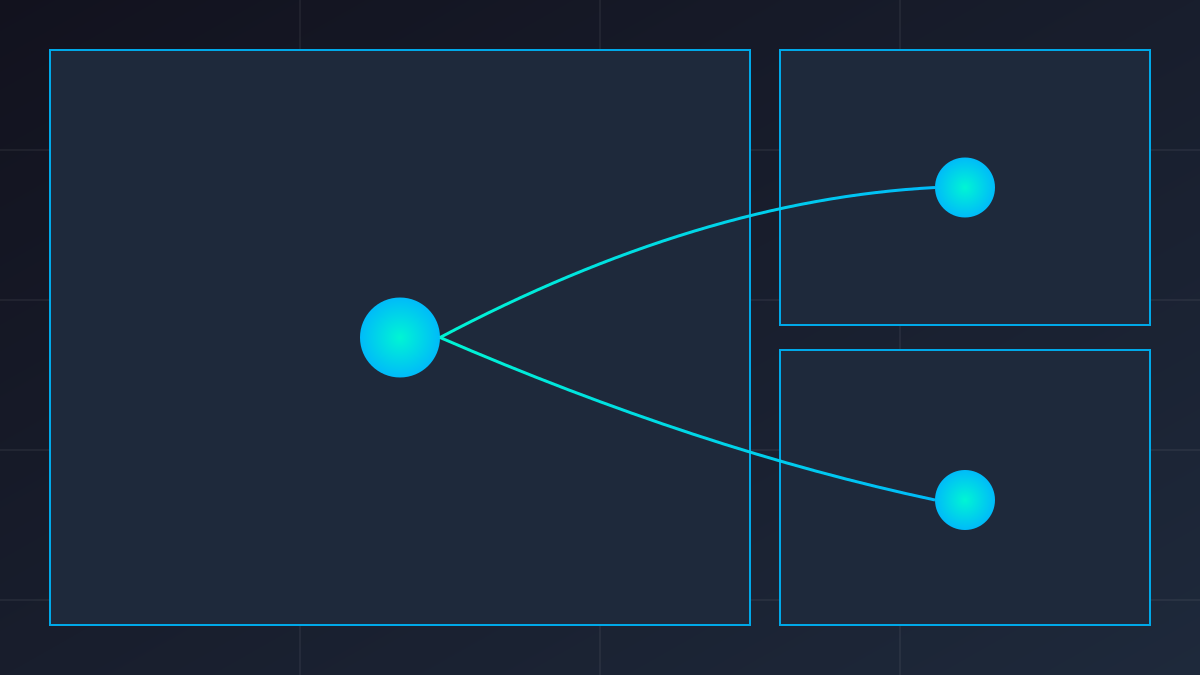
  3. Master-Slave Coordination: A coordinator agent decomposes tasks, while others execute subtasks

Integration with Existing CLI Tools

  • Supports mainstream AI programming assistants like Claude Code, Codex, Aider, etc.
  • Allows configuring different agents to use different models (Claude4, GPT-4, Gemini, etc.)
  • Permits setting system prompts and context preferences
4

Section 04

Typical Workflow Examples: Practical Application Scenarios of Multi-Agent Collaboration

Scenario 1: Full-Stack Feature Development

Architect agent (Claude4) analyzes requirements and designs databases and APIs → Backend agent (Codex) implements APIs and logic → Frontend agent (Claude4) builds React components → Testing agent (GPT-4) writes test cases, with file exchange via shared directories.

Scenario 2: Code Review and Refactoring

Analysis agent scans code to identify technical debt → Refactoring agent performs modifications → Verification agent runs tests to ensure functionality is normal.

Scenario 3: Documentation and Example Generation

Code understanding agent extracts APIs and usage → Documentation agent generates Markdown documents → Example agent creates runnable code examples.

5

Section 05

Advantages and Current Limitations of AgentMux

Unique Advantages

  • Zero Additional API Costs: Reuses existing CLI subscriptions with no extra fees for multi-agent architecture
  • Fully Local Execution: Data does not leave the local environment, suitable for sensitive code
  • Highly Customizable: File and script-based collaboration mechanism, easy to adjust
  • Transparent and Observable: tmux interface makes execution processes visible, facilitating debugging

Current Limitations

  • Coarse Collaboration Granularity: Compared to frameworks like AutoGen and CrewAI, the collaboration mechanism is simple
  • Manual Orchestration Required: Complex dependencies and sequences need to be designed by users themselves
  • Basic State Management: Lacks advanced shared memory or message queue mechanisms
6

Section 06

Target Audience and Usage Recommendations

Target Audience

  • Developers who have subscribed to AI CLI tools and want to improve efficiency
  • Teams handling sensitive code and preferring local execution
  • Users experimenting with multi-agent collaboration who don't want to learn complex frameworks
  • Batch processing scenarios where multiple independent AI tasks are executed in parallel

Getting Started Recommendations

  1. Start with a simple two-agent workflow (e.g., code generation + review)
  2. Establish clear file naming conventions to facilitate agents' identification of outputs
  3. Use tmux's synchronized input feature (setw synchronize-panes) for global control
  4. Record effective prompt templates and build a team knowledge base
7

Section 07

Conclusion: Future Potential of Terminal-Native AI Orchestration

AgentMux demonstrates the infinite possibilities of combining terminal tools with AI capabilities. It proves that practical multi-agent workflows can be built using existing CLIs and tmux without complex distributed systems or expensive API calls. For developers who value efficiency, privacy, or local experimentation, AgentMux is a lightweight and powerful choice. As the AI CLI ecosystem matures, such terminal-native AI orchestration solutions may become an important part of developers' toolkits.

