Zing Forum

Reading

WordPress 7.0 Browser-Side AI Inference Solution: Using WebLLM to Turn Your Desktop GPU into a Private Model Server

ultimate-ai-connector-webllm is a WordPress 7.0+ plugin that enables large language model (LLM) inference to run entirely in the user's browser via WebGPU. No API keys, no cloud services, no token-based fees—your desktop GPU acts as the model server, while the WordPress site only handles request forwarding.

WordPressWebLLMWebGPU浏览器端推理本地AI隐私保护GPU推理开源插件
Published 2026-04-08 12:12Recent activity 2026-04-08 12:20Estimated read 5 min
WordPress 7.0 Browser-Side AI Inference Solution: Using WebLLM to Turn Your Desktop GPU into a Private Model Server
1

Section 01

Introduction: Core Analysis of WordPress 7.0 Browser-Side AI Inference Solution

ultimate-ai-connector-webllm is an open-source WordPress 7.0+ plugin that enables browser-side LLM inference via WebLLM and WebGPU. The user's desktop GPU serves as a private model server—no cloud APIs, keys, or token fees are required. Data is processed locally to ensure privacy, and WordPress only acts as a request relay station.


2

Section 02

Background: Pain Points of Traditional Cloud AI Plugins and the Necessity of Browser-Side Solutions

Traditional WordPress AI plugins rely on third-party cloud APIs, which have three main pain points: privacy risks (content/data being sent outside), cost issues (token-based billing increases with usage), and strong dependency (API outages or price adjustments disrupt workflows). The browser-side solution downloads models locally, keeps data on the device, solves these problems, and also leverages idle GPU resources.

3

Section 03

Architecture Design: Browser as Model Server, WordPress as Relay Station

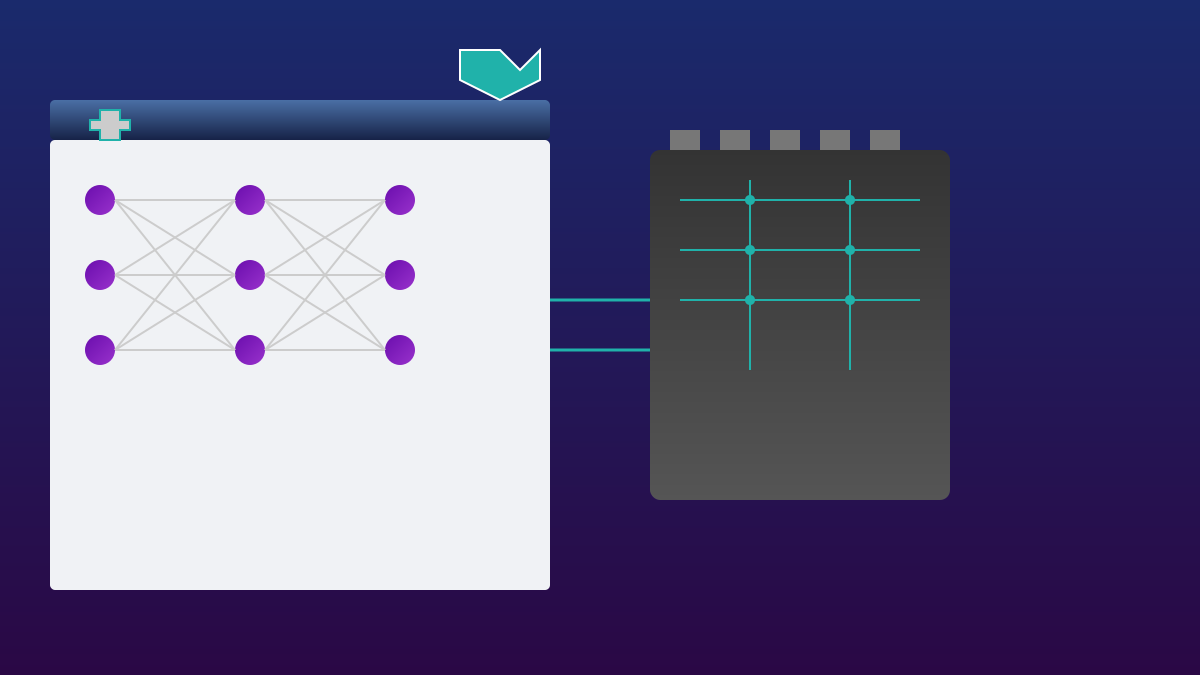
Workflow: 1. The administrator opens the Tools→WebLLM Worker page in a desktop browser to load the model (cached to IndexedDB); 2. The user submits an AI request, and the PHP SDK adds the task to a queue; 3. The Worker tab polls the queue, performs local GPU inference, returns the result to WordPress, which then passes it to the client. WordPress only handles forwarding—core computation is done in the user's browser.

4

Section 04

Technical Implementation Details: WebGPU Integration, Security Authentication, and Database Optimization

  1. WebGPU and WebLLM: Based on the @mlc-ai/web-llm library, accesses GPU via WebGPU. Linux requires enabling experimental flags; Windows/macOS work out of the box. 2. Security Authentication: Generates a 48-character random key, stored in webllm_loopback_secret; the server uses hash_equals for verification. 3. DB Optimization: Bypasses WordPress cache, uses direct $wpdb queries and COMMIT to ensure the latest task status is obtained.
5

Section 05

Use Cases and Current Limitations

Suitable Scenarios: Privacy-sensitive content processing (summaries, SEO descriptions, etc.), multi-device collaboration (small devices submit requests, desktop GPU processes), cost-sensitive personal sites. Limitations: Slow integrated graphics (a few tokens per second), single point of failure (only one Worker running), no streaming output or vision-language model (VLM) support.

6

Section 06

Hardware Requirements and Model Selection

Minimum practical model requires 4GB VRAM; large models need 8-16GB. Without a GPU, it falls back to SwiftShader but runs extremely slowly. Models come from @mlc-ai/web-llm pre-built configurations (about 140), and the plugin only reports loaded models to ensure capability matching.

7

Section 07

Configuration Options and Tuning Recommendations

Configurable Items: Default model (used when not specified), request timeout (180 seconds by default), context window (can set to 8192/16384; VRAM doubles with window size), allow remote clients (when enabled, all logged-in users can submit tasks).

8

Section 08

Summary and Future Outlook

This plugin represents a paradigm shift in AI deployment: bringing models to where the data is. The maturity of WebGPU and model quantization technology make browser-side inference feasible, suitable for asynchronous tasks (content generation, batch processing). In the future, with technological advancements, 'browser as server' may become one of the normal modes of AI deployment.

