Zing Forum

Reading

WDM AI Management: A Cross-Platform Unified Configuration Management Framework for AI Agents

An AI configuration management framework supporting GitHub Copilot CLI, Claude Code, OpenAI Codex CLI, and Gemini CLI, enabling 'write once, deploy everywhere' to solve the fragmentation issue of multi-AI assistant configurations.

AI配置管理多平台同步Claude CodeGitHub CopilotOpenAI CodexGemini CLI智能体管理开发工具标准化
Published 2026-06-12 06:13Recent activity 2026-06-12 06:24Estimated read 8 min
WDM AI Management: A Cross-Platform Unified Configuration Management Framework for AI Agents
1

Section 01

Introduction to the WDM AI Management Framework

Core Introduction to the WDM AI Management Framework

WDM AI Management is an open-source cross-platform unified configuration management framework for AI agents, released by WD-Mitchell on GitHub on June 11, 2026. It supports tools like GitHub Copilot CLI, Claude Code, OpenAI Codex CLI, and Gemini CLI. Its core goal is to solve the fragmentation problem of multi-AI assistant configurations, enabling 'Write once, deploy everywhere' so that developers can manage all AI assistant configurations through a single source file.

Project link: https://github.com/WD-Mitchell/WDM-AI-Management

2

Section 02

Background of the Dilemma in Multi-AI Assistant Configurations

Fragmentation Issue of Multi-AI Assistant Configurations

With the development of the AI programming assistant ecosystem, developers often use multiple tools simultaneously, but the configuration formats and storage locations of each tool vary significantly:

  • Claude Code: .claude/agents/*.md (YAML frontmatter includes model and effort fields)
  • Copilot CLI: .github/agents/*.agent.md (includes mcp-servers and user-invocable fields)
  • OpenAI Codex CLI: ~/.codex/agents/*.toml (TOML format, includes model_reasoning_effort and sandbox_mode fields)
  • Gemini CLI: .gemini/agents/*.md (includes thinkingConfig.thinkingBudget field)

Maintaining multiple sets of configurations is tedious and error-prone; modifications need to be synchronized across platforms, which easily leads to inconsistent experiences.

3

Section 03

Core Architecture and Configuration Methods

Single Source File-Driven Multi-Platform Generation

Architecture Workflow

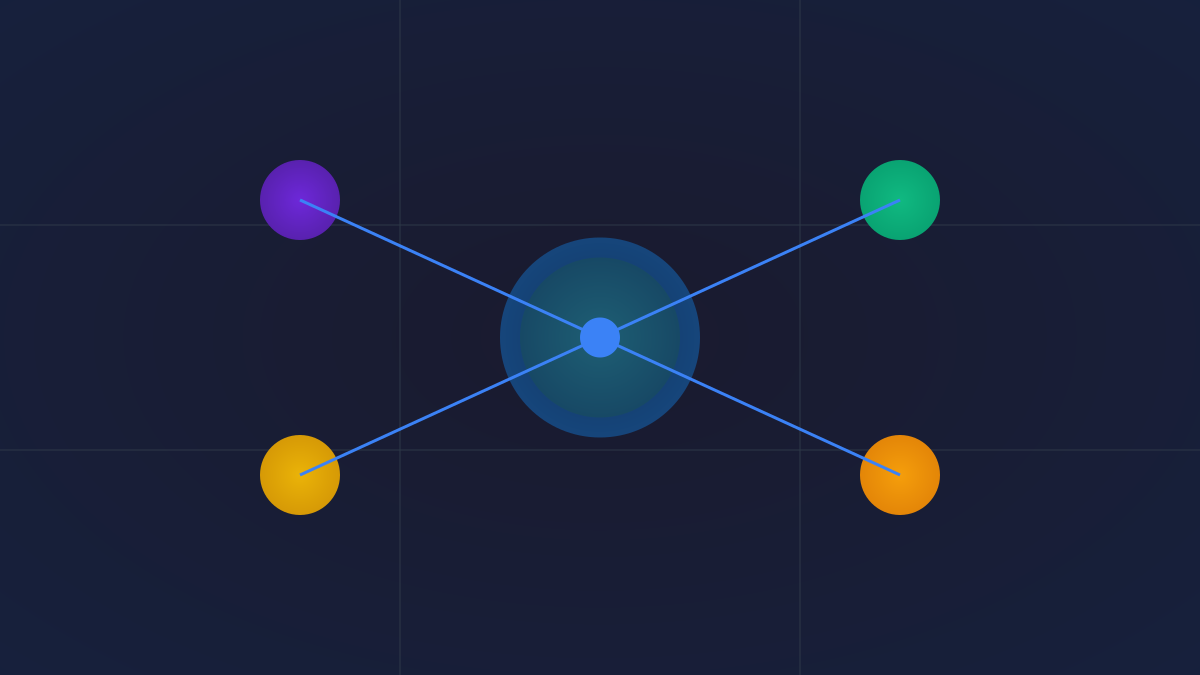
Single source file (YAML frontmatter + markdown body) → Generate platform-specific formats via the wdm ai sync command and complete deployment (symbolic links + configuration merging).

Supported Content Types

The framework supports 6 types of configurations: Agents, Skills, Rules, Workflows, Hooks, and MCP Servers.

Field Override Mechanism

  • Basic fields: Shared across all platforms (name, description, model, etc.)
  • Platform prefix: <platform>_<field> (e.g., copilot_model: claude-sonnet-4.6)
  • Multi-platform prefix: <h1>_<h2>_<field> (e.g., codex_copilot_description)
  • Global fields: global_<field> (unified value across all platforms)

Model Layers

Three layers are defined: default, default-small, and default-large, which map to platform-specific models and automatically inject reasoning parameters (e.g., Claude's effort, Codex's model_reasoning_effort).

Deployment Modes

  • Global deployment (-g): Writes to the user's home directory and takes effect for all projects
  • Project-level deployment: Writes to the current project's subdirectory, supports version control, and facilitates team collaboration
4

Section 04

Technical Highlights and Usage Workflow

Key Technologies and Operation Steps

Technical Highlights

  1. Schema Whitelist: Only retains fields defined in the official documentation of each tool to avoid unknown field leaks (implemented via AGENT_SCHEMAS in ai_management/build.py, etc.)
  2. Configuration Merging: Uses a merging strategy for shared setting files (e.g., .codex/config.toml) to preserve users' existing configurations

Usage Workflow

  1. Installation: Install via npm, Bun, or Homebrew
  2. Launch Web UI: Run wdm ai to start the local visual management interface
  3. Write source file: Create a Markdown source file (YAML frontmatter defines metadata)
  4. Deployment: wdm ai --install to install default groups; wdm ai sync for project-level deployment; wdm ai sync -g for global deployment
  5. Preview: Use the --dry-run flag to preview changes without actually writing files
5

Section 05

Extensibility and Application Scenarios

Framework Extensibility and Practical Value

Extensibility

Supports adding new AI platforms: Create a JSON definition file in the harnesses/core/ directory, declaring the platform name, Schema, output extension, and synchronization target template to integrate it.

Practical Application Scenarios

  • Team Standardization: Unify team AI assistant configurations to ensure consistent code reviews and security rules
  • Personal Multi-Device Sync: Keep AI configurations consistent across multiple machines
  • Cross-Platform Migration: No need to rewrite configurations when switching AI tools
  • Version Control: Include AI configurations in Git management to track change history
6

Section 06

Conclusion and Recommendations

A Standardization Attempt for Configuration Management

WDM AI Management is a standardization attempt for configuration management of AI development tools, solving the fragmentation issue of multi-AI assistant configurations through the 'single source file, multi-target generation' architecture.

Recommendations for the following groups to try:

  • Developers who use multiple AI programming assistants simultaneously
  • Tech Leads who want to standardize AI configurations within their teams

This tool provides an elegant solution for AI configuration management and is worthy of attention and use by the open-source community.


