Zing Forum

Reading

Toolmux: Securely Connect Terminal Workflows and Local Agents to SaaS Tools and Remote MCP Servers

Toolmux is a command-line tool that provides a unified interface for local agents and scripts to securely access SaaS services like Slack and Google Drive, as well as remote MCP servers. It manages authentication information via the operating system's credential store, supports tool policy checks and read-only mode, and enables secure proxy access using local credentials.

MCP命令行工具SaaS集成SlackGoogle DriveAI代理凭证管理工作流自动化
Published 2026-05-31 03:45Recent activity 2026-05-31 03:55Estimated read 6 min
Toolmux: Securely Connect Terminal Workflows and Local Agents to SaaS Tools and Remote MCP Servers
1

Section 01

Introduction / Main Floor: Toolmux: Securely Connect Terminal Workflows and Local Agents to SaaS Tools and Remote MCP Servers

Toolmux is a command-line tool that provides a unified interface for local agents and scripts to securely access SaaS services like Slack and Google Drive, as well as remote MCP servers. It manages authentication information via the operating system's credential store, supports tool policy checks and read-only mode, and enables secure proxy access using local credentials.

2

Section 02

Original Author and Source

  • Original Author/Maintainer: fiam
  • Source Platform: GitHub
  • Original Title: toolmux: Connect terminal workflows and local agents to SaaS tools and remote MCP servers with local credentials and policy checks
  • Original Link: https://github.com/fiam/toolmux
  • Publication Date: May 30, 2026
3

Section 03

Project Background and Motivation

In modern software development and workflow automation, developers often need to allow AI agents, scripts, and automation tools to access various SaaS services (such as Slack, Google Drive) and remote MCP (Model Context Protocol) servers. Traditionally, this usually means copying sensitive credentials like API keys and OAuth tokens into prompts, environment variables, or configuration files, which is not only cumbersome but also poses security risks.

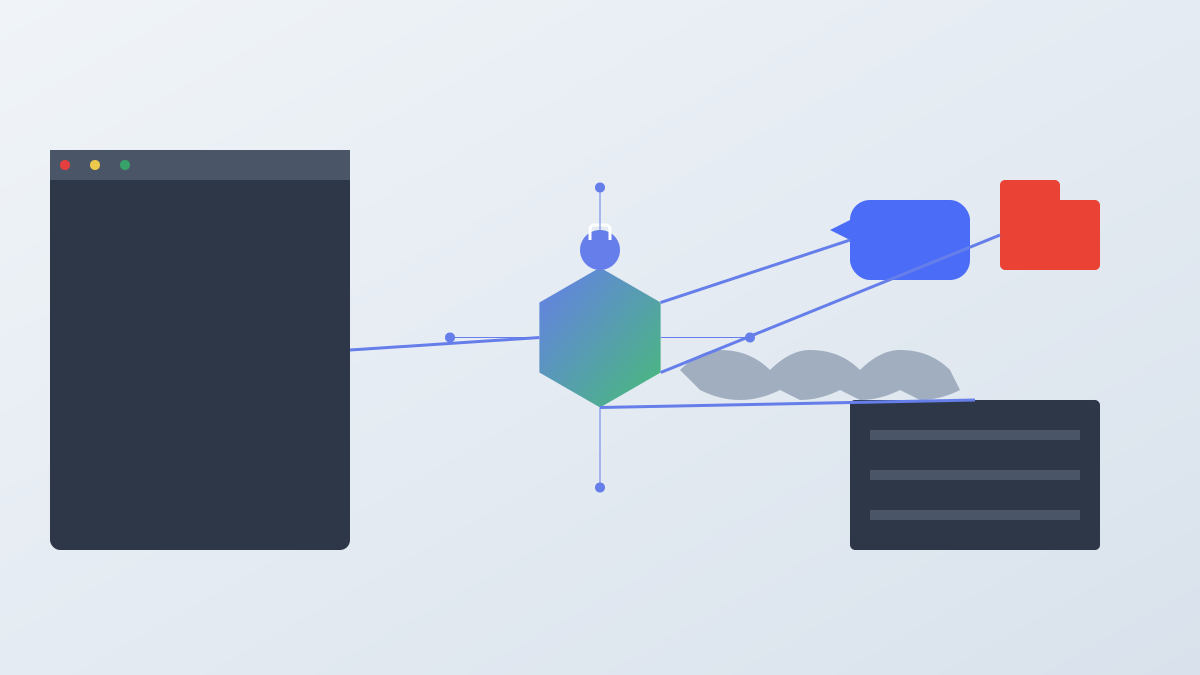
Toolmux was designed to solve this problem. It provides a unified command-line interface that allows users to register a service once, configure a proxy once, and then let the proxy use these tools without copying credentials into prompts. Toolmux is built around four core concepts:

  1. Unified Command Interface: Provides a consistent command interface for humans, scripts, and agents
  2. Local Credential Hosting: Manages credentials via the operating system's credential store
  3. Tool Policy Checks: Performs policy checks like --read-only before loading tool credentials
  4. Workflow Templates: Converts repeatable prompts into commands
4

Section 04

Currently Supported Services

Category Supported Content
Native Toolbox Slack, Google Drive, Google Docs
Remote MCP Directory Hosted streaming HTTP MCP servers listed by toolmux list --mcp
Custom Remote MCP Any compatible streaming HTTP MCP server URL
Agents Codex, Claude Code
Workflow Templates slack-recap

Use the CLI to view the real-time list in the currently installed version:

toolmux --help toolmux list toolmux list --mcp toolmux list --internal toolmux workflow templates

toolmux list will list each built-in toolbox and include a Type column, allowing you to distinguish between remote MCP toolboxes and internal Toolmux toolboxes.

5

Section 05

Built-in Remote MCP Directory

Toolmux maintains a built-in directory of remote MCP servers, which currently includes:

  • airtable, asana, atlassian, cloudflare, datadog
  • excalidraw, figma, gainsight, github, grafana
  • granola, incident-io, linear, miro, neon
  • notion, pagerduty, pagerduty-eu, posthog, sentry
  • stripe, supabase, vercel, zoom, zoominfo

These remote MCP directory entries are hosted endpoints that can be added and authenticated via the server's own OAuth flow, without the need to create your own OAuth app first.

6

Section 06

macOS (Using Homebrew)

brew install --cask fiam/tap/toolmux toolmux version

7

Section 07

Other Platforms

Release archives for macOS, Linux, and Windows are available from GitHub Releases. macOS release binaries are signed with a developer ID and notarized.

8

Section 08

View Services Toolmux Can Connect To

toolmux list toolmux list --mcp



