Zing Forum

Reading

Rokket-GSD: A Native VS Code AI Programming Assistant Extension for GSD Pi

Rokket-GSD is a feature-rich VS Code extension that provides a native UI interface for the GSD Pi AI coding agent. It supports streaming responses, visualization of over 40 tools, Telegram relay, parallel workflows, and more than 59 slash commands, fully integrating AI-assisted programming into the editor experience.

VS Code扩展AI编程助手GSD大语言模型流式聊天工作流自动化Telegram集成并行处理
Published 2026-05-31 03:45Recent activity 2026-05-31 03:55Estimated read 6 min
Rokket-GSD: A Native VS Code AI Programming Assistant Extension for GSD Pi
1

Section 01

Rokket-GSD: VS Code Native AI Programming Assistant for GSD Pi

Rokket-GSD is a VS Code extension that provides a native UI for GSD Pi AI coding agent. Key features include streaming chat, visualization of over 40 tools, Telegram relay, parallel workflows, and 59+ slash commands. It integrates AI-assisted programming seamlessly into the VS Code editor experience.


2

Section 02

Project Background

GSD (Get Shit Done) is an open-source AI coding agent project maintained by OpenGSD community, evolved from Pi Mono. GSD Pi (V2) is a command-line tool with powerful AI capabilities but has a usage threshold for GUI users. Rokket-GSD was created to wrap GSD Pi's CLI into a VS Code extension, using JSON-RPC to communicate with GSD process while providing a native VS Code experience.

3

Section 03

Core Features Overview

Rokket-GSD offers:

  • Streaming Chat: Token-by-token rendering, Markdown support, copy buttons, file/image attachments.
  • Tool Visualization: 40+ tools with icons/colors, parallel indicators, clickable file paths.
  • Session Management: Searchable history, session recovery, independent GSD processes.
  • Slash Commands: 59+ commands (46 GSD workflow,13 built-in).
  • Model Control: Model selector, thinking level adjustment, context usage tracking.
  • Parallel Workflows: Dashboard for worker status, budget warnings.
  • Telegram Relay: Stream to groups, voice transcription, photo forwarding.
  • VS Code Integration: Activity bar icon, theme support, status bar indicators, keyboard shortcuts.
4

Section 04

Technical Architecture

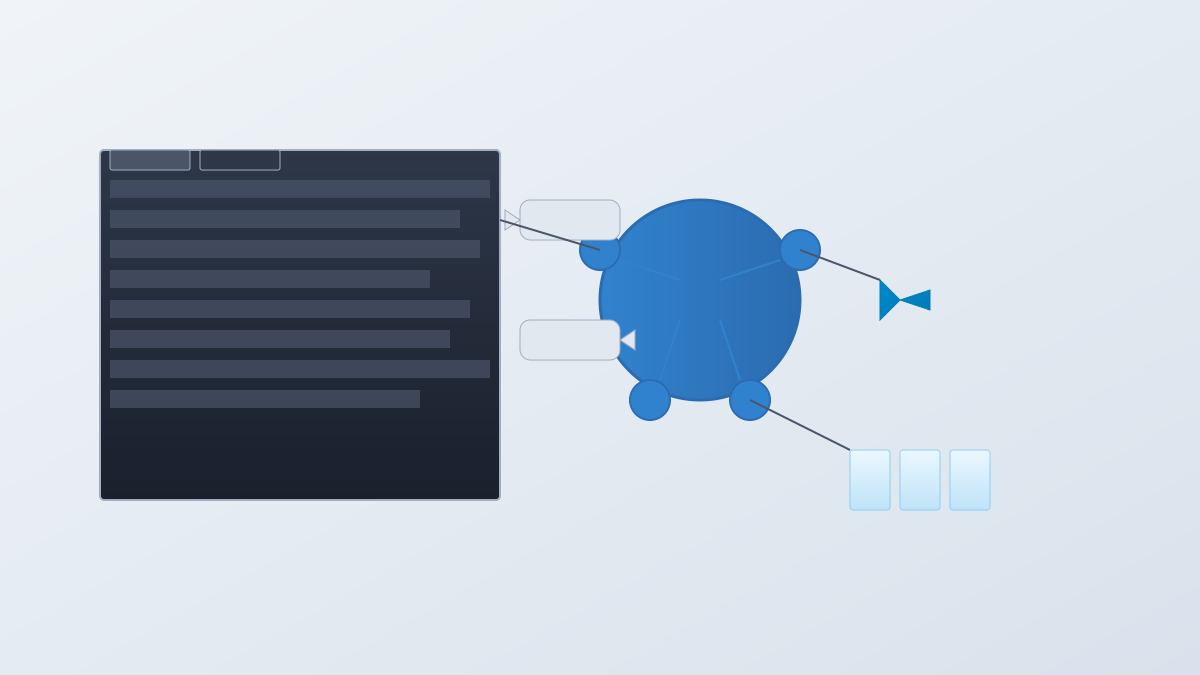
Rokket-GSD consists of three main parts:

  1. Webview: Plain DOM (13k lines TypeScript, CSS modules), streaming renderer with requestAnimationFrame.
  2. Extension Host:10k lines TypeScript, manages GSD processes, message routing, health monitoring, Telegram bridge.
  3. GSD Process: Each session runs its own GSD Pi via JSON-RPC. Telegram Bridge: Handles polling, voice transcription (Whisper), photo forwarding. No runtime dependencies except VS Code and GSD CLI.
5

Section 05

Installation & Usage Guide

Prerequisites: Node.js18+, Git, VS Code1.94+, global gsd-pi installation, AI provider API keys. Installation:

  • VS Code Marketplace: Search 'Rokket GSD'.
  • One-click scripts: macOS/Linux (curl command), Windows PowerShell (irm command).
  • Manual: Clone repo, build, install vsix. Quick Start:
  1. Install gsd-pi and configure providers.
  2. Open Rokket GSD via activity bar or command palette.
  3. Use /gsd doctor for diagnostics if issues arise.
6

Section 06

Security Features

Rokket-GSD includes:

  • CSP enforcement with nonce.
  • DOMPurify for Markdown content.
  • URL scheme allowlist (http, https, vscode).
  • Path traversal protection.
  • Command injection prevention (parameter arrays, modal confirm for destructive bash).
  • Environment isolation (strip Electron/VS Code variables).
  • Secure credential storage (SecretStorage for API keys).
  • Buffer overflow protection (full JSON-RPC reset).
7

Section 07

Project Status & Limitations

  • Dependency: Requires GSD Pi (not standalone; CLI must be installed separately).
  • UI Limitations: Some GSD custom UI commands (relying on TUI widgets) only produce text output in VS Code webview.
8

Section 08

Conclusion & Recommendations

Rokket-GSD successfully transforms GSD Pi's CLI into a smooth VS Code native experience. It integrates AI programming tools seamlessly into daily workflows. Recommended for developers already using or wanting to try GSD Pi, as it provides an intuitive and efficient interface.

