Zing Forum

Reading

RocketRide: Visually Build High-Performance AI Pipelines in VS Code

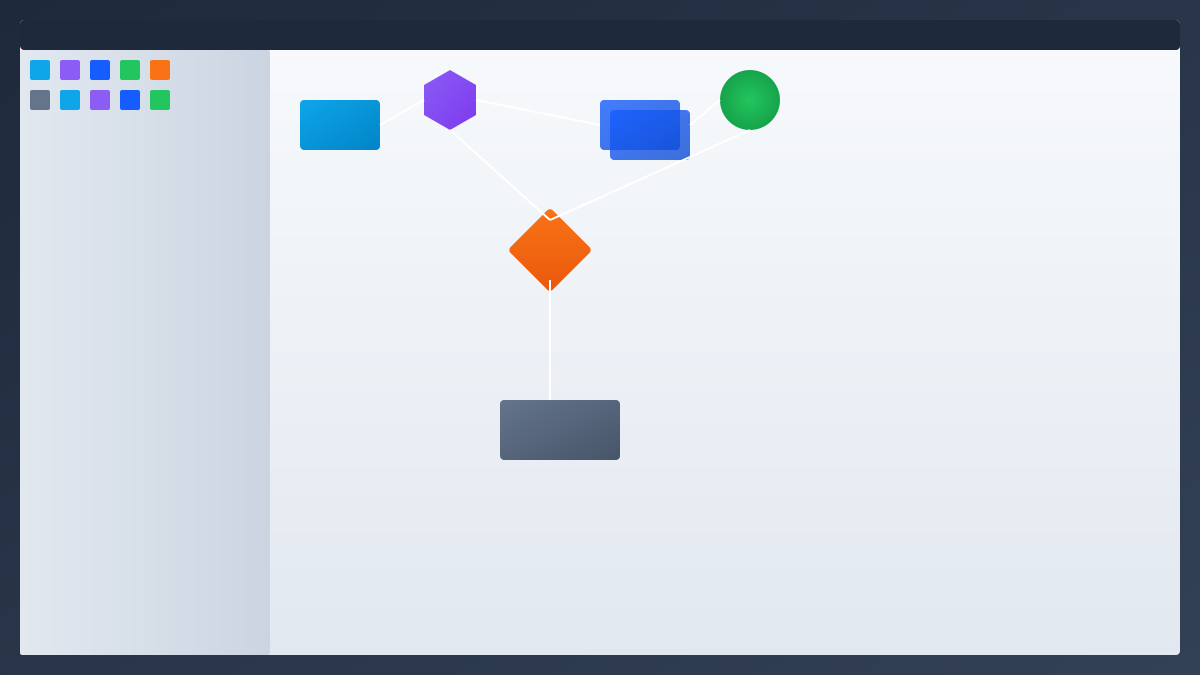
RocketRide is an open-source AI pipeline engine with a C++ core for multi-threaded high-performance operation. It supports over 50 extensible nodes, 13 LLM providers, and 8 vector databases. Developers can directly design, debug, and deploy complex AI workflows via a visual canvas in VS Code, completing the entire process from prototype to production without leaving the editor.

AI pipelineLLM workflowVS Code extensionC++ runtimevisual builderagent orchestrationvector databaseRAGproduction AIdeveloper tools
Published 2026-03-31 20:15Recent activity 2026-03-31 20:19Estimated read 6 min
RocketRide: Visually Build High-Performance AI Pipelines in VS Code
1

Section 01

RocketRide: Visualize & Build High-Performance AI Pipelines in VS Code (Main Post)

RocketRide is an open-source AI pipeline engine designed to address AI workflow development challenges. Key highlights:

  • C++ core runtime for multi-threaded high performance.
  • VS Code extension with visual canvas for designing/debugging/deploying AI workflows without leaving the editor.
  • Supports 50+ extensible nodes, 13 LLM providers, and 8 vector databases.
  • Enables full workflow from prototype to production with portable JSON format for pipelines.

2

Section 02

Background: Pain Points in AI Workflow Development

As LLM applications become popular, developers face challenges in building complex AI pipelines:

  1. Dilemma: Low-code platforms lack flexibility/auditability; handwritten glue code is hard to maintain/scale.
  2. Production needs: Performance bottlenecks in high-concurrency scenarios, plus observability and deployment ease are often missing in prototype tools. Developers need a solution balancing code flexibility, visual experience, and production-level performance.
3

Section 03

RocketRide Project Overview

RocketRide is an open-source AI pipeline engine for ML/AI workloads:

  • Core runtime: C++-based for multi-threaded high throughput.
  • Prebuilt nodes: 50+ covering LLM access (13 providers), vector storage (8 DBs), doc processing (OCR, NER, PII desensitization), agent orchestration.
  • VS Code integration: Visual canvas for drag-and-drop node configuration; pipelines stored as portable JSON (version control friendly).
4

Section 04

Core Architecture & Technical Features

C++ High-Performance Runtime: Eliminates performance bottlenecks vs pure Python solutions for production-scale workloads. Rich Node Ecosystem:

  • Model access: OpenAI, Anthropic, Azure, AWS Bedrock (13+ providers).
  • Vector storage: Pinecone, Weaviate, Milvus, Chroma (8+ DBs).
  • Doc processing: OCR, NER, PII desensitization, smart chunking.
  • Agent orchestration: Native CrewAI/LangChain support. Dev-Friendly Design:
  • IDE integration: Real-time observability (token usage, LLM calls, latency) in VS Code.
  • Zero dependency management: Auto-handles environments/tools.
  • Multi-language SDK: TypeScript, Python, MCP for integration. Deployment Options: Local mode, Docker, local server (data residency compliant).
5

Section 05

Practical Application Scenarios

RocketRide applies to various AI use cases:

  1. RAG Systems: Build retrieval-augmented generation systems with doc loading, chunking, embedding, vector retrieval (supports PDF/image processing).
  2. Multi-Agent Workflows: Orchestrate collaborative AI systems with chained agents, shared memory, multi-step reasoning.
  3. Real-Time Data Processing: High-performance C++ runtime is suitable for streaming doc processing, real-time search index updates.
  4. Coding Assistant Integration: Works with Claude/Cursor to build/modify pipelines via natural language.
6

Section 06

Usage Experience & Onboarding Path

Getting started with RocketRide is straightforward:

  1. Install: Search "RocketRide" in VS Code Extension Market and install.
  2. Launch: Click extension icon → choose local/Docker deployment.
  3. Design: Drag-drop nodes on visual canvas; type system ensures correct input/output connections.
  4. Run/Debug: Click play on source node; track execution status in real time. Pipelines are stored as .pipe files (structured JSON, version control friendly).
7

Section 07

Project Significance & Future Outlook

RocketRide balances production performance (C++ core), code flexibility (extensible nodes), and visual experience (VS Code canvas). It helps teams move from prototype to production without rewrite. For AI teams, it reduces boilerplate and lets developers focus on business logic. As AI applications expand, such infrastructure tools will accelerate AI innovation by simplifying the underlying plumbing.


