Zing Forum

Reading

ProjectScriber: A Project Code Aggregation Tool Optimized for LLMs

ProjectScriber is a command-line tool that intelligently maps and compiles the source code of an entire project into a single context-optimized text file, designed specifically for large language models (LLMs).

LLM代码工具上下文优化项目管理命令行工具AI协作
Published 2026-05-31 02:44Recent activity 2026-05-31 02:50Estimated read 6 min
ProjectScriber: A Project Code Aggregation Tool Optimized for LLMs
1

Section 01

ProjectScriber: Introduction to the Project Code Aggregation Tool Optimized for LLMs

ProjectScriber is a command-line tool developed by SunneV and released on GitHub (release date: 2026-05-30, link: https://github.com/SunneV/ProjectScriber). It is designed for LLM collaborative development, addressing the pain points developers face when transferring project context to models (such as inefficient manual copy-pasting and easy exceeding of context windows). By intelligently mapping project code and compiling it into a context-optimized single file, it improves AI collaboration efficiency.


2

Section 02

Background: Pain Points of Context Transfer in LLM Collaborative Development

In LLM collaborative development, developers often face challenges in effectively transferring project context. Traditional methods (manual copying, simple file concatenation) are time-consuming and easily exceed the model's context window. ProjectScriber emerged as an intelligent project code mapping and compilation system, specifically designed for LLM context optimization.

3

Section 03

Core Features: Intelligent Mapping and Context-Optimized Compilation

Core features include:

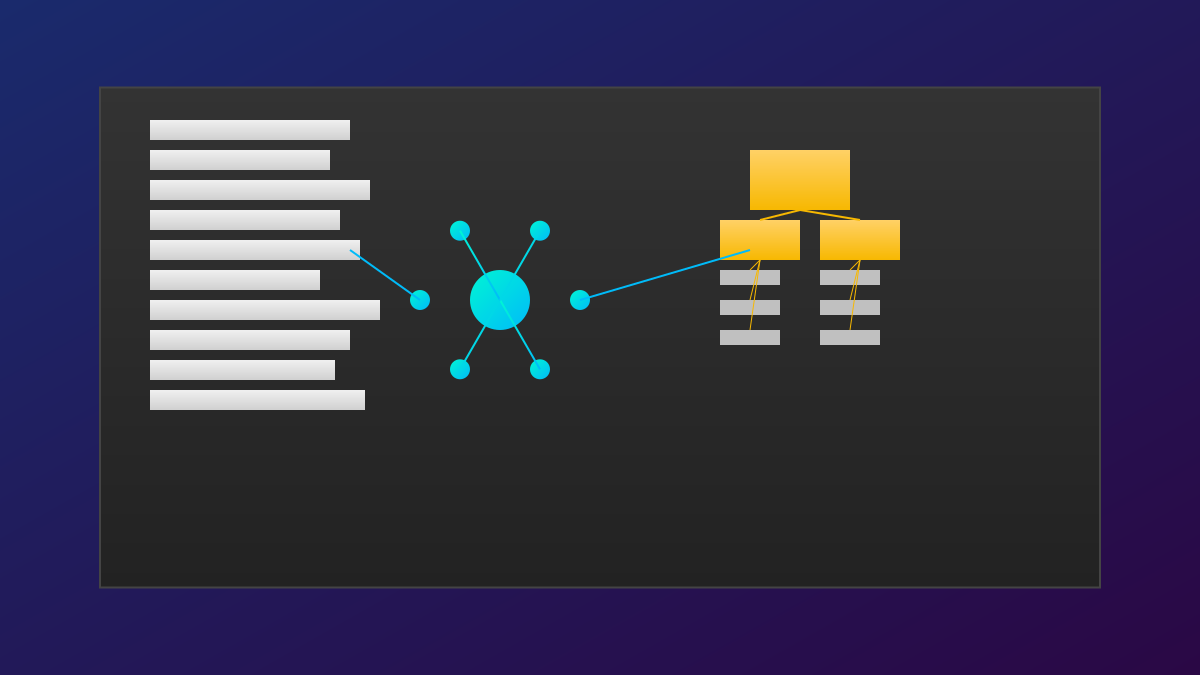
  1. Intelligent project mapping: Automatically traverses directories, identifies source code files, and builds a project map that considers dependency relationships and logical structures;
  2. Context-optimized compilation: Based on LLM context limits, retains key configurations, compresses large files, preserves structural hierarchy, and optimizes annotation presentation;
  3. Single-file output: Generates a structured text file that is easy to input directly into LLMs, helping models understand project architecture and logic.
4

Section 04

Technical Implementation: Intelligent Filtering and Token-aware Optimization

Technical implementation highlights:

  1. Intelligent file filtering: Identifies files important to LLMs and filters out noise such as build artifacts;
  2. Hierarchical structure preservation: Compresses content while maintaining directory structure and module relationships;
  3. Token-aware optimization: Dynamically adjusts output based on the context limits of different LLMs;
  4. Multi-language support: Handles projects in multiple programming languages and identifies the importance of different file types.
5

Section 05

Application Scenarios: Empowering LLM Collaborative Development Across Multiple Scenarios

Application scenario values:

  1. Code review and optimization: Provides global context to get suggestions on cross-file dependencies and design issues;
  2. Project documentation generation: Generates technical documents, READMEs, or API documents;
  3. New member onboarding: Quickly generates project overviews and assists LLMs in explaining learning paths;
  4. Cross-project analysis: Integrates multi-project context to support architecture comparison or code migration.
6

Section 06

Comparison: An Intelligent Tool Superior to Simple File Concatenation

Advantages over similar tools (e.g., find+cat or simple concatenation scripts):

  1. Intelligence: Filters and organizes content based on LLM understanding needs;
  2. Context awareness: Balances information completeness and processability;
  3. Structured output: Preserves logical structure rather than physical order;
  4. Configurability: Customizes file type importance, compression strategies, etc.
7

Section 07

Usage Suggestions and Future Outlook

Usage suggestions:

  1. Configure ignore patterns to exclude unnecessary files;
  2. Use in modules for ultra-large projects;
  3. Combine with version control to generate snapshots and track evolution;
  4. Adjust output format according to the target LLM.

Future outlook: Deep IDE integration, incremental context updates, multi-modal support, and deep optimization for specific LLM models.

