Zing Forum

Reading

pi-pager: A Full-Channel Notification System Designed for AI Coding Assistants

pi-pager is a cross-channel notification tool specifically designed for AI coding assistants (such as Pi, Claude Code, Cursor, etc.). It supports multiple notification methods including sound, desktop pop-ups, mobile/watch push notifications, Discord/Slack, and more, enabling seamless connection between AI workflows and human users.

AI编程助手通知系统跨平台ntfyClaude CodeCursor自动化工作流人机协作
Published 2026-04-25 13:15Recent activity 2026-04-25 13:19Estimated read 6 min
pi-pager: A Full-Channel Notification System Designed for AI Coding Assistants
1

Section 01

pi-pager: A Cross-Channel Notification System for AI Coding Assistants

pi-pager is a specialized cross-channel notification tool designed for AI coding assistants like Pi, Claude Code, Cursor, etc. It addresses the pain point of developers having to "babysit" AI tools waiting for input/confirmation. By supporting multiple channels (sound, desktop popups, mobile push, Discord/Slack, etc.), it enables seamless connection between AI workflows and human users, allowing AI to proactively reach users instead of passive waiting.


2

Section 02

Project Background & Key Pain Points

With the rise of AI coding assistants (Pi, Claude Code, Cursor, etc.) integrating into daily workflows, they boost efficiency but have a critical issue: developers often need to wait in front of terminals for AI to request confirmation or complete tasks, wasting time and disrupting work rhythm. pi-pager was born to solve this—letting AI reach users via their preferred channels instead of passive waiting.

3

Section 03

Core Features & Design Philosophy

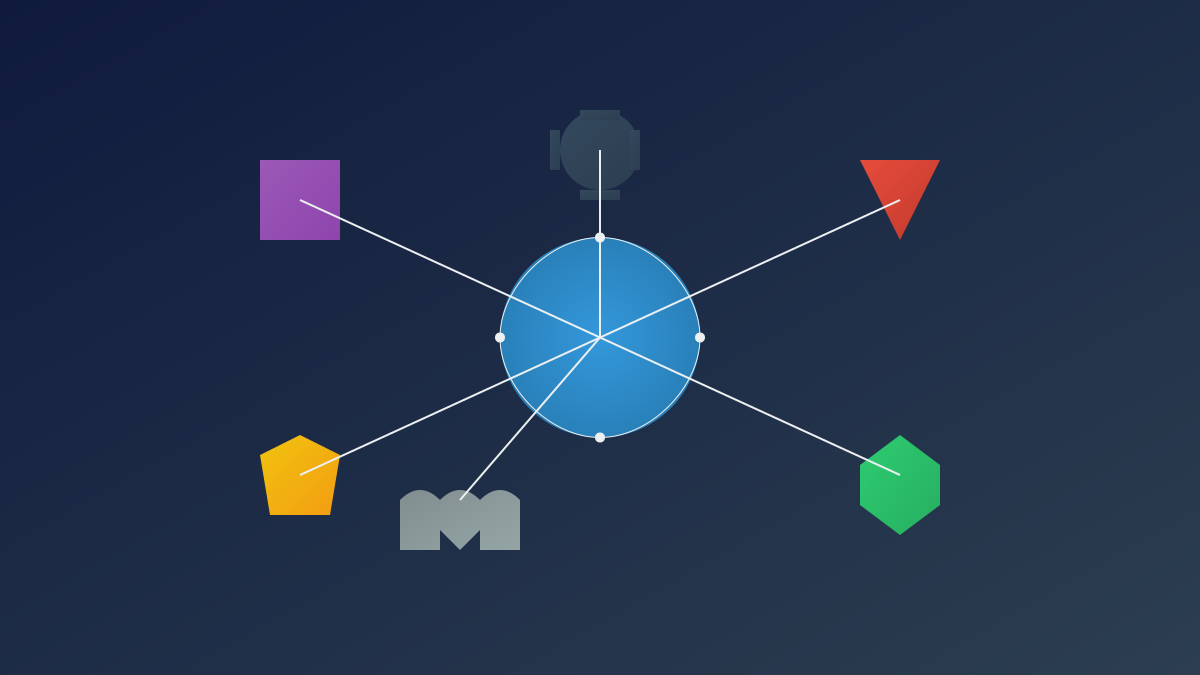
pi-pager follows the "one call, multi-channel reach" concept. It supports 7 channels:

  • Local: WAV sound (sync to avoid truncation) and Windows Toast (with AppId to prevent extra PowerShell windows).
  • Mobile: ntfy.sh (free, open-source, no registration) for phone/watch push.
  • IM: Discord, Slack, Telegram, Pushover integration.
  • Bidirectional: Users can send commands via mobile; daemon caches messages to logs for AI to read, enabling remote control.
4

Section 04

Smart Features & Practical Use Cases

Key smart features:

  1. Auto project tagging: Finds .git dir to add project prefix to notifications, avoiding confusion across multiple AI instances.
  2. Multi-instance routing: Add project prefix in mobile messages (e.g., "harness: check deploy") to target specific AI instances; no prefix broadcasts to all.
  3. Blocking wait (-Wait flag): AI can send confirmation requests (e.g., before deployment) and block until user replies (yes/no/timeout, with exit codes 0/1/2).
5

Section 05

Installation Methods & AI Assistant Integration

Installation:

  • Windows: PowerShell script (auto generates ntfy theme, config dir, dependencies, startup entry).
  • Scoop (Windows), Homebrew (macOS/Linux), PowerShell module. Configuration: Global (~/.pi-pager/) or project-level (.pi-pager.json) for custom settings. AI Integration: Provides prompt snippets for Pi/Claude Code/Cursor, defining notification types:
  • input (high priority: need approval, Windows Notify Messaging sound).
  • done (medium: long task finish, tada.wav).
  • warn (non-blocking: Windows Notify).
  • error (highest: critical issue, Windows Critical Stop, bypasses Do Not Disturb).
6

Section 06

Technical Implementation Insights

pi-pager uses PowerShell (Windows) and Shell (macOS/Linux) for cross-platform support. Mobile push relies on ntfy.sh (HTTP-based, no account needed). Background inbox-daemon listens to ntfy themes, writes messages to local logs, auto-starts on login. Users can query logs via inbox.ps1 (filter by time, mark as read).

7

Section 07

Innovation Value, Limitations & Future Outlook

Innovation:

  • Shifts from "human looking for AI" to "AI looking for human" interaction, fitting human workflow.
  • Serves as infrastructure for Agentic AI (autonomous agents needing reliable human connection). Limitations:
  • Windows-focused (macOS/Linux support less complete).
  • Relies on ntfy.sh (enterprise users may need self-hosted servers). Future plans: Add more channels (WeChat Work, DingTalk), richer message templates, IDE plugins (VS Code), better auth/permission mechanisms.

