Zing Forum

Reading

OpenClaw WebOS: A Windows 11-style Agent Management Workbench Built with Browser Native JavaScript

OpenClaw WebOS is a browser-based Windows 11-style desktop environment built with native JavaScript, requiring no build steps, and provides an intuitive visual management interface for OpenClaw agent workflows.

WebOSOpenClaw原生JavaScript智能体管理Windows 11无构建
Published 2026-04-06 14:12Recent activity 2026-04-06 14:22Estimated read 8 min
OpenClaw WebOS: A Windows 11-style Agent Management Workbench Built with Browser Native JavaScript
1

Section 01

Introduction to OpenClaw WebOS: A Windows11-style Agent Management Workbench Built with Native JS

OpenClaw WebOS is a Windows11-style desktop environment built with browser-native JavaScript, requiring no build steps, and provides an intuitive visual management interface for OpenClaw agent workflows. It returns to the essence of the Web, adopting a build-free architecture that combines simplicity, portability, and performance advantages; uses the Win11 design language to reduce user learning costs; provides visual workflow orchestration to solve the complexity of agent management, and is the latest attempt to explore the browser as an operating system.


2

Section 02

Background: Exploration of Browsers as Operating Systems and the Positioning of OpenClaw WebOS

With the development of Web technology, browsers have evolved from document viewers to fully functional application platforms that support graphics rendering, local storage, etc., making it possible to build WebOS. From Chrome OS to online desktop environments, developers continue to explore the general computing boundaries of browsers. OpenClaw WebOS is the latest attempt in this exploration; it is not only a Web application but also a complete desktop environment simulation, providing a graphical interface for agent workflows with Win11 visual design, and is fully implemented with native JS without build steps.

3

Section 03

Technical Approach: Native JS Build-Free Architecture and Application of Win11 Design Language

Technical Architecture: Choosing pure native JS without build steps has the following advantages: 1. Simplicity—no bloated dependencies or tedious configurations; core logic is directly in HTML/JS, easy to understand; 2. Portability—zero dependencies, supports direct operation in modern JS environments; 3. Performance—no build overhead, fast startup, and easy debugging.

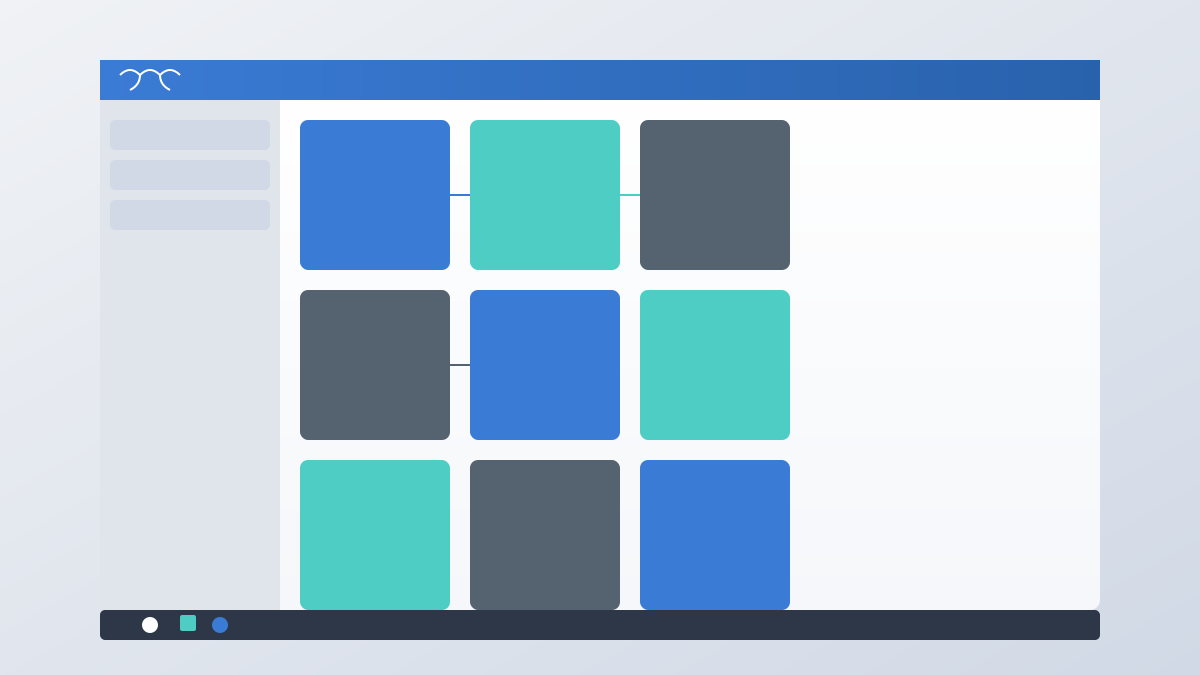
Design Language: Adopts Win11 Fluent Design (rounded corners, frosted glass, soft shadows, etc.), achieves a consistent visual experience through CSS variables and class structures, reduces learning costs for users familiar with Win11, and adapts elements such as window management and taskbar to agent management scenarios.

4

Section 04

Evidence: Practical Value of Visual Agent Workflow Management

OpenClaw is an AI agent framework that needs to manage increasingly complex workflows. WebOS provides a visual orchestration interface where users can drag and drop to connect and define agent collaboration and data flow, and display workflow status in real time (running, completed, error). Compared to command line/config files, the advantages are: 1. Lower threshold, non-technical users can participate; 2. Graphical representation makes complex dependencies easy to understand; 3. Real-time feedback improves observability and allows timely response to anomalies.

5

Section 05

Practical Significance: Applicable Scenarios and Value of Build-Free Development Mode

The build-free architecture represents a return to development philosophy: early Web directly wrote HTML/CSS/JS; modern tools solved code organization problems but increased complexity. OpenClaw WebOS shows that moderately sized projects can achieve maintainability through native features and good organization. Applicable scenarios: rapid prototyping (no toolchain needed), education (focus on the language itself), embedded systems (minimized dependencies), long-term maintenance (less technical debt). Limitations: large and complex projects still require modern build tools.

6

Section 06

Extensibility: Modular Design and Integration with OpenClaw Ecosystem

Supports extension through modular JS design; new features are added as independent application modules, and can access desktop services (window management, notifications, storage) by following interface specifications. The community can contribute extensions (debuggers, monitoring panels, etc.) with low development thresholds. Integration with OpenClaw ecosystem: WebOS communicates with the backend to obtain agent lists, workflow definitions, etc., with front-end and back-end separation focusing on UI and logic division.

7

Section 07

Future Directions: Functionality, Cross-Platform, and Collaboration Enhancement

  1. Functionality richness: Follow up on new features of the OpenClaw framework, enhance visual editors, debugging tools, and configuration options; 2. Cross-platform: Package desktop applications via Electron/Tauri to improve system integration (tray, shortcuts), and responsive design to adapt to touch devices; 3. Collaboration enhancement: Introduce multi-user support, real-time synchronization, and version control to become a team-level workflow management platform.
8

Section 08

Conclusion: Return to the Essence and Value of Native Web Technology

OpenClaw WebOS proves that native Web technology in the 2020s can still build feature-rich and excellent-experience applications. It returns to simplicity, embraces browser native capabilities, and provides a lightweight and elegant solution for agent management. In the modern front-end with complex toolchains, this exploration reminds us: technical choices should serve the goal, not become the goal itself.

