Zing Forum

Reading

OpenClaw Dashboard: A Universal Monitoring Panel for AI Agent Workflows

OpenClaw Dashboard is a free and open-source monitoring control panel that provides a visual interface for OpenClaw AI agent workflows, including real-time system status, session management, task scheduling, cost tracking, and other functions.

OpenClawAI监控智能体工作流仪表板开源可视化自动化
Published 2026-04-29 01:14Recent activity 2026-04-29 01:23Estimated read 10 min
OpenClaw Dashboard: A Universal Monitoring Panel for AI Agent Workflows
1

Section 01

OpenClaw Dashboard Core Overview

OpenClaw Dashboard Core Overview

OpenClaw Dashboard is a free and open-source monitoring control panel designed specifically for OpenClaw AI agent workflows. It provides a visual interface for real-time system status, session management, task scheduling, cost tracking, and other functions. Adopting a pilot cockpit design concept, it centralizes key information on the first screen, allowing users to grasp the overall system status without diving into subpages. Its goal is to solve the problem that traditional monitoring tools cannot meet the special needs of AI workflows (such as multi-model switching, token consumption tracking, agent orchestration, etc.).

2

Section 02

Background: Pain Points in AI Agent Workflow Monitoring

Background: Pain Points in AI Agent Workflow Monitoring

With the widespread application of AI agents in workflow automation, management and monitoring needs have become increasingly urgent. Traditional application monitoring tools struggle to adapt to the special scenarios of AI workflows: multi-model switching, token consumption tracking, session state management, agent orchestration, etc. OpenClaw Dashboard was created to address these pain points specifically.

3

Section 03

Core Function Modules: Integrated Monitoring and Management

Core Function Modules: Integrated Monitoring and Management

The Dashboard divides functions into multiple modules to achieve seamless integration of monitoring and management:

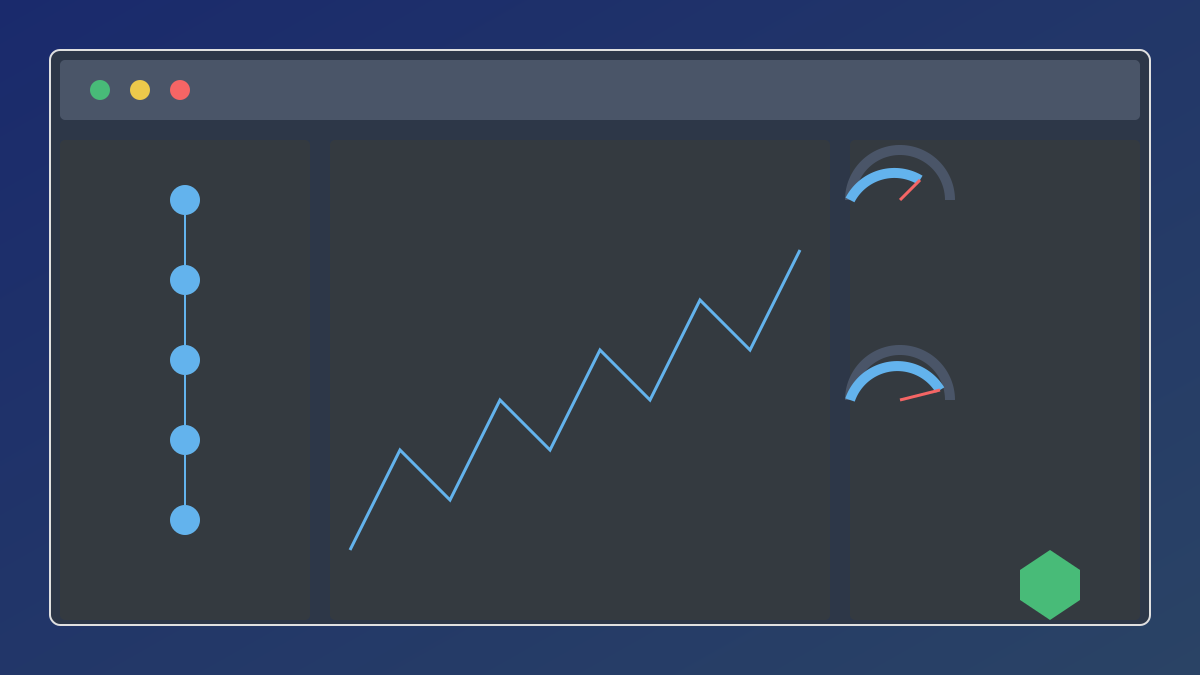
Cockpit-style Monitoring (Flight Deck)

The homepage is designed as a "flight deck", containing real-time updated key panels:

  • System Status: An animated arc dashboard displays CPU, memory, and disk usage, with color thresholds indicating health status;
  • Gateway Status: Shows WebSocket connection status, latency, and protocol version (key indicators for communication with the OpenClaw core);
  • Active Sessions: Lists current sessions and model tags to quickly understand system load;
  • Task Control: Displays scheduled tasks and provides inline enable/disable switches;
  • Cost Metering: Shows daily expenses, a budget progress bar, and an adjustable slider (budget is persisted via localStorage);
  • Log Stream: Real-time scrolling logs colored by error/warning/info levels.

Agent Management

Covers agent lists, session browsers, and node management: Users can view session details, message history, model coverage settings, and adjust the thinking mode switch.

Automated Tasks

Provides complete CRUD functions for scheduled tasks: Create, edit, enable/disable, run immediately, view history, export CSV; the flight deck supports inline switches for quick task status control.

Observability

Includes a metrics dashboard (token usage/cost time series, configurable time window, line charts/pie charts/bar charts, CSV export), log browser, and file manager.

4

Section 04

Featured Enhanced Functions: Auto-Discovery and Interactive Experience

Featured Enhanced Functions: Auto-Discovery and Interactive Experience

Intelligent Discovery Engine

Automatically scans the OpenClaw workspace every 5 minutes to identify pipelines (directory mode + file modification time matching), agents (identified and classified from configuration JSON), and skills (enumerate the skills directory and load README); supports manual refresh (via settings page button or API call) to ensure synchronization with workspace status.

Interactive Chat Agent

Built-in WebSocket chat agent for direct dialogue with the OpenClaw gateway: Supports streaming responses, thinking mode switching, model selection, and exponential backoff auto-reconnection; chat history and session management are completed in the same interface.

Keyboard Shortcuts

Advanced users can improve efficiency with shortcuts:

  • g + letter navigation (e.g., gh returns to homepage, gc enters chat, ga views agents, etc.);
  • / activates search, Esc cancels input focus; Follows common IDE habits to reduce learning costs.
5

Section 05

Security Considerations and Tech Stack Architecture

Security Considerations and Tech Stack Architecture

Security Measures

  • Implements security headers such as Content Security Policy (CSP), X-Frame-Options, X-Content-Type-Options, and HSTS;
  • CORS is restricted to configured origins, and request size is limited to 2MB to prevent resource exhaustion;
  • Configures API responses to automatically desensitize sensitive information (e.g., keys);
  • Server-side validation of cron expressions to prevent malicious task scheduling.

Tech Stack

  • Backend: FastAPI, Uvicorn, Pydantic, httpx, psutil;
  • Frontend: React19, TypeScript5.9, Vite7, Tailwind CSS4, Recharts3, Zustand5, React Router7; The separate front-end and back-end architecture balances development efficiency and runtime performance.
6

Section 06

Deployment and Configuration Guide

Deployment and Configuration Guide

Deployment Methods

  • One-click Installation: Automatically completes dependency installation and service startup via the install-and-run.sh script;
  • Manual Deployment: Install backend (Python dependencies) and frontend (npm/yarn dependencies) separately.

Configuration Options

Set via environment variables or .env file:

  • OpenClaw installation path (default ~/.openclaw);
  • Gateway HTTP/WebSocket URL, authentication token;
  • Service port, host address;
  • Auto-discovery refresh interval, etc.; The default configuration adapts to standard OpenClaw installations and can be adjusted as needed.
7

Section 07

Conclusion: The Visual Hub for AI Workflows

Conclusion: The Visual Hub for AI Workflows

OpenClaw Dashboard fills the gap in AI agent workflow management tools. It not only provides traditional monitoring functions but also optimizes design for the special needs of AI workflows (multi-model management, token cost tracking, agent orchestration). As an open-source project, it supports user customization and expansion, suitable for individual developers or teams monitoring multiple agent instances. With the普及 of AI agents in production environments, the importance of such dedicated monitoring tools will become increasingly prominent.


