Zing Forum

Reading

Multimodal-Edge-Node: An Experimental Node-based Interactive Platform for Visual Multimodal Reasoning

An experimental node-based canvas tool for visual reasoning and multimodal reasoning, supporting 10 advanced vision-language models (VLMs). It provides real-time streaming output and automatic visual grounding features, offering an intuitive visual interactive interface for multimodal AI application development.

多模态AI视觉语言模型节点式界面VLMQwenGemma视觉定位GradioFastAPI实时推理
Published 2026-05-01 22:43Recent activity 2026-05-01 22:51Estimated read 9 min
Multimodal-Edge-Node: An Experimental Node-based Interactive Platform for Visual Multimodal Reasoning
1

Section 01

Multimodal-Edge-Node Project Guide: A Node-based Interactive Platform for Visual Multimodal Reasoning

Multimodal-Edge-Node Project Guide

Multimodal-Edge-Node is a node-based canvas tool for visual reasoning and multimodal reasoning, whose core value lies in lowering the barrier to using multimodal AI technologies. It supports 10 advanced vision-language models (VLMs), provides real-time streaming output and automatic visual grounding features, and offers an intuitive visual interactive interface for developers and researchers to efficiently test, compare, and deploy VLM models.


2

Section 02

Project Background: Addressing Interaction Pain Points in VLM Development

Project Background and Core Concepts

With the rapid development of VLMs, traditional interaction methods (command line, simple web forms) lack intuitiveness and flexibility, leaving developers facing challenges in efficient testing and deployment. The project adopts a node-based visual interface, transforming reasoning processes into draggable and connectable graphical workflows. Its core concept is to abstract links such as model selection and task configuration into independent nodes, allowing users to build and test visual tasks without code. The design concept is in line with professional node-based programming tools but focuses on the multimodal reasoning field.

3

Section 03

Technical Architecture: Node-based Canvas + Real-time Streaming Output + Visual Grounding

Technical Architecture and Core Features

Node-based Interactive Canvas

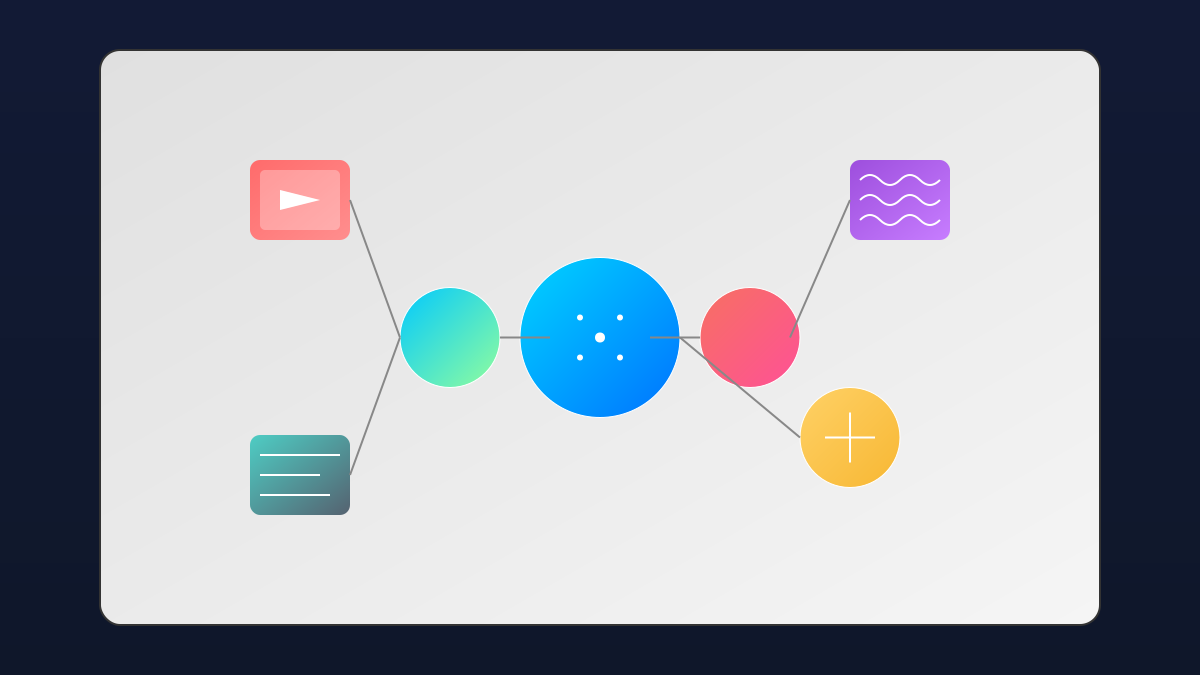
Abandoning standard UI layouts, it uses a custom node system: drag to create nodes, use Bezier curve connections to build workflows. Core nodes include Image Input (drag-and-drop upload), Model Selection (dropdown to choose from 10 models), Task Configuration (define task type + prompt), Output Stream (real-time text), and Visual Grounding (render bounding boxes/marker points).

Real-time Streaming Output and Visual Grounding

The backend uses FastAPI + SSE to implement real-time streaming output (token-level step-by-step display); the automatic visual grounding feature can parse JSON coordinates returned by the model and render annotations on the original image, enhancing model interpretability.

4

Section 04

Model Ecosystem: Covering 10 Mainstream Vision-Language Models

Supported Model Ecosystem

Integrates 10 mainstream VLMs across different tiers:

  • Qwen Series: Qwen3-VL-2B/4B-Instruct, Qwen3.5-2B/4B (official and community-optimized versions with excellent Chinese comprehension capabilities);
  • LiquidAI LFM Series: LFM2.5-VL-450M/1.6B (lightweight, suitable for edge deployment);
  • Google Gemma Series: Gemma4-E2B-it (brings Google's latest research results);
  • Qwen2.5-VL-3B-Instruct (mature and stable version, suitable for production environments). Users can choose models based on task requirements and hardware conditions.
5

Section 05

Deployment and Usage: Environment Requirements and Typical Workflow

Deployment and Usage Guide

Environment Requirements

Requires a CUDA-enabled GPU and Python 3.14.

Installation Methods

  • Traditional pip: Upgrade pip and install requirements.txt;
  • Recommended uv (high-performance package manager written in Rust): Install uv → Clone the repository → Sync dependencies → Run app.py.

Typical Workflow

  1. Drag and drop an image to the Input Image node;
  2. Select a model in Model Selector;
  3. Choose task type + input prompt in Task Config;
  4. Click Execute to run;
  5. View real-time output in Output Stream, and check the annotated image in View Grounding node for grounding tasks.
6

Section 06

Application Scenarios: Model Evaluation, Spatial Testing, Education, and Prototype Development

Application Scenarios and Practical Value

Model Evaluation and Comparison

Provides a model evaluation sandbox, allowing quick model switching in the same interface to intuitively compare performance on the same task, facilitating model selection, tuning, and academic research.

Spatial Grounding Capability Testing

The visual grounding feature can verify the model's spatial understanding ability. Upload an image to request target grounding/detection, and view annotation results instantly—suitable for developing and debugging visual grounding models.

Educational Demonstration and Prototype Development

Serves as a teaching aid to demonstrate multimodal AI principles; the low-code platform helps developers quickly validate prototypes, reducing verification costs before investing engineering resources.

7

Section 07

Limitations and Outlook: Current Restrictions and Future Development Directions

Limitations and Future Outlook

Limitations

  • Requires a CUDA GPU, limiting普及 on consumer devices;
  • Only supports image input, not covering complex scenarios like video or multi-image dialogue.

Future Directions

  • Expand multimodal inputs (audio, video, 3D models);
  • Integrate a model fine-tuning interface to support custom dataset optimization;
  • Develop a cloud version without GPU dependency;
  • Open node interfaces to build a plugin ecosystem.
8

Section 08

Conclusion: Innovative Exploration of Multimodal AI Tools

Conclusion

Multimodal-Edge-Node is an innovative exploration in the interactive design of multimodal AI tools. It lowers the barrier to using VLMs through a node-based interface and provides a flexible experimental platform. With features like support for 10 models, real-time streaming output, and automatic visual grounding, it has unique value in model evaluation, education, and prototype development. The project is open-source (Apache License 2.0), allowing the community to expand and improve it, promoting the development of visual multimodal reasoning tools.

