Zing Forum

Reading

Llama3.2-1B Home Server: Turn Your Personal Computer into a Private AI Cloud

A lightweight solution that allows any mobile device to securely access locally deployed large language models via a browser

Llama3.2Ollama本地LLMStreamlit移动访问隐私保护私有云开源项目
Published 2026-04-07 16:14Recent activity 2026-04-07 16:30Estimated read 8 min
Llama3.2-1B Home Server: Turn Your Personal Computer into a Private AI Cloud
1

Section 01

Introduction: Llama3.2-1B Home Server—Turn Your Personal Computer into a Private AI Cloud

Llama3.2-1B Home Server is an open-source project aimed at enabling users to turn their personal computers into private AI servers, allowing secure access to locally deployed large language models via mobile device browsers. Core advantages include data privacy (all information stays local), ease of use (zero installation, LAN access), and model flexibility (supports Ollama-compatible GGUF format models). The tech stack uses Ollama as the inference engine and Streamlit to provide a web interface, with no dependency on cloud services or internet connections.


2

Section 02

Project Background and Core Values

In today's era of AI popularization, users' demand for privacy protection is growing. Developed by arkalibaig, this project addresses privacy leakage issues that may arise from relying on cloud services. Core values can be summarized in three points:

  • Privacy: All data (conversation history, input/output) remains on local devices with no information leakage;
  • Convenience: Simple deployment (configuration completed in minutes), mobile devices on the same WiFi can access via browser without installing apps;
  • Flexibility: Supports any Ollama-compatible GGUF model, users can choose models of different sizes based on hardware conditions.
3

Section 03

Three-Layer Technical Architecture Analysis

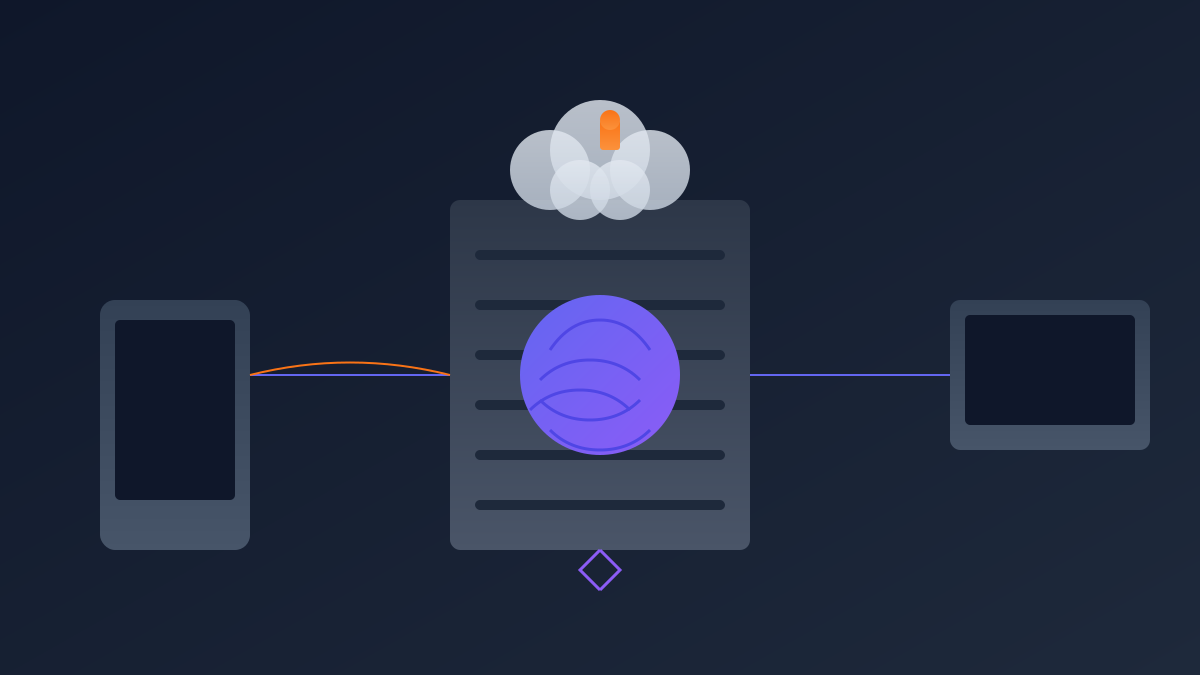
The project adopts a clear three-layer architecture:

  • Inference Layer (Ollama): Responsible for loading models and processing inference requests, exposes services via REST API, setting OLLAMA_HOST=0.0.0.0 allows LAN connections;
  • Application Layer (Streamlit): Quickly builds a web interactive interface, manages chat history, processes user input, and communicates with the Ollama API;
  • Client Layer (Mobile Browser): Users do not need to install dedicated apps, just enter the computer's LAN IP and port (default 8501) in the mobile phone/tablet browser to access.
4

Section 04

Deployment Process and Practical Steps

The deployment process is simple and suitable for non-technical users:

  1. Install dependencies: Download Ollama and Python 3.9+, then install project dependencies via pip;
  2. Configure Ollama: Set export OLLAMA_HOST=0.0.0.0 in the terminal, run ollama serve to start the service;
  3. Pull the model: Run ollama pull llama3.2:1b (or other Ollama-supported models);
  4. Run the web application: Clone the repository, install Python dependencies, execute streamlit run app.py --server.address 0.0.0.0;
  5. Mobile access: Ensure the device is on the same WiFi, get the computer's IP (hostname -I), and access http://<computer IP>:8501 in the browser.
5

Section 05

Application Scenarios and User Experience

The project applies to multiple scenarios:

  • Home AI Assistant: Family members access via their own devices for information queries, writing assistance, etc.;
  • Mobile Office: Access the AI capabilities of the home computer via mobile phone when out to handle tasks like email drafting and document summarization;
  • Privacy-Sensitive Scenarios: Professionals like lawyers and doctors can ensure sensitive information is not leaked;
  • Network-Restricted Environments: Provides stable services even without internet or with poor connections. Response latency within the LAN is low (tens of milliseconds), and the experience is close to cloud services.
6

Section 06

Performance Considerations and Optimization Suggestions

Performance-related notes and optimizations:

  • Hardware Requirements: The 1B model can run on CPU, discrete GPU can accelerate; higher-parameter models recommend 8GB+ VRAM;
  • Network Latency: Low latency within the LAN for smooth experience;
  • Concurrent Processing: Currently suitable for single users, load balancing needs to be considered for multiple users;
  • Model Selection: 1B model is suitable for simple tasks, complex reasoning can use 7B/13B versions.
7

Section 07

Security Notes and Limitations

Security Notes:

  • Ensure WiFi encryption (WPA2/WPA3);
  • Set an access password for Streamlit;
  • Use a VPN tunnel on public networks. Limitations:
  • Basic functions (chat only, no multimodal/plugins);
  • Mobile interface not deeply optimized;
  • Models need manual command-line management.
8

Section 08

Summary and Outlook

Llama3.2-1B Home Server is a practical and easy-to-use open-source project that allows ordinary users to enjoy private AI services. It not only solves privacy issues but also reduces reliance on cloud services. The code is simple and easy to understand, making it a good example for learning LLM integration with web applications. In the future, as local LLM capabilities improve, we look forward to more similar projects to bring AI back to users' hands.

