Zing Forum

Reading

Git Worktree-Driven Agent Workflow Optimization Solution

Optimize branch management for Agent workflows using Git Worktree isolation mechanism to achieve conflict-free parallel development and smooth code collaboration.

Git WorktreeAgent工作流分支管理并行开发Git技巧代码隔离AI开发工具
Published 2026-04-10 01:10Recent activity 2026-04-10 01:19Estimated read 6 min
Git Worktree-Driven Agent Workflow Optimization Solution
1

Section 01

Introduction to Git Worktree-Driven Agent Workflow Optimization Solution

This article introduces how the SEVORDW/agents project uses Git Worktree isolation mechanism to optimize branch management for AI Agent workflows, enabling conflict-free parallel development and smooth code collaboration. The core idea is to provide an independent workspace for each Agent, solving the conflict issues of traditional Git branch management in multi-Agent parallel scenarios, and improving development efficiency and collaboration quality.


2

Section 02

Project Background and Problem Definition

In the development scenario where AI Agents process multiple tasks in parallel, traditional Git branch management has limitations: multiple Agents operating in the same working directory are prone to conflicts; frequent branch switching is costly and requires handling uncommitted changes; multiple repository clones take up a lot of space; Git Stash is easily messy. The SEVORDW/agents project aims to solve these problems through Git Worktree.

3

Section 03

Git Worktree Technical Analysis

Git Worktree is a feature introduced in Git version 2.5+, allowing a Git repository to have multiple working directories that share the same Git object database but check out different branches. Core advantages include: space efficiency (sharing the .git directory saves disk space), performance optimization (one fetch/gc operation benefits all Worktrees), atomic operations (no interference between Worktrees), and branch isolation (fast switching without waiting for checkout). Compared to traditional solutions (frequent branch switching, multiple repository clones, Git Stash management), Worktree elegantly solves the pain points of parallel work.

4

Section 04

Project Architecture and Automated Management

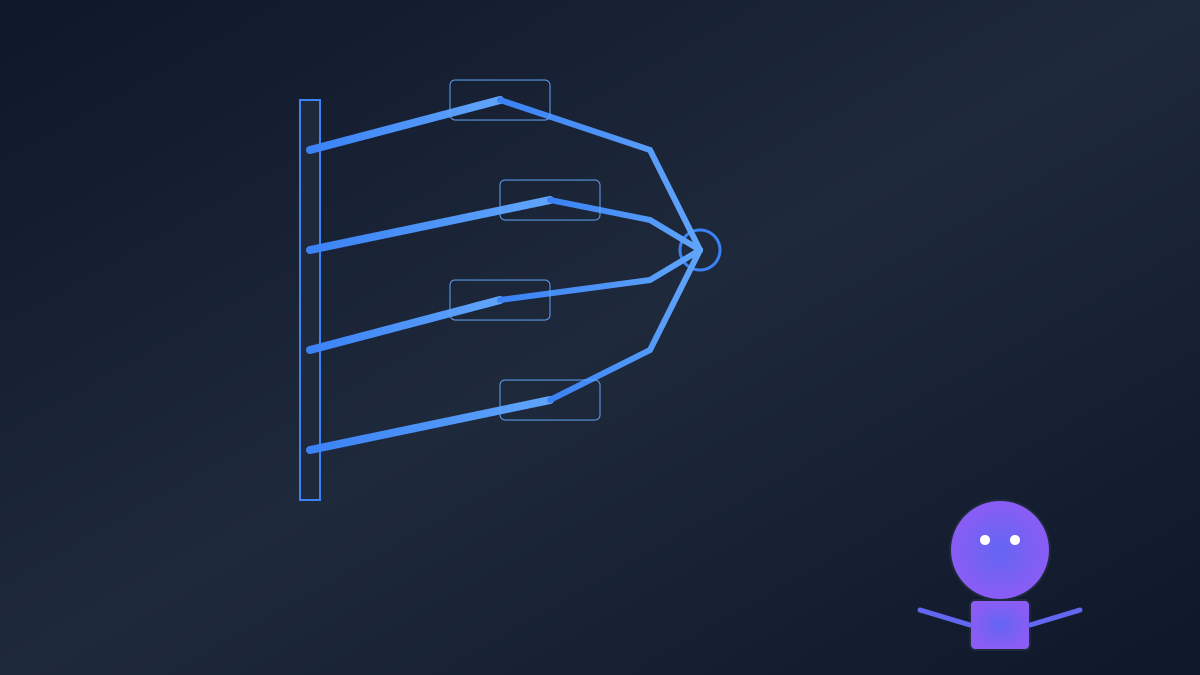
The core design of the project is to isolate each AI Agent's work in an independent Git Worktree, achieving isolation of file systems, processes, states, and dependencies. Workflow example: The main repository includes the main working directory and multiple Agent Worktrees (corresponding to different feature branches). The project provides automated scripts to simplify management: create (create a Worktree for a specific branch), list (view the status of all Worktrees), remove (safely delete completed Worktrees), sync (synchronize changes from the main repository to all Worktrees).

5

Section 05

Application Scenarios and Practical Benefits

Application scenarios include: 1. Parallel feature development (multiple Agents handle different feature branches independently); 2. Code review and refactoring (conduct refactoring experiments in an independent Worktree); 3. Multi-version support (different Agents maintain different version branches); 4. CI/CD integration (temporary Worktree executes build tasks). Practical benefits: improved development efficiency (reduced context switching, support for parallel work), better collaboration quality (clear code review, fewer merge conflicts), resource optimization (saved disk space and network bandwidth).

6

Section 06

Best Practices and Future Directions

Best practices: Adopt standardized naming (e.g., worktree-agent1-auth-20250409), regularly clean up Worktrees, integrate with IDEs (open multiple directories), optimize build cache. Limitations: Limited submodule support, complex sparse checkout, symbolic link restrictions; not suitable for completely different projects, long-term branch maintenance, team collaboration sharing. Future directions: Develop a visual interface, intelligent cleanup strategy, deep CI/CD integration, explore Worktree state sharing mechanism.

