Zing Forum

Reading

Garghimank09: A Windows Data Analysis Tool for Non-Technical Users

Garghimank09 is a Windows data analysis tool designed specifically for non-technical users. It supports CSV and Excel file imports, provides visual charts, data filtering, and export functions, and can be used without programming knowledge.

数据分析工具Windows应用无代码数据可视化CSV处理Excel工具数据清洗入门工具
Published 2026-06-15 07:16Recent activity 2026-06-15 07:22Estimated read 5 min
Garghimank09: A Windows Data Analysis Tool for Non-Technical Users
1

Section 01

[Introduction] Garghimank09: A Windows Data Analysis Tool for Non-Technical Users

Garghimank09 is a data analysis tool designed specifically for non-technical users on the Windows platform. It can be used without programming knowledge. It supports CSV and Excel file imports, provides data visualization, filtering, cleaning, and result export functions. It aims to solve the programming barrier problem of traditional data analysis tools, allowing non-technical groups such as students and small business owners to handle data easily.


2

Section 02

Project Background and Target Users

In the data-driven era, data analysis needs are widespread, but tools like Python and R require programming foundations, which hinder non-technical users. Garghimank09 adheres to the concept of 'simple data tools for everyone', targeting people who don't want to learn programming (students, small business owners, administrative staff, etc.). It follows the low-code/no-code trend and lowers the entry barrier for data analysis.

3

Section 03

Analysis of Core Features

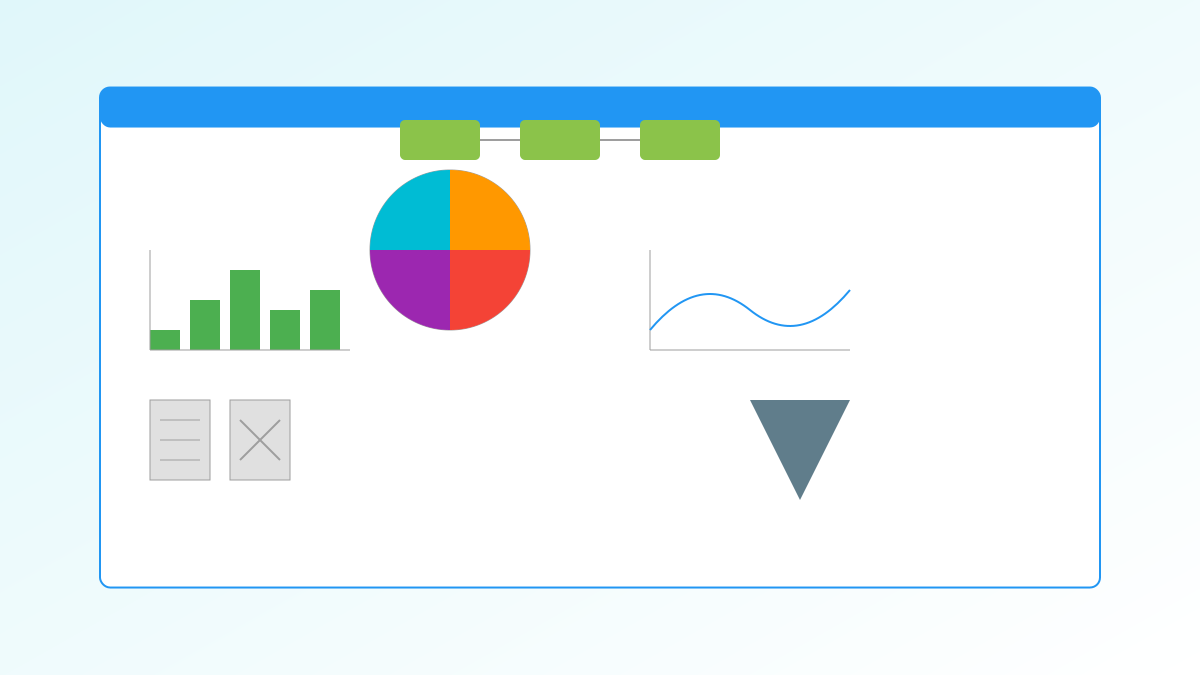
Garghimank09 covers the entire data processing workflow: 1. Import: Supports CSV and Excel formats, allows drag-and-drop of files; 2. Visualization: Built-in chart functions (presumably including bar charts, line charts, etc.); 3. Filtering and sorting: Quickly locate data subsets; 4. Data cleaning: Basic cleaning tools handle missing values, etc.; 5. Export: Supports PDF and Excel formats.

4

Section 04

Analysis of Applicable Scenarios

The tool is applicable to multiple scenarios: students processing course data; small business owners analyzing sales/inventory reports; administrative staff organizing attendance/reimbursement data; market researchers conducting preliminary analysis of questionnaire results. It meets the needs of daily simple data analysis.

5

Section 05

System Requirements and Installation Process

System requirements: Windows 10 or above (64-bit), Intel Core i3 or higher, 4GB RAM, 500MB storage space; Installation: Download the installation package and follow the wizard to complete, requires administrator privileges; Supports offline mode (processing local files), but updates and help require network access.

6

Section 06

User Experience Design

Focuses on usability: Intuitive interface layout; Supports drag-and-drop file import; Auto-save function (adjustable frequency); Built-in help system to facilitate non-technical users to quickly get guidance.

7

Section 07

Limitations and Alternative Solutions

Limitations: Only supports Windows; Insufficient functional depth (no complex transformations, advanced statistics); May have bottlenecks in big data processing. Alternative solutions: Excel, Google Sheets (cross-platform), Tableau Public (powerful functions but steep learning curve).

8

Section 08

Summary and Outlook

Garghimank09 is a beneficial attempt at democratizing data analysis, providing a low-threshold option for non-technical users. Future improvement directions: Add more chart types, support more formats (JSON/databases), develop cross-platform versions, and balance functionality with usability.

