Zing Forum

Reading

DocuMind: Practical Analysis of a RAG-based PDF Intelligent Q&A System

An in-depth analysis of how to build a complete RAG application using Streamlit, LangChain, Groq, and ChromaDB to implement intelligent Q&A functionality for PDF documents.

RAGPDF问答LangChainStreamlitChromaDBGroq向量检索
Published 2026-06-06 03:13Recent activity 2026-06-06 03:25Estimated read 8 min
DocuMind: Practical Analysis of a RAG-based PDF Intelligent Q&A System
1

Section 01

【Introduction】DocuMind: Practical Analysis of a RAG-based PDF Intelligent Q&A System

DocuMind Project Introduction

DocuMind is an open-source RAG-based PDF intelligent Q&A system developed by Muhammad7864 (original link: https://github.com/Muhammad7864/document-reader, released on June 5, 2026). This system integrates technologies such as Streamlit, LangChain, Groq, and ChromaDB to enable users to upload PDFs and ask questions in natural language. It extracts relevant information from documents to generate precise and traceable answers, solving the pain point that traditional keyword search cannot understand content.


2

Section 02

【Background】RAG Technology: Making Documents "Speak"

Background of RAG Technology

In the era of information explosion, traditional keyword search for massive PDF documents (academic papers, technical manuals, etc.) can only match literal terms and cannot understand content to answer complex questions. Retrieval-Augmented Generation (RAG) technology combines the generation capability of large language models with external knowledge base retrieval, allowing AI to provide precise and traceable answers based on specific documents, completely changing the way we interact with documents.

3

Section 03

【Project & Tech Stack】Overview of DocuMind and Analysis of Core Technologies

Project Overview and Tech Stack Analysis

  • Project Overview: DocuMind is a document Q&A application based on the RAG architecture. Users can upload PDFs and ask questions in natural language, and the system extracts relevant information to generate answers, fully demonstrating the integration of modern AI tech stacks.
  • Core Tech Stack:
    • Streamlit: Quickly build Python interactive interfaces without complex front-end code;
    • LangChain: Coordinates document loading, text splitting, vector embedding, retrieval generation, etc., serving as the RAG process orchestration engine;
    • Groq: Provides ultra-fast LLM inference services, reducing Q&A latency to achieve millisecond-level responses;
    • ChromaDB + HuggingFace Embeddings: A lightweight vector database stores text embeddings, and works with pre-trained models to implement semantic similarity search.
4

Section 04

【Architecture & Workflow】DocuMind's Workflow and System Architecture

System Architecture and Workflow

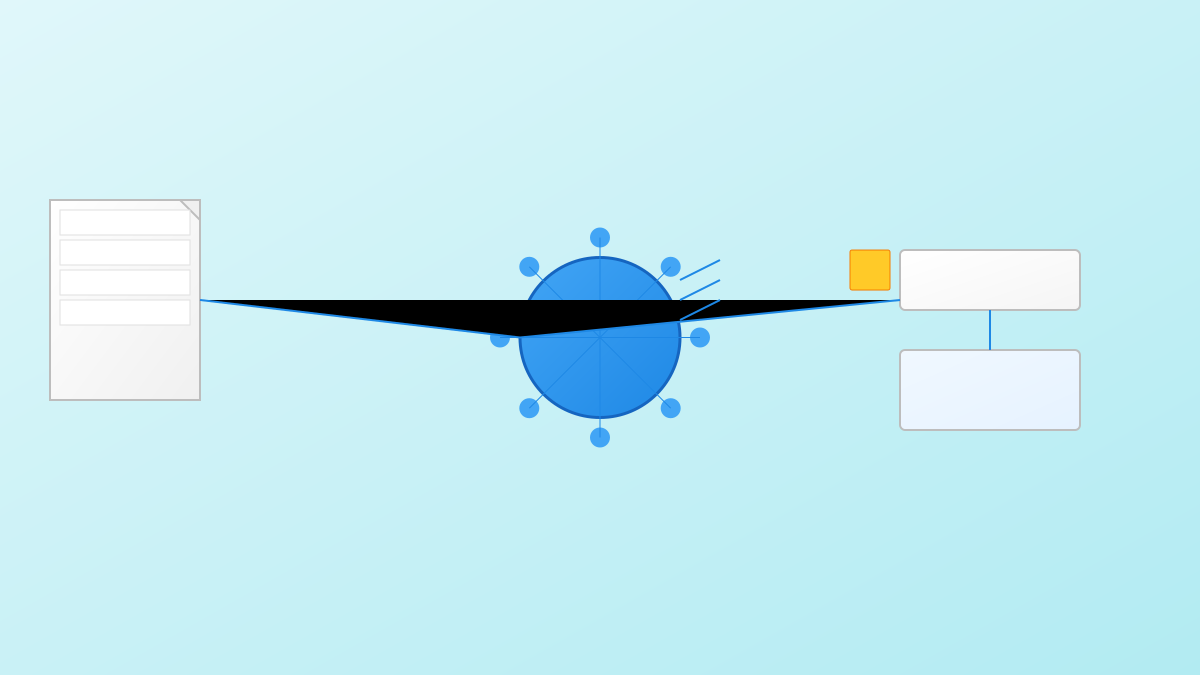
DocuMind's workflow is clear and efficient:

  1. Document Upload: Users upload PDFs via the Streamlit interface;
  2. Text Extraction: Automatically parse PDF content to extract processable text;
  3. Vectorization Storage: Convert text into vectors using HuggingFace embedding models and store them in ChromaDB;
  4. Question Processing: Vectorize the user's question when they ask it;
  5. Semantic Retrieval: Find the document fragments most relevant to the question in ChromaDB;
  6. Answer Generation: Submit the retrieved context and question to Groq's LLM to generate the final answer.
5

Section 05

【Project Structure & Deployment】Code Organization and Usage Guide

Project Structure and Deployment Guide

  • Project Structure:
    • app.py: Main application entry, including Streamlit interface and core logic;
    • utils.py: Tool function module, encapsulating PDF processing and text operations;
    • requirements.txt: Dependency management;
    • pdfs/: Directory for storing uploaded PDFs;
    • vectorstore/: Local vector database directory;
    • env.example: Environment variable template (including API key configuration).
  • Deployment Steps:
    1. Clone the code repository;
    2. Install dependencies: pip install -r requirements.txt;
    3. Configure environment variables: Copy env.example to .env and fill in the Groq API key;
    4. Start the application: streamlit run app.py.
6

Section 06

【Applications & Extensions】DocuMind's Use Cases and Feature Expansion Suggestions

Application Scenarios and Expansion Suggestions

  • Application Scenarios:
    • Academic research: Quickly query paper content to extract key information;
    • Enterprise knowledge base: Build an internal document intelligent Q&A system;
    • Legal document analysis: Retrieve contract clauses and regulatory content;
    • Technical document assistant: Provide instant document queries for development teams.
  • Expansion Suggestions: Add features such as multi-document support, conversation history records, and answer source annotation.
7

Section 07

【Value & Conclusion】DocuMind's Technical Value and Summary

Technical Value and Conclusion

  • Technical Value: DocuMind is not only a practical tool but also an excellent learning resource. It fully demonstrates the typical architecture of RAG applications, with clear and easy-to-understand code. It is suitable as an introductory project for LangChain and RAG technology, helping developers understand core concepts such as vector retrieval, semantic search, and LLM applications.
  • Conclusion: As LLM technology matures, RAG has become an important tool for enterprise knowledge management. DocuMind provides an excellent open-source implementation with a concise design and complete functionality, which is worthy of attention from AI developers.

