Zing Forum

Reading

DeepSeek Bridge: A Local Proxy Solution for Seamless Integration of Mainstream AI Programming Tools with DeepSeek Inference Models

DeepSeek Bridge is an open-source local proxy tool that solves compatibility issues between mainstream AI programming tools like Cursor and GitHub Copilot and DeepSeek inference models, enabling seamless integration by automatically fixing the reasoning_content field.

DeepSeekAI编程工具CursorGitHub Copilot本地代理reasoning_content推理模型API兼容Cloudflare Tunnel开源工具
Published 2026-06-03 07:45Recent activity 2026-06-03 07:49Estimated read 7 min
DeepSeek Bridge: A Local Proxy Solution for Seamless Integration of Mainstream AI Programming Tools with DeepSeek Inference Models
1

Section 01

DeepSeek Bridge: An Open-Source Local Proxy Solution to Resolve Compatibility Between Mainstream AI Programming Tools and DeepSeek Models

DeepSeek Bridge is an open-source local proxy tool designed to resolve compatibility issues between mainstream AI programming tools such as Cursor and GitHub Copilot and DeepSeek inference models, enabling seamless integration by automatically fixing the reasoning_content field.

Original Author/Maintainer: breixopd Source Platform: GitHub Original Link: https://github.com/breixopd/deepseek-bridge Source Publication/Update Time: 2026-06-02


2

Section 02

Background: Compatibility Dilemma Between AI Programming Tools and DeepSeek Models

With the application of DeepSeek inference models in code generation and complex task processing, developers hope to integrate them into their daily AI programming tools. However, DeepSeek's thinking-mode API requires assistant messages to carry the complete reasoning_content field, while tools like Cursor and GitHub Copilot discard this field in multi-turn conversations, leading to API 400 errors. Traditional solutions require modifying client code or giving up features, which have high barriers.

3

Section 03

Core Solution: Intercept-Repair-Forward Mechanism of Local Proxy

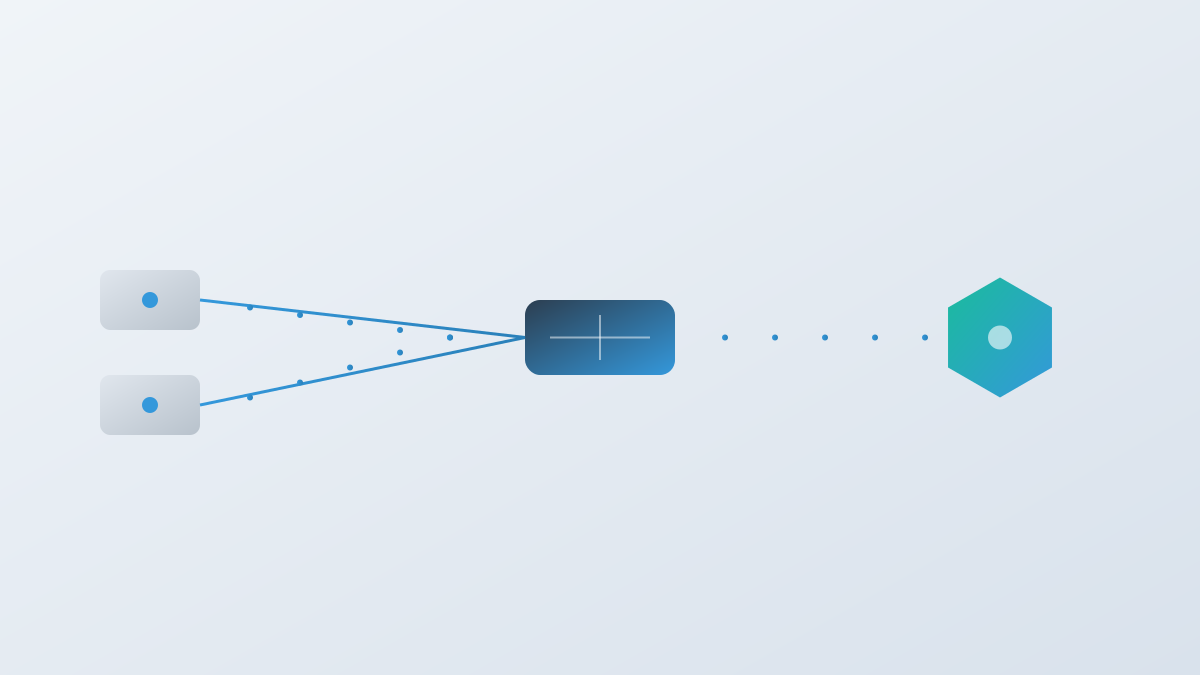
DeepSeek Bridge adopts a local proxy architecture without the need to modify client code, with the core mechanism of 'Intercept-Repair-Forward':

  1. Intercept requests from AI programming tools to the DeepSeek API;
  2. Check assistant messages, and if reasoning_content is missing, recover it from the SQLite cache;
  3. Forward the repaired request to the DeepSeek API and return the response.

Cache Strategy: Use SHA-256 hash to combine conversation prefix, upstream model, configuration, and API key to generate a unique cache key, isolating different conversations and users to ensure security and avoid cache pollution.

4

Section 04

Features: Connection Stability, Tunnel Support, and API Compatibility

Connection Stability: Implements connection pool management (keep-alive, automatic retry) via urllib3, uses a bounded thread pool to prevent thread exhaustion, and sets a 180-second SSE read timeout to avoid thread suspension. Tunnel Support: Integrates Cloudflare Tunnel by default (free persistent HTTPS tunnel with health check + automatic reconnection), supports ngrok as an alternative, and can be disabled via --tunnel none. API Compatibility: Fully implements endpoints like OpenAI /v1/chat/completions, automatically converts Cursor Responses API to Chat Completions format, supports advanced features of DeepSeek V4 such as thinking parameter and reasoning_effort, and automatically maps old model names to new versions.

5

Section 05

Terminal UI and Observability: TUI Dashboard and Log Tracking

Starting from v0.2.0, the TUI dashboard is enabled by default, including:

  • Dashboard page: Real-time display of request metrics, runtime, tunnel status, and connection pool utilization;
  • Configuration page: Edit proxy settings without restarting;
  • Log page: Streaming log viewer (auto-scroll). TUI can be disabled via --headless.

Observability: Supports specifying log directory via --log-dir, exporting structured request traces via --trace-dir, and uses heartbeat mechanism and connection pool utilization counters to facilitate system monitoring and troubleshooting.

6

Section 06

Client Configuration Practice: Setup Steps for Cursor and GitHub Copilot

Cursor Configuration: Add a custom model in settings, specify the DeepSeek model name and API key, and set the base URL to the tunnel HTTPS URL plus /v1 (Cursor blocks localhost, so a tunnel is required). GitHub Copilot Configuration: In VS Code, set the Ollama endpoint to the local proxy address; DeepSeek models will be visible in the Copilot Chat model management interface. VS Code Insiders 1.104+ supports customOAIModels configuration for fine-grained parameters (tool calling, visual capabilities, etc.). General Clients: Any client that supports the OpenAI /v1/chat/completions API can simply set the base URL to the proxy address.

7

Section 07

Known Limitations and Future Outlook

Known Limitations:

  1. Cursor sub-proxies do not inherit custom API base URLs or keys (a Cursor bug), so using the main proxy (switch via Cmd+Shift+0) is recommended;
  2. Cursor's native reasoning UI cannot display reasoning content injected by the proxy; the proxy uses Markdown details blocks as an alternative.

Future Outlook: As DeepSeek API evolves and tools provide native support, it may evolve into a general model adaptation layer; its design experiences in connection stability and cache isolation can serve as references for similar tools.

