Zing Forum

Reading

Cockpit: A Mobile-First CLI-Prioritized Development Cockpit, Redefining the Remote Programming Experience

Explore how the Cockpit project enables mobile code development via a terminal-like PWA interface, analyze its core designs such as session management, multi-runtime switching, and AI Agent integration, as well as the technological evolution trend of mobile-first development tools.

移动开发PWACLI工具远程开发AI AgentVPS终端界面会话管理
Published 2026-04-11 22:45Recent activity 2026-04-11 22:52Estimated read 7 min
Cockpit: A Mobile-First CLI-Prioritized Development Cockpit, Redefining the Remote Programming Experience
1

Section 01

Introduction: Cockpit—Redefining the Mobile Remote Programming Experience

Cockpit is a mobile-first CLI-prioritized development cockpit that enables mobile code development through a terminal-like PWA interface. Its core designs include session management, multi-runtime switching, and AI Agent integration, aiming to fill the gap in development tools for mobile scenarios and explore the technological evolution trend of mobile-first development tools.


2

Section 02

Background: Pain Points of Development Tools in the Mobile Era and the Birth of Cockpit

Software development has long relied on desktop environments, but modern developers' work scenarios are fragmented (commuting, business trips, cafes, etc.). Traditional IDEs are too heavyweight to be suitable, and mobile GitHub Apps lack real development capabilities. Cockpit attempts to fill this gap: a CLI-prioritized mobile development cockpit that brings shell commands and AI coding assistants to mobile devices, supporting both local and VPS dual runtimes.

3

Section 03

Technical Architecture: Implementation of Hybrid Deployment with PWA and VPS

Terminal-like Web Interface

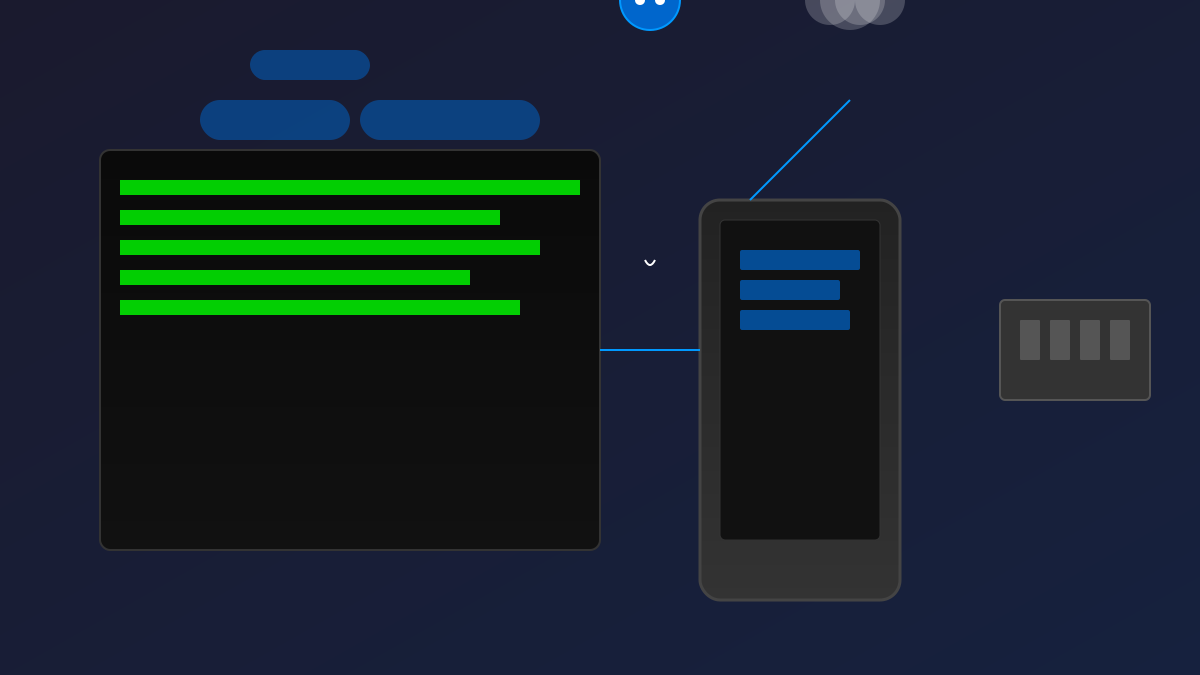
Uses PWA tech stack: browser-simulated terminal (supports history, autocompletion), responsive design, offline capability, and can be added to the home screen.

Dual Runtime Support

  • Local Runtime: Operates the mobile device's local file system (File System Access API), suitable for lightweight editing, subject to sandbox restrictions
  • VPS Runtime: Commands are executed on remote servers; the mobile device only serves as a terminal interface, providing a complete toolchain Switch commands: target local/target vps

VPS Backend Architecture

Persistent environment, complete toolchain (Git, Node.js, etc.), project hosting, and quick tunnel exposure to the public network.

4

Section 04

Core Features: Cross-Device Session Management Ensures Work Continuity

Session Abstraction

Manage sessions via commands: session (current info), sessions (list), use-session <id> (switch), reset-session (reset). Each session includes working directory, environment variables, command history, and AI Agent context.

Workflow Example

Mobile operation flow: switch directory → view session → Git status → AI fix → commit and push.

Session Persistence

State is stored on the server; context is not lost when switching devices, supporting multi-device viewing and long-running tasks.

5

Section 05

AI Agent Integration: Command Aliases and Voice Interaction Improve Efficiency

Agent Alias Design

Preset concise aliases: m1 (main Agent), ml (lightweight), mm (medium), mh (high configuration), m2 (second instance), corresponding to different scenarios.

Parameter Passing

Supports parameter control of behavior: m1 new=2 Fix issue (new session), m2m Summarize file (medium configuration).

Voice Integration

Supports voice input, TTS output, and voice summaries, suitable for mobile scenarios (used while walking/driving).

6

Section 06

Deployment and Operation: Practice of Tunnel Technology and Self-Hosting

Quick Tunnel Solution

Uses Cloudflare Tunnel-like technology; the VPS side runs the client, dynamically assigns a public URL, no domain/SSL required.

Service Recovery Mechanism

Script ./app/ensure_vps_app.sh checks status, verifies connection, restarts service, and outputs URL.

Long-Term Considerations

Limitations: unstable URL, dependency on third-party tunnels, security risks; improvement directions: fixed domain name, authentication, private network (WireGuard).

7

Section 07

Usage Scenarios and Technological Trends: The Present and Future of Mobile Development

Ideal Scenarios

Emergency fixes, code reviews, monitoring checks, AI-assisted task processing.

Experience Trade-offs

Advantages: always available, quick viewing, AI assistance, session synchronization; limitations: small screen, not suitable for complex refactoring, low typing efficiency, network dependency.

Technological Trends

Current: mature infrastructure, AI reduces operational complexity; future: voice-first, intelligent prediction, cross-device relay, cloud IDE.

8

Section 08

Conclusion and Recommendations: Cockpit's Value and Future Improvement Directions

Cockpit is a proof of concept for mobile development in the AI Agent era, demonstrating the possibility of terminal-driven complex tasks. Although it is an experimental project (with tunnel dependencies and URL stability issues), it points to the direction of scenario adaptation for development tools. It is recommended for developers who often handle code on the move to try it as a 'lifeline' in emergency situations.

