Zing Forum

Reading

ClaudeCode Harness Setup Assistant: Build a Complete Claude Code Toolchain in 9 Stages

This is a meta-tool plugin designed specifically for Claude Code. It builds a complete toolchain (harness) for projects through a 9-stage orchestrated workflow, including CLAUDE.md, settings, rules, agents, scripts, and hooks. It addresses the pain point of developers repeatedly configuring Claude Code for each new project by generating verified tool configurations via automated scanning and interactive interviews.

Claude Code工具链AI代理插件工作流自动化配置开发工具
Published 2026-04-22 19:44Recent activity 2026-04-22 19:58Estimated read 8 min
ClaudeCode Harness Setup Assistant: Build a Complete Claude Code Toolchain in 9 Stages
1

Section 01

ClaudeCode Harness Setup Assistant: Core Overview

ClaudeCode Harness Setup Assistant (internal code: harness-architect) is a meta tool plugin designed for Claude Code. It solves the pain point of repeated configuration for new projects by automating the building of a complete toolchain via a 9-stage workflow. Key features include auto project scanning, interactive interviews, generation of verified tool configurations (CLAUDE.md, settings, rules, agents, scripts, hooks), support for 3 execution modes, domain-specific research, specialized frontend design support, and safety mechanisms.


2

Section 02

Background: The Problem of Repetitive Claude Code Configuration

For developers using Claude Code, each new project requires re-answering questions like "What rules are needed?", "What permissions to set?", "Which hooks are required?", leading to significant time wasted on repetitive setup tasks. This plugin addresses this issue by streamlining toolchain creation.

3

Section 03

What Is a Claude Code "Harness" Toolchain?

In the Claude Code ecosystem, a "harness" refers to a full support system around core AI functions. It includes:

  • CLAUDE.md: Document for Claude to understand the project
  • .claude/settings.json: Permissions, environment variables, hooks, MCP config
  • .claude/rules/: Persistent rules
  • .claude/agents/: Agent definitions (for agent projects)
  • .claude/skills/: Reusable skills
  • docs/{request-name}/: Design outputs (reference) Unlike simple agent team configs, it covers project understanding to execution monitoring.
4

Section 04

Methodology: 9-Stage Workflow & Key Features

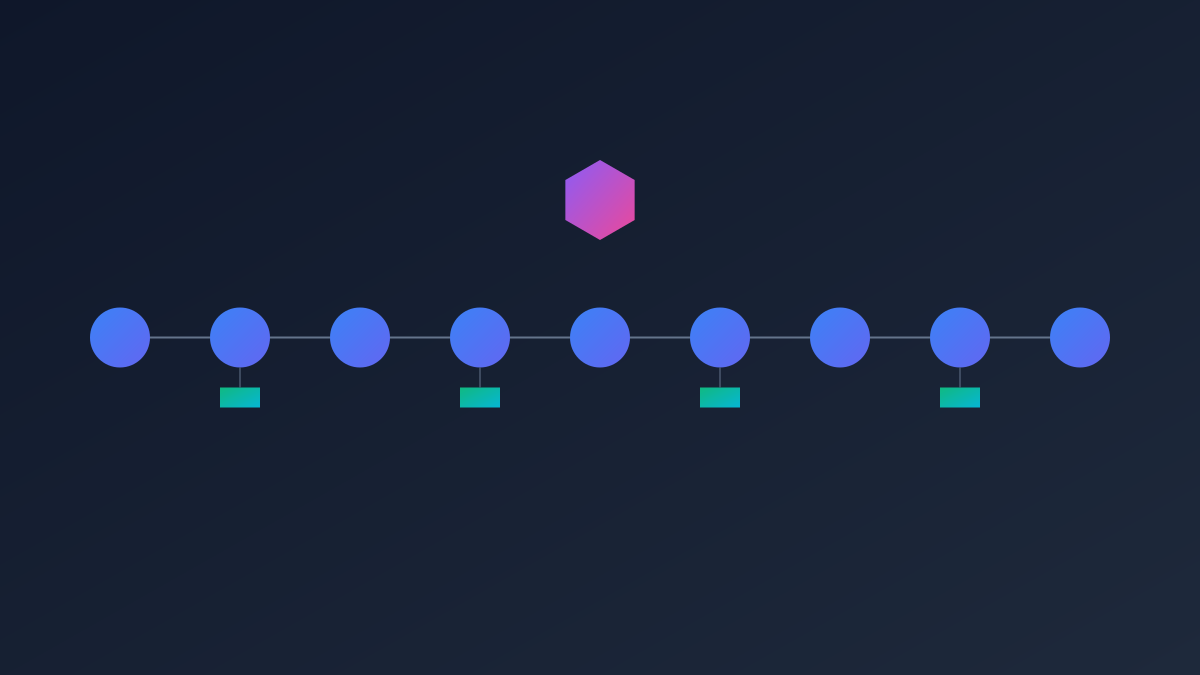
The plugin's core is a 9-stage workflow with clear inputs/outputs and agent responsibilities:

  1. Phase0: Collect project path, generate request name, gather performance hints (orchestrator)
  2. Phase1-2: Scan project + interactive interview + basic toolchain (phase-setup)
  3. Phase2.5: Optional domain research (phase-domain-research: queries knowledge base + web search for standard workflows/roles/tools)
  4. Phase3: Workflow design (phase-workflow)
  5. Phase4: Pipeline design (phase-pipeline)
  6. Phase5: Agent team orchestration + model level matrix allocation (phase-team)
  7. Phase6: Skill/script writing (phase-skills)
  8. Phase6+: Model confirmation gate (orchestrator)
  9. Phase7-8: Hooks/MCP installation (phase-hooks)
  10. Phase9: Final validation (phase-validate) Each phase has independent red-team review.

Execution modes:

  • fresh-setup: Full 9-stage for new projects
  • cursor-migration: Migrate Cursor IDE settings to Claude Code
  • harness-audit: Diagnose existing setup

Additional features:

  • Frontend support (React/Vue/Svelte + Tailwind): Dedicated agents, color rules (OKLCH, WCAG AA), 3-round review
  • Strict 6-step coding workflow: Research → problem draft → design red-team → plan → implement → QA
5

Section 05

Practical Usage & Safety Mechanisms

Installation:

  • GitHub marketplace: /plugin marketplace add leee880619-commits/ClaudeCode-Harness-Setup-Assistant /plugin install harness-architect@harness-architect-marketplace
  • Local dev: Clone repo → cd into it → claude --plugin-dir .

Usage:

  • In project dir: claude/harness-architect:harness-setup (or pre-specify path)

Expected Time:

  • Personal web app (light track):25-35 mins
  • Personal web app (fast track):10-15 mins
  • Team web app:20-45 mins
  • Agent pipeline:30-40 mins

Audit: /harness-architect:ops-audit checks 5 dimensions (session continuity, recovery, etc.) with risk levels.

Safety:

  • Project file protection (ownership-guard.sh intercepts modifications to plugin files)
  • Dangerous command interception (e.g., sudo rm *)
  • Key isolation (settings.local.json, gitignored)
  • Meta leakage prevention (no plugin rules in generated files)
6

Section 06

Comparison & Limitations

vs revfactory/harness:

Feature harness-architect revfactory/harness
Scope Full toolchain (settings/rules/agents/scripts/hooks/MCP) Agent/skill team focus
Input Project scan + interview User narrative
Workflow 9 stages + recovery Single session (6 stages)
Design review Red-team (per phase) + pipeline gates None
Core mode Agent-script separation User-led design

Limitations:

  • No auto-update (manual refresh/update needed)
  • Resource-intensive (not for simple projects)
  • Learning curve for 9-stage workflow
7

Section 07

Conclusion & Recommendations

ClaudeCode Harness Setup Assistant marks the evolution of AI dev tools toward specialization and systematization. It reduces cognitive load for frequent Claude Code users, ensuring consistent, verified configurations.

Recommendations:

  • Choose the right execution mode (e.g., --fast for quick projects)
  • Learn the 9-stage workflow to leverage full benefits
  • Run ops-audit post-setup for optimization
  • Manually update the plugin regularly

