Zing Forum

Reading

BridgesLLM Portal: One-Stop Self-Hosted AI Workstation

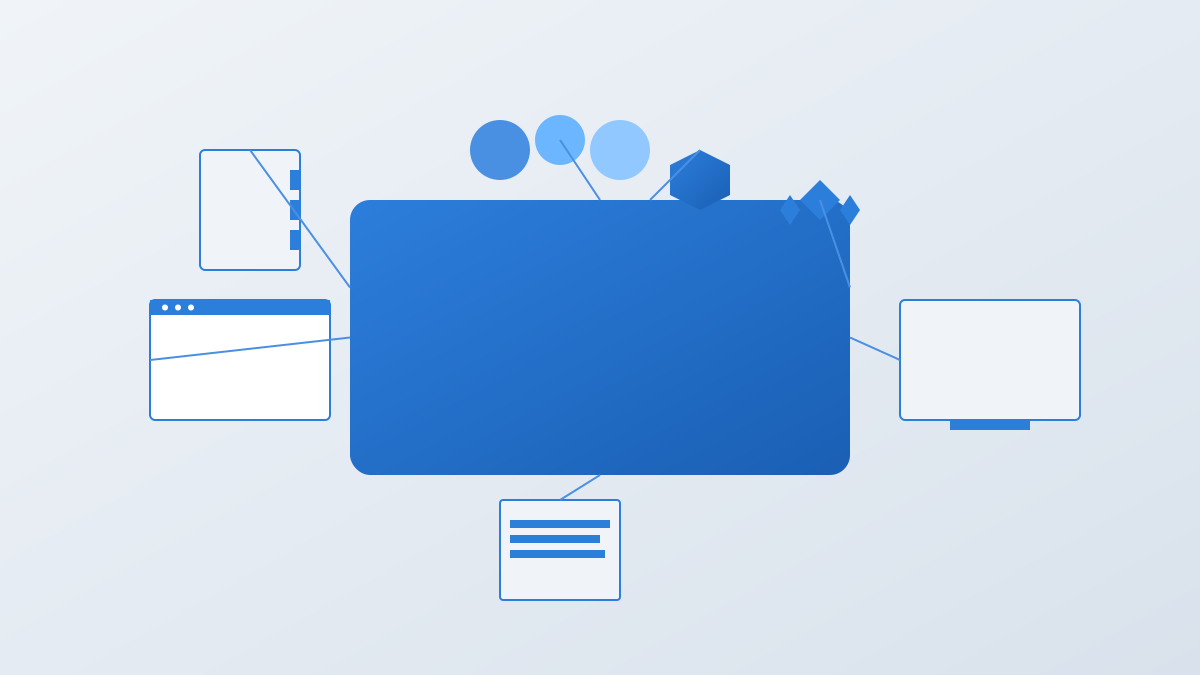
This article introduces BridgesLLM Portal, an open-source project built on OpenClaw that transforms an Ubuntu or Debian VPS into a complete browser-based AI workstation, integrating multi-provider agent chat, code sandbox, shared browser, remote desktop, terminal, email, and other features.

AI工作站自托管OpenClaw多智能体浏览器自动化远程桌面代码沙箱ClaudeCodexGemini
Published 2026-04-10 02:11Recent activity 2026-04-10 02:19Estimated read 9 min
BridgesLLM Portal: One-Stop Self-Hosted AI Workstation
1

Section 01

Introduction: BridgesLLM Portal – One-Stop Self-Hosted AI Workstation

Introduction: BridgesLLM Portal – One-Stop Self-Hosted AI Workstation

BridgesLLM Portal is an open-source project built on OpenClaw that turns an Ubuntu or Debian VPS into a complete browser-based AI workstation. It integrates multi-provider agent chat (Claude, Codex, Gemini, Ollama), code sandbox, shared browser automation, remote desktop, web terminal, email service, and other features to solve tool fragmentation issues while ensuring data sovereignty. Deployment requires only one curl command and takes five minutes to complete.


2

Section 02

Background: Pain Points of AI Workflow Fragmentation and Data Sovereignty Needs

Background: Pain Points of AI Workflow Fragmentation and Data Sovereignty Needs

With the popularity of large language models, developers need to frequently switch between tools like Claude, Codex, and Gemini, leading to reduced efficiency and fragmented context; tasks like code execution and file management also require additional tool support. More importantly, how to integrate these features while maintaining data sovereignty? BridgesLLM Portal was created to solve this problem.

3

Section 03

Core Features and Technical Architecture

Core Features and Technical Architecture

Core Features

  • Multi-provider agent chat: Supports Claude (token access), Codex/Gemini (account login), Ollama (local model); models can be switched in the same session with persistent context.
  • Shared browser automation: Controls Chrome via CDP to enable web navigation, data extraction, and automated workflows; users can monitor in real-time via remote desktop.
  • Code sandbox: Runs projects in independent Docker containers, integrating Monaco Editor (same as VS Code), Git, and real-time preview.
  • Remote desktop (NoVNC): Access graphical desktop via browser to run GUI applications and automated tasks.
  • Web terminal: Based on xterm.js, supports command execution, package management, and server monitoring.
  • Email service: Built-in Stalwart, runs only on local loopback to avoid open relay.
  • Scheduled tasks: Configure cron via browser to implement periodic monitoring and report generation.
  • Skill market (ClawHub): One-click installation of agent skills, supports MCP tool configuration.

Technical Architecture

  • Frontend: React 19, Vite, Tailwind CSS, Monaco Editor
  • Backend: Node.js, Express, Prisma, PostgreSQL
  • Agent framework: OpenClaw
  • Reverse proxy: Caddy (auto HTTPS)
  • Containers: Docker (project isolation)
  • Security design: Full HTTPS coverage, sandboxed execution, email isolation, authentication and authorization.
4

Section 04

Deployment and Usage Guide

Deployment and Usage Guide

System Requirements

  • Ubuntu 22.04+ or Debian 12+
  • Minimum 3.5GB RAM (4GB+ recommended)
  • 35GB available disk space
  • Root/sudo privileges

Installation and Update

  • Installation: curl -fsSL https://bridgesllm.ai/install.sh | sudo bash
  • Update: curl -fsSL https://bridgesllm.ai/install.sh | sudo bash -s -- --update (preserves data and configuration)

Configuration Process

  1. Create an admin account
  2. Configure AI providers (Claude/Codex/Gemini/Ollama)
  3. Set up domain name and SSL
  4. Start using (all configurations are done via browser, no CLI expertise required)
5

Section 05

Applicable Scenarios and Competitor Comparison

Applicable Scenarios and Competitor Comparison

Applicable Scenarios

  • Individual developers: Unified AI tool entry, self-hosting ensures privacy, code sandbox supports prototype development.
  • Small teams: Shared AI workstation, secure project isolation, email/automation supports collaboration.
  • Enterprise users: Controllable private deployment, audit-compliant, customizable skill expansion.

Competitor Comparison

Feature BridgesLLM Portal Pure chat interface Local IDE + plugins
Multi-provider support Partial Partial
Browser automation
Code sandbox
Remote desktop
Email integration
Self-hosted Partial N/A
Open-source Partial Partial
6

Section 06

Cost Analysis and Latest Update Highlights

Cost Analysis and Latest Update Highlights

Cost Analysis

Portal is free and open-source; costs depend on:

  • VPS: $20-40/month
  • Codex/Gemini: Account/subscription-based
  • Claude: Package + Anthropic Extra Usage
  • API-key providers: Pay-as-you-go
  • Ollama: Local computing (no extra cost)

Latest Updates

  • Stability: OpenClaw gateway compatibility fixes, session optimization, large file preview, task tab performance improvement.
  • Security: AI file assistant hardened, shared link improvements, XSS vulnerability fixes.
  • User Experience: Remote desktop clipboard/mobile keyboard support, mobile login optimization, model selector clarity improvement.
  • Claude Integration: Code OAuth fixes, billing transparency, session hardening.
7

Section 07

Future Outlook and Recommendations

Future Outlook and Recommendations

Future Direction

  • Deeper workflow automation
  • More abundant skill ecosystem (ClawHub expansion)
  • Stronger multi-modal support
  • Smarter context management

Recommendations

For users who want to fully utilize AI capabilities while maintaining data sovereignty, BridgesLLM Portal is a one-stop self-hosted AI workstation worth considering.

