Zing Forum

Reading

BMAd UI: A Visual Development Interface for AI Agent Workflows

An in-depth introduction to the BMAd UI project, exploring how to lower the barrier to Agentic development through a visual interface, enabling developers to build complex AI Agent workflows via drag-and-drop.

AI AgentAgentic开发可视化编程低代码工作流编排LangChainBMAd智能代理自动化工作流人机协作
Published 2026-04-17 04:45Recent activity 2026-04-17 04:55Estimated read 7 min
BMAd UI: A Visual Development Interface for AI Agent Workflows
1

Section 01

BMAd UI Guide: A Low-Threshold Visual Development Interface for AI Agent Workflows

BMAd UI is a visual interface tool for AI Agentic development, designed to address the pain points of traditional code-first or configuration file-based Agent workflow development—high barriers to entry and lack of intuitive feedback. By dragging components and connecting nodes, developers can quickly build complex AI Agent workflows while supporting custom requirements. Target users include business analysts, full-stack developers, AI product managers, and DevOps engineers.


2

Section 02

Interface Challenges in Agentic Development and the Birth Background of BMAd UI

The capabilities of AI Agents are expanding, but designing, building, and debugging complex workflows face challenges: traditional code-first approaches are flexible but have high barriers, while configuration file-based methods lack intuitive visual feedback. As the visual front-end of the BMAd framework, BMAd UI was created specifically to address this pain point, emphasizing business priority, modular design, visual orchestration, and observability.

3

Section 03

Detailed Explanation of BMAd UI's Core Features

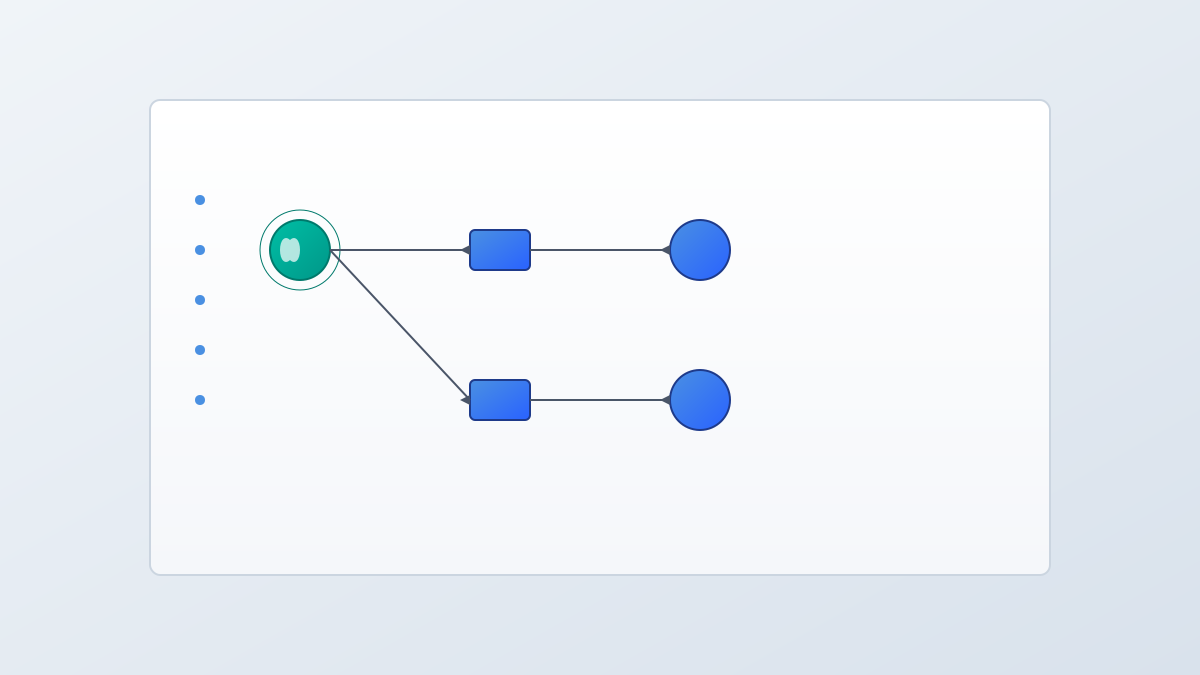
  1. Visual Workflow Editor: Node-based drag-and-drop editing, supporting node types such as Agent, Tool, Logic, Input/Output, Memory, etc. Each node can be configured with properties without code;
  2. Real-time Preview and Debugging: WYSIWYG (What You See Is What You Get), supporting real-time simulation, breakpoint debugging, execution tracking, and error localization;
  3. Version Control and Collaboration: Auto-save, version history rollback, branch management, and conflict resolution for multi-person collaboration;
  4. Deployment and Monitoring: One-click deployment, multi-environment management, real-time monitoring, and alert configuration.
4

Section 04

Analysis of BMAd UI's Technical Architecture

  • Front-end Tech Stack: React+TypeScript, React Flow (node editor), Tailwind CSS, Zustand (state management);
  • Backend Integration: GraphQL API, WebSocket (real-time synchronization), BMAd Runtime (workflow execution), plugin system;
  • Scalability Design: Supports custom nodes, theme customization, third-party service integration, and workflow template reuse.
5

Section 05

BMAd UI Usage Scenario Examples

  1. Customer Service Automation: Business analysts can build intelligent customer service Agents without code, enabling intent recognition, order query, human transfer, and satisfaction collection;
  2. Data Analysis Report Generation: Scheduled database query, data analysis, chart generation, report writing, and email sending;
  3. Multi-Agent Collaboration System: Define Agent collaboration processes for requirement analysis, architecture review, parallel code generation, code review, and test orchestration.
6

Section 06

Comparison of BMAd UI with Similar Tools and Open Source Ecosystem

  • vs LangChain/LangGraph: More user-friendly visual interface, lower barrier to entry, and compatible with the LangChain ecosystem;
  • vs n8n/Zapier: Designed specifically for AI Agents, providing richer AI nodes and debugging tools;
  • vs Flowise/Langflow: More business-oriented, with built-in collaboration and version control features. Open Source Ecosystem: MIT license, providing detailed documentation, example libraries, Discord community, and contribution guidelines.
7

Section 07

Limitations and Future Plans of BMAd UI

Current Limitations: There's a learning curve to understand Agent concepts; insufficient flexibility in visualizing complex logic; room for performance optimization; the number of ecosystem components needs to grow; Future Plans: AI-assisted design; mobile support; enterprise-level features (SSO/audit logs/permission management); community sharing marketplace.

8

Section 08

The Significance of BMAd UI and the Trend of AI Democratization

BMAd UI is an important direction in the evolution of AI application development tools, connecting AI capabilities with business needs and providing teams with a low-risk entry point. It embodies the trend of AI democratization, allowing a wider range of people to participate in AI application creation, and is one of the infrastructure components of the creator economy in the AI era.

