Zing Forum

Reading

Axon CLI: A Git-Based Tool for Cross-Device Sync and Management of AI Skills

This article introduces Axon CLI, an innovative tool with a Hub-and-Spoke architecture that helps developers sync AI editor skills, workflows, and commands across multiple machines. It uses Git version control to standardize and facilitate collaborative skill management.

Axon CLIAI技能管理Git同步Hub-and-SpokeCursorWindsurfClaude Code开发者工具跨设备同步技能库
Published 2026-04-29 21:15Recent activity 2026-04-29 21:20Estimated read 8 min
Axon CLI: A Git-Based Tool for Cross-Device Sync and Management of AI Skills
1

Section 01

Axon CLI: Git-Based AI Skill Sync Tool - Main Guide

Axon CLI: Git-Based AI Skill Sync Tool

Axon CLI is an innovative tool using Hub-and-Spoke architecture to help developers sync AI editor skills, workflows, and commands across multiple machines. It leverages Git version control for standardized, collaborative skill management, solving the fragmentation issue of AI tool-specific skill storage.

Key benefits:

  • Single source of truth for skills via central Hub
  • Cross-device sync using Git push/pull
  • Support for 20+ mainstream AI tools
  • Full lifecycle management (init, sync, audit, rollback)
  • Security scanning and semantic search features

2

Section 02

Background: Fragmentation in AI Skill Management

Background

With the rise of AI programming assistants (Cursor, Windsurf, Claude Code, Gemini, etc.), developers rely on 'skills' (Markdown docs defining domain knowledge, workflows, tool specs) to extend AI capabilities. However, each tool stores skills in its own location, leading to:

  • No sync across devices → fragmented user experience
  • Repeated configuration → wasted time

Axon CLI addresses this pain point by unifying skill storage and syncing.

3

Section 03

Core Architecture: Hub-and-Spoke Design

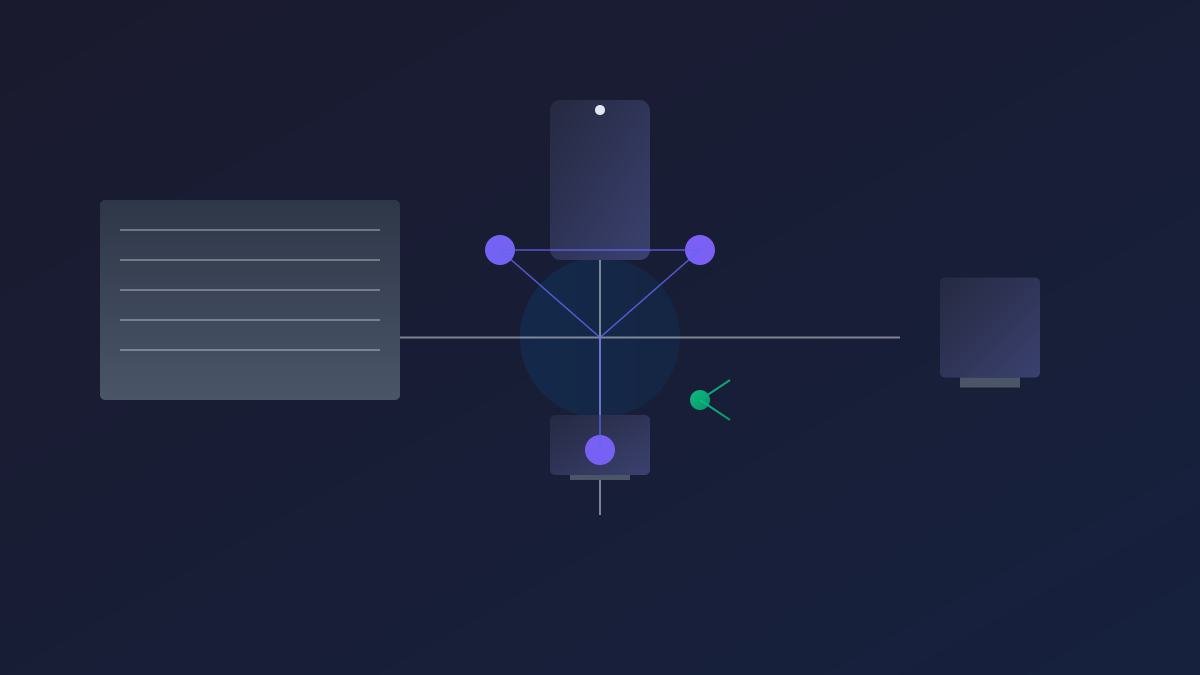
Hub-and-Spoke Architecture

Axon uses a classic Hub-and-Spoke model:

  • Hub: Central Git-managed repo at ~/.axon/repo/ with standard directories:
    • skills/: Reusable AI skills
    • workflows/: Scenario-specific workflows
    • commands/: Executable scripts
  • Spokes: Symbolic links from AI tool skill directories to the Hub. Example links:
    • `~/.codeium/windsurf/skills → ~/.axon/repo/skills/
    • `~/.cursor/skills → ~/.axon/repo/skills/

All tools share the same skill library—updates in Hub reflect immediately in linked tools, and Git sync keeps multi-device environments consistent.

4

Section 04

Key Features: Full Lifecycle Management

Key Features

Axon provides comprehensive commands for skill management:

  • Init & Link: axon init creates Hub (clone remote or start fresh); axon link creates symlinks, backing up existing content to ~/.axon/backups/.
  • Sync: axon sync runs Git add/commit/pull/push. Supports read-write (default) and read-only modes.
  • Rollback: axon rollback reverts to history versions safely (no Git knowledge needed, creates new commits).
  • Audit: axon audit uses AI (GPT-4o-mini default) to scan for security risks (hardcoded keys, shell injection, PII) with risk grading and auto-fix.
  • Search: axon search supports keyword and semantic search (with OpenAI embeddings for vector similarity).
  • Vendor Sync: axon vendor sync imports from external GitHub repos without submodules, keeping Hub history clean.
5

Section 05

Usage Modes: Adapt to Different Scenarios

Usage Modes

Axon supports three modes:

  1. Pure Local: axon init (no remote repo) → single machine use.
  2. Personal Remote: axon init <git-url> or set remote later → sync across multiple machines (most common).
  3. Public Upstream: axon init --upstream (clone official kamusis/axon-hub) → read-only access to community-curated skills.

Choose the mode that fits your workflow!

6

Section 06

Technical Details: Cross-Platform & Conflict Handling

Technical Details

  • Cross-Platform: Works on Windows (needs admin for symlinks), WSL (no restrictions). axon init auto-sets .gitattributes to use LF line endings.
  • Conflict Resolution:
    • Same MD5 files → duplicate, keep one.
    • Same name different content → add source suffix (e.g., .conflict-antigravity.md).
  • Submodule Handling: Strips nested .git folders from downloaded skills before commit.

These details ensure smooth operation across environments.

7

Section 07

Ecosystem Integration: Supported AI Tools

Supported AI Tools

Axon integrates with 20+ tools. Key support table:

Tool Skill Support Workflow Support Command Support
Windsurf
Cursor
Claude Code
Gemini
VSCode
OpenClaw
Codex
Trae

This wide support unifies skill management across your favorite AI tools.

8

Section 08

Practice Suggestions & Future Outlook

Practice Tips & Conclusion

Practice Suggestions:

  1. Use descriptive skill names (e.g., python-debugging, react-hooks-guide).
  2. Write clear commit messages for skill updates.
  3. Run axon audit before pushing to public repos to avoid sensitive info leaks.
  4. Enable semantic search when skill count exceeds 20.
  5. Contribute to community repos via PRs.

Conclusion: Axon CLI paves the way for standardized, collaborative AI skill management. It’s more than a sync tool—it’s a foundation for future AI skill ecosystems, making development environments consistent and efficient for all.


