Zing Forum

Reading

Assemble: The Intelligent Tool Orchestration Assistant for Claude Code

Introduces how Assemble helps Claude Code users efficiently complete complex tasks by scanning installed skills, recommending phased workflows, and enabling interactive tool selection.

Claude CodeSkillWorkflowTool OrchestrationAI AssistantProductivityDeveloper Tools
Published 2026-04-28 19:45Recent activity 2026-04-28 19:54Estimated read 7 min
Assemble: The Intelligent Tool Orchestration Assistant for Claude Code
1

Section 01

Introduction / Main Post: Assemble: The Intelligent Tool Orchestration Assistant for Claude Code

Introduces how Assemble helps Claude Code users efficiently complete complex tasks by scanning installed skills, recommending phased workflows, and enabling interactive tool selection.

2

Section 02

Background: The Dilemma of Tool Selection in the Age of Skill Explosion

As an advanced AI-assisted programming tool, Claude Code's ecosystem is expanding rapidly. Users can install various skills in the ~/.claude/skills/ directory, ranging from Vercel deployment to database management, code review to document generation. However, this richness brings a new problem: when facing complex tasks, users often don't know which skills to use and in what order.

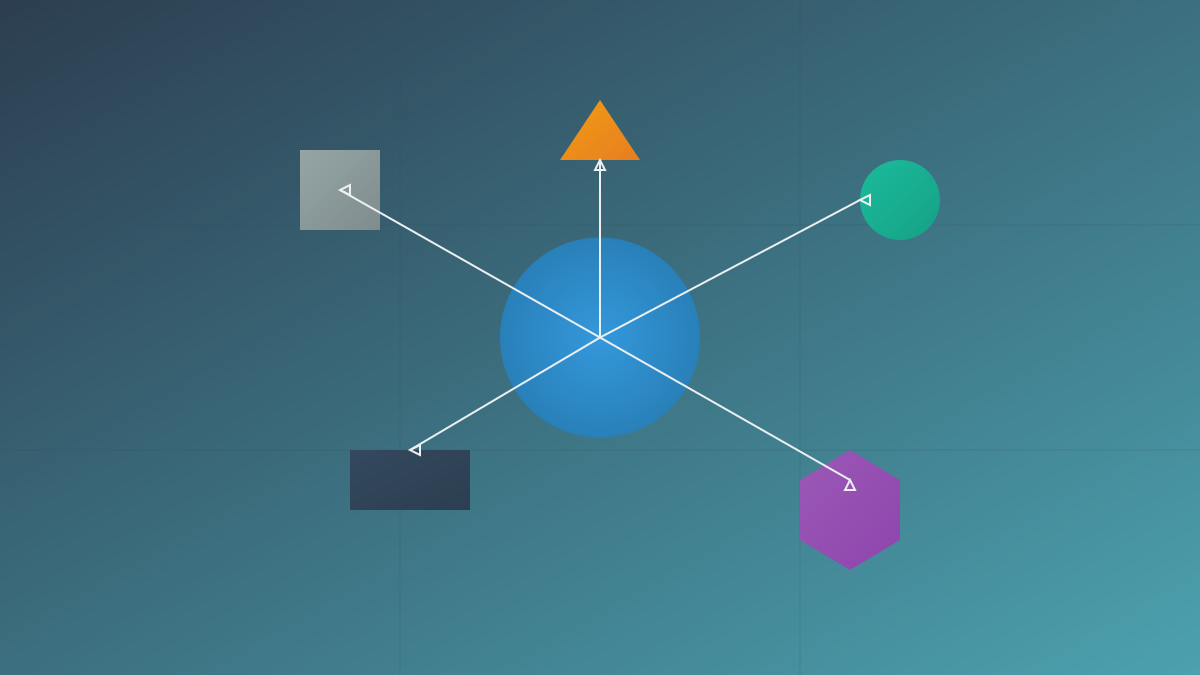
The Assemble project was born to solve this pain point. It is a "Tool Concierge Skill" that can automatically scan all skills, plugins, and agents installed by the user, understand their capabilities, then recommend phased workflows for specific tasks, and let users select the appropriate tools at each stage via an interactive menu.

3

Section 03

Core Features: Automatic Mapping from Tasks to Workflows

Assemble's workflow can be summarized into four phases: "Scan - Classify - Recommend - Execute".

4

Section 04

1. Skill Scanning (Scan)

Assemble will fully scan the available tools in the user's environment:

  • User Skills: Reads the SKILL.md file of each skill in the ~/.claude/skills/ directory
  • Plugin Skills: Scans skills provided by installed plugins (e.g., Vercel, gstack, etc.)
  • Agent Definitions: Discovers agent configuration files in the environment

The scanning process extracts metadata for each tool, including name, description, capability scope, applicable scenarios, etc.

5

Section 05

2. Phase Classification (Classify)

This is where Assemble's core intelligence lies. It uses a heuristic classifier to map each tool to a specific phase of the software engineering lifecycle:

Predefined Phases:

  • discover: Requirements analysis, problem definition, feasibility study
  • plan: Architecture design, task breakdown, resource evaluation
  • design: Interface definition, data model, UI/UX design
  • execute: Coding implementation, script writing, automated deployment
  • debug: Error troubleshooting, log analysis, issue fixing
  • review: Code review, security audit, performance evaluation
  • verify: Test execution, acceptance confirmation, quality inspection
  • ship: Release deployment, document archiving, monitoring configuration

Orthogonal Dimensions:

  • safety: Security checks, vulnerability scanning, compliance verification
  • meta: Project management, progress tracking, report generation

The classifier uses heuristic rules (based on keywords in the frontmatter of SKILL.md) for initial classification. For tools whose classification cannot be determined, Assemble does not force classification but marks them as "unclassified" for later processing.

6

Section 06

3. Intelligent Completion (Inline LLM Classification)

For unclassified tools, Assemble uses an intelligent on-demand classification strategy:

  • When the user enters a task (e.g., /assemble build a small CLI for parsing CSV files), the system identifies the 2 most relevant unclassified tools for the task
  • Calls LLM for real-time classification, processing only these 2 tools instead of the entire inventory
  • Classification results are persisted to ~/.claude/channels/assemble/inventory.json to avoid redundant calculations

This design implements the efficiency principle of "calculate only what is needed"—each task triggers only necessary LLM calls instead of preheating the entire tool library at once.

7

Section 07

4. Workflow Recommendation and Interactive Execution (Recommend & Execute)

Based on the task description and the classified tool library, Assemble:

  • Generates a recommended sequence of phased workflows
  • Displays available candidate tools for each phase
  • Provides an interactive menu for users to choose from: run tool, skip phase, manual input, go back to previous step, mark as completed
  • Supports context-aware auxiliary operations (e.g., security suggestions, meta-tool recommendations)

The entire execution process records operation logs and supports the /assemble resume command to resume from breakpoints.

8

Section 08

Pure Standard Library Dependencies

Assemble's Python implementation only depends on the Python 3 standard library, no need to pip install any third-party packages. This brings several benefits:

  • Zero Dependency Conflicts: No package version conflicts with Claude Code or other skills
  • Fast Installation: Just git clone to the skills directory to use
  • High Portability: Can run in any environment with Python 3.


