Zing Forum

Reading

ApexUIBridge: A Windows UI Automation Framework for Autonomous AI Agents

ApexUIBridge is a Windows UI automation framework specifically designed for autonomous AI agents. Built on FlaUI, it integrates AI-assisted command workflows, enabling AI to explore, describe, and interact with external application interfaces, thus achieving true cross-application automation capabilities.

Windows自动化UI自动化AI代理FlaUIRPA桌面自动化UIA跨应用自动化智能自动化
Published 2026-04-30 23:15Recent activity 2026-04-30 23:28Estimated read 6 min
ApexUIBridge: A Windows UI Automation Framework for Autonomous AI Agents
1

Section 01

ApexUIBridge: An Automation Framework Connecting AI Agents and Windows Desktop Applications (Introduction)

ApexUIBridge is a Windows UI automation framework specifically designed for autonomous AI agents. Built on FlaUI, it integrates AI-assisted command workflows, enabling AI to explore, describe, and interact with external application interfaces, thus achieving true cross-application automation capabilities. It addresses the pain point where AI agents struggle to directly operate local desktop applications, allowing AI to perceive and interact with Windows desktop apps just like humans.


2

Section 02

The Need for Integration Between AI Agents and Desktop Automation (Background)

With the improvement of large language model capabilities, AI agents are evolving from pure text interaction to multi-modal, cross-application complex tasks (e.g., organizing invoices into Excel). However, most AI systems are limited to browsers or specific APIs and struggle to operate local desktop applications; traditional RPA tools have complex configurations and poor adaptability, making it difficult to integrate with AI's flexible reasoning capabilities, which forms a barrier to the implementation of AI agents.

3

Section 03

Core Architecture and Technical Foundation (Methodology)

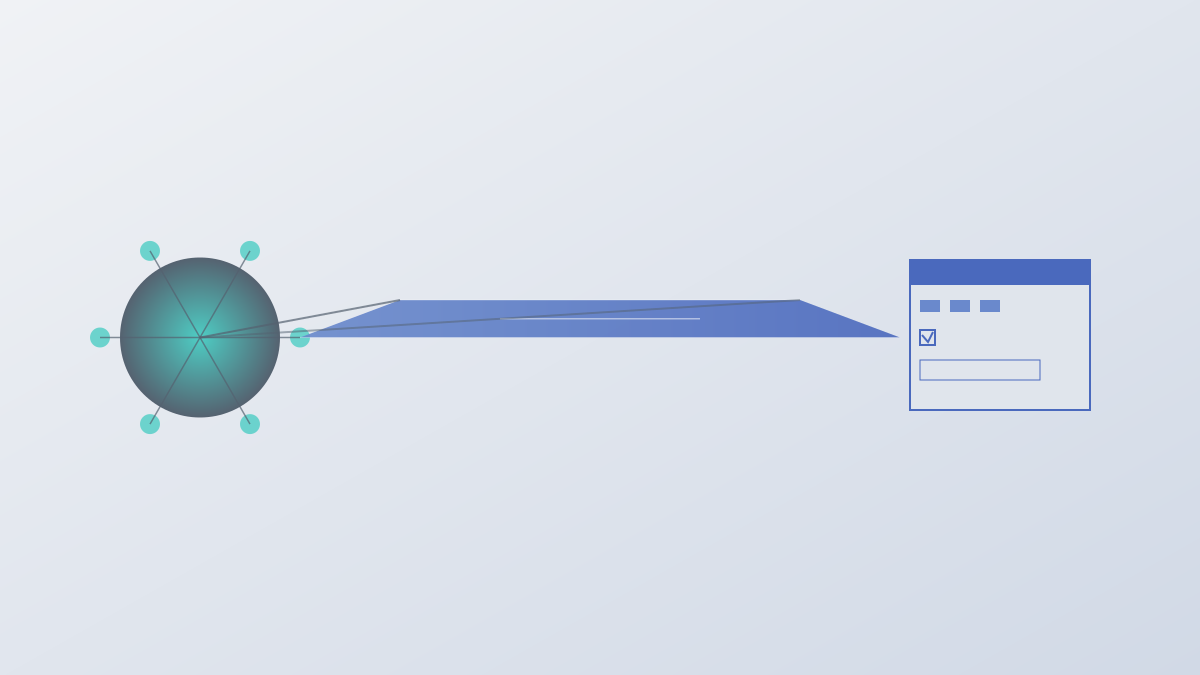
ApexUIBridge has a three-layer architecture:

  1. Bottom Layer: Based on FlaUI (a .NET wrapper for Windows UIA API), it provides the underlying ability to access UI elements;
  2. Middle Layer: A UI exploration and description engine that traverses the control tree to generate semantic UI descriptions (e.g., structured description of a login window);
  3. Top Layer: An AI-assisted command interface that supports natural language-style commands for exploration (describe UI structure), interaction (fill input boxes, click buttons), and navigation (switch windows).
4

Section 04

Highlights of Technical Implementation (Method Details)

Key implementations of ApexUIBridge include:

  • Control Positioning Strategy: Multiple methods (AutomationID, Name, type, relative position, etc.) with fallback support;
  • Waiting and Synchronization: Intelligently waits for controls to appear, windows to load, or processes to be idle;
  • Security and Permissions: Permission detection and prompts;
  • Error Recovery: Basic error handling and retry logic to improve robustness.
5

Section 05

Key Capabilities and Application Scenarios (Evidence)

ApexUIBridge endows AI agents with multiple capabilities:

  • Cross-Application Orchestration: Coordinate multiple applications to complete complex tasks (e.g., email attachment processing → PDF extraction → Excel filling → email reply);
  • API-less Data Extraction: Extract data from API-less applications via UI operations;
  • Adaptive Interaction: Semantically recognize elements to handle UI fine-tuning;
  • Human-AI Collaboration: Request user intervention when encountering unhandleable situations.
6

Section 06

Integration Modes with AI Agents (Methodology)

The framework can integrate with AI agents in multiple ways:

  • Function Call Interface: Encapsulated as tool functions for LLM calls, forming a perception-decision-execution loop;
  • ReAct Mode: AI outputs thinking and instructions, and the framework executes and returns results;
  • Autonomous Exploration Mode: AI actively explores unknown applications and learns functions through UI descriptions.
7

Section 07

Application Prospects and Challenges (Conclusion)

Prospects: Suitable for enterprise automation (cross-system processes), software testing (auto-generate UI tests), assistive technology (assistance for the visually impaired/elderly), data entry, and other scenarios. Challenges: Application compatibility (not all applications support UIA), performance overhead (slow UI traversal), security (permission control). Conclusion: ApexUIBridge builds a bridge between AI agents and Windows desktop applications, promoting the evolution of AI agents from dialogue to action, and providing a practical tool for their implementation in desktop environments.

