Zing Forum

Reading

Agent Play: Visualizing AI Agent Workflows as a Real-Time 2D Game World

Agent Play is an innovative developer platform that transforms LangChain-style Agent execution into a visual journey in a 2D game world, enabling developers to observe and understand an Agent's behavior trajectory, tool calls, and interaction processes in real time.

AI Agent可视化LangChain2D游戏实时调试工作流开发者工具
Published 2026-04-02 21:44Recent activity 2026-04-02 21:51Estimated read 8 min
Agent Play: Visualizing AI Agent Workflows as a Real-Time 2D Game World
1

Section 01

Agent Play: A 2D Gamified Real-Time Visualization Platform for AI Agent Workflows

Agent Play is an innovative developer platform designed to address debugging and behavior observation challenges in AI Agent development. It transforms the execution process of LangChain-style Agents into a visual journey in a 2D game world, allowing developers to observe an Agent's behavior trajectory, tool calls, and interaction processes in real time. This provides a more intuitive spatial way to understand Agent workflows, replacing traditional non-natural understanding methods such as logs and tracking.


2

Section 02

Pain Points in AI Agent Development Debugging

Debugging and observing Agent behavior has always been a challenge in AI Agent development. Traditional methods like logging, trajectory tracking, and token counting are necessary but do not align with the natural way humans understand systems. The Agent Play project thus raises the question: if we view an Agent's workflow as a journey moving through space—passing tools, APIs, and "home"—like looking at a floor plan or game map, can we understand its behavior more intuitively?

3

Section 03

Core Elements of Spatial Agent Visualization

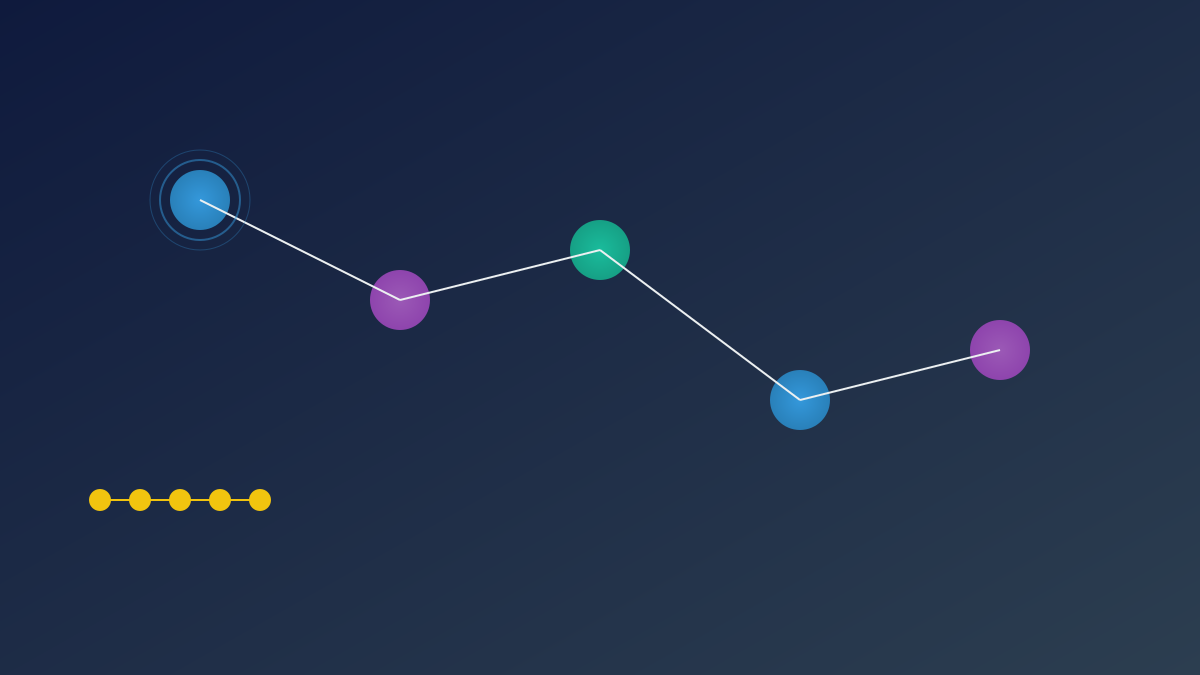
The core idea of Agent Play is to transform the abstract Agent execution process into a concrete spatial experience. In its "world view":

  • Structures represent facilities such as databases, third-party APIs, and model endpoints;
  • Players are Agents connected to the system, moving on the map, pausing, or returning to "home";
  • Journey Paths show the trajectory of an Agent from one structure to another. This approach allows developers to intuitively understand when an Agent calls tools, how it switches tasks, and its decision paths.
4

Section 04

Technical Architecture and Core Components of Agent Play

Agent Play uses a monorepo architecture and includes four core components:

  1. SDK (@agent-play/sdk):Provides the RemotePlayWorld class and LangChain helper functions, supporting Agent processes to communicate with sessions, players, and RPC via HTTP, and opening the observation UI. It can be integrated into existing LangChain Agents with just a few lines of code;
  2. Play UI (@agent-play/play-ui):The core 2D visualization component that renders the world map, structures, player avatars, path trajectories, and conversational annotations. It can be statically deployed and integrated into various environments;
  3. Web UI (@agent-play/web-ui):A complete Next.js-based web application that provides a /watch endpoint for real-time observation of Agent operations;
  4. CLI Tool:Used to manage Agent sessions, configure API keys, and launch examples.
5

Section 05

Current Features and Application Scenarios

Agent Play already has several practical features:

  • Single Agent Center View: Real-time preview of journey animations, interactive annotations showing thinking processes, and visual feedback for tool calls;
  • Multi-Agent Support: Multiple Agents are displayed on the map simultaneously, each with an independent path (the rich interaction UI between Agents is still in design);
  • Real-Time Tracking and Replay: Path visualization provides behavioral insights (the complete replay UX is not the current focus);
  • Observation Mode Design: With the philosophy of "observability first", the current interface focuses on observation rather than control, and debugging tools are provided for developer convenience.
6

Section 06

Quick Start Guide for Agent Play

Installation and startup steps are simple:

  1. Install dependencies: npm install
  2. Start Web UI: npm run dev (starts @agent-play/web-ui)
  3. Run example: Execute npm run example in another terminal (requires configuration of packages/sdk/.env)
  4. Access real-time visualization: Open a browser and visit http://127.0.0.1:3000/agent-play/watch to see the effect.
7

Section 07

Future Development Roadmap

The evolution direction of Agent Play includes:

  • Agents on the Map: Present each Agent as a clear structure or landmark on the map;
  • Public MCP Facilities: Support public Model Context Protocol registration and facility rendering;
  • Peer-to-Peer Communication: Build a more efficient and reliable synchronization engine that goes beyond the HTTP+SSE+Redis solution;
  • Kubernetes Production Deployment: Provide deployment manuals for health checks, scaling, key management, etc.;
  • Developer Dashboard: An account management interface that replaces the CLI, used for key, Agent, usage, and operation management.
8

Section 08

Project Philosophy and Community Participation

The maintainers of Agent Play emphasize transparency and honesty, clearly stating the current value and existing gaps, which is crucial for early-stage open-source projects. The project welcomes community contributions:

  • Encourage submitting feature requests via issues;
  • The submission template requires describing the problem, proposed behavior, constraints, and alternative solutions to ensure the quality and efficiency of discussions.

