Zing Forum

Reading

site2llms: A Tool to Convert Any Website into AI-Ready Markdown Documents

site2llms is a command-line tool developed with .NET 8.0 that can automatically discover website pages, extract readable content, generate structured summaries via local Ollama models, and output a complete document collection including an llms.txt index. It is suitable for Retrieval-Augmented Generation (RAG) workflows and static site deployment.


site2llmsLLMMarkdownOllama网站爬虫内容提取RAG生成式AI文档转换开源工具
Published 2026-04-14 23:10Recent activity 2026-04-14 23:19Estimated read 7 min
site2llms: A Tool to Convert Any Website into AI-Ready Markdown Documents
1

Section 01

site2llms Tool Guide: Convert Any Website into AI-Ready Markdown Documents

site2llms is a command-line tool built with .NET 8.0. Its core function is to convert any website into a collection of AI-ready Markdown documents. It can automatically discover website pages, extract readable content, generate structured summaries using local Ollama models, and output complete documents including an llms.txt index. It is suitable for Retrieval-Augmented Generation (RAG) workflows and static site deployment.

2

Section 02

Background and Motivation: Why Do We Need site2llms?

Background and Motivation

With the popularity of Large Language Models (LLMs), AI's demand for structured, easily parsable text is growing. However, traditional SEO tools focus on search engine optimization and cannot meet LLM needs. Thus, site2llms was born. Its core concept is generating deployable artifacts rather than one-time reports. The output includes a complete Markdown directory with YAML frontmatter metadata and an llms.txt index, which can be directly used for static sites, document packages, or RAG workflows.

3

Section 03

Core Methods and Workflow: Phased Architecture and URL Discovery Strategy

Core Methods and Workflow

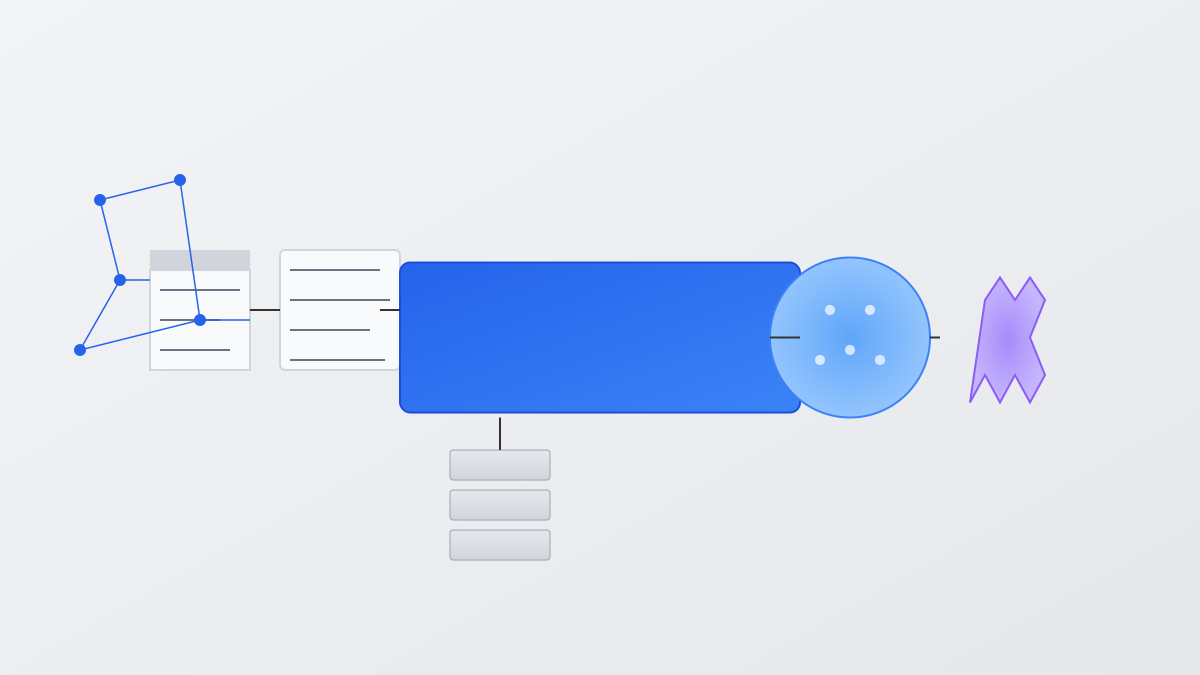
site2llms uses a phased pipeline architecture consisting of five stages: Discovery (automatically obtaining URLs), Acquisition (handling website protection mechanisms), Extraction (converting HTML to Markdown), Summarization (generating structured content via Ollama), and Writing (outputting standardized documents). URL discovery strategies are executed in priority order:

  1. WordPress REST API: Directly call endpoints to get original content;
  2. XML Sitemap: Parse common sitemap formats;
  3. RSS/Atom Feeds: Extract links from feed items;
  4. Crawler Fallback: BFS crawler as a backup, supporting depth and quantity limits.
4

Section 04

Intelligent Content Processing: Acquisition Pipeline and Markdown Conversion

Intelligent Content Acquisition and Extraction

Content Acquisition Pipeline

To deal with anti-crawling mechanisms, a three-layer strategy is adopted:

  1. HTTP Fast Acquisition: Lightweight request headers with automatic decompression;
  2. Headless Browser Fallback: Chromium driven by Playwright, with anti-detection measures;
  3. Cookie Injection: Support Netscape/JSON format cookies to bypass login/CAPTCHA.

Content Extraction and Conversion

Use heuristic selectors to locate main content (prioritizing main/article tags), strip boilerplate content, then convert to GitHub-style Markdown via ReverseMarkdown. Pages with content less than 50 characters are skipped.

5

Section 05

Ollama Summarization and Incremental Caching Mechanism

Ollama Summarization and Incremental Processing

Structured Summarization

Call the local Ollama API (default minimax-m2.5:cloud model) to generate structured summaries including TL;DR, Key Points, Useful Context, FAQ, and Reference. Each file comes with YAML metadata (title, source URL, time, etc.).

Incremental Caching

Record the SHA-256 hash of URL content via manifest.json. Subsequent runs only process pages with changed content, improving efficiency and making it suitable for scheduled tasks or CI/CD workflows.

6

Section 06

Output Structure and Usage Modes

Output Structure and Usage Modes

Output Structure

After processing, generate in output/<host>/:

  • llms.txt: Host-level page index;
  • manifest.json: Content hash cache;
  • ai/pages/: Standard Markdown files (with metadata).

Usage Modes

  1. Command-line Mode: Configure via parameters like --url (e.g., site2llms --url https://example.com --max-pages 50);
  2. Interactive Mode: Run without parameters to enter interactive prompts; Support --include/--exclude wildcard filters for URLs, with --exclude having higher priority.
7

Section 07

Application Scenarios and Tool Value

Application Scenarios and Value

site2llms solves multiple pain points:

  1. Document Site Conversion: Build LLM-friendly knowledge bases;
  2. RAG Workflow Preparation: Provide structured input data;
  3. Content Archiving: Create offline readable versions;
  4. Competitor Analysis: Quickly extract core content of competitors;
  5. Static Site Generation: Integrate into build workflows. Compared to manual organization or general crawlers, it provides out-of-the-box structured output and intelligent summaries, lowering the threshold for AI workflows.
8

Section 08

Limitations and Future Improvement Directions

Limitations and Future Directions

Current Limitations

  • Only supports Ollama as the model provider;
  • Heuristic extraction may not handle complex SPA frameworks;
  • Headless browser mode has high latency (5-15 seconds per page).

Future Improvements

  • Integrate external cache sources (Google Cache, Wayback Machine);
  • Enhance headless browser stealth to deal with more aggressive anti-crawling mechanisms.