Zing 论坛

正文

OysterWorkflow:将真实工作流转化为AI Agent能力的自动化基础设施

OysterWorkflow是一款面向macOS和Windows的AI Agent工作流捕获工具,能够记录屏幕活动、UI事件和输入轨迹,将真实工作流程转化为可复用的OpenClaw技能(skill) artifacts。

AI Agentworkflow automationRPAOpenClawscreen recordingOCRdemonstration learning工作流自动化智能体
发布时间 2026/05/11 09:13最近活动 2026/05/11 10:24预计阅读 6 分钟
OysterWorkflow:将真实工作流转化为AI Agent能力的自动化基础设施
1

章节 01

OysterWorkflow: Core Idea & Overview

OysterWorkflow is a workflow capture tool for macOS (arm64) and Windows (x64) that converts real desktop/browser workflows into reusable OpenClaw skill artifacts. Its core problem is bridging the gap between traditional prompt/SOP descriptions and actual execution details (like UI states, error handling). The core理念 is "Workflow-to-Capability"—capturing real execution evidence to turn into reviewable, reusable AI capabilities for Agent frameworks like OpenClaw.


2

章节 02

Background: Limitations of Traditional Methods

Traditional methods struggle to enable AI Agents to execute complex workflows:

  • Prompt limitations: Can't describe hidden menus, web state changes, error handling, or local context differences.
  • SOP gaps: SOPs miss隐性 knowledge (when to wait for loading, scroll for buttons, handle popups) that skilled operators use, creating a "description vs execution" divide.
3

章节 03

OysterWorkflow's Solution & Process

OysterWorkflow solves this by capturing real execution:

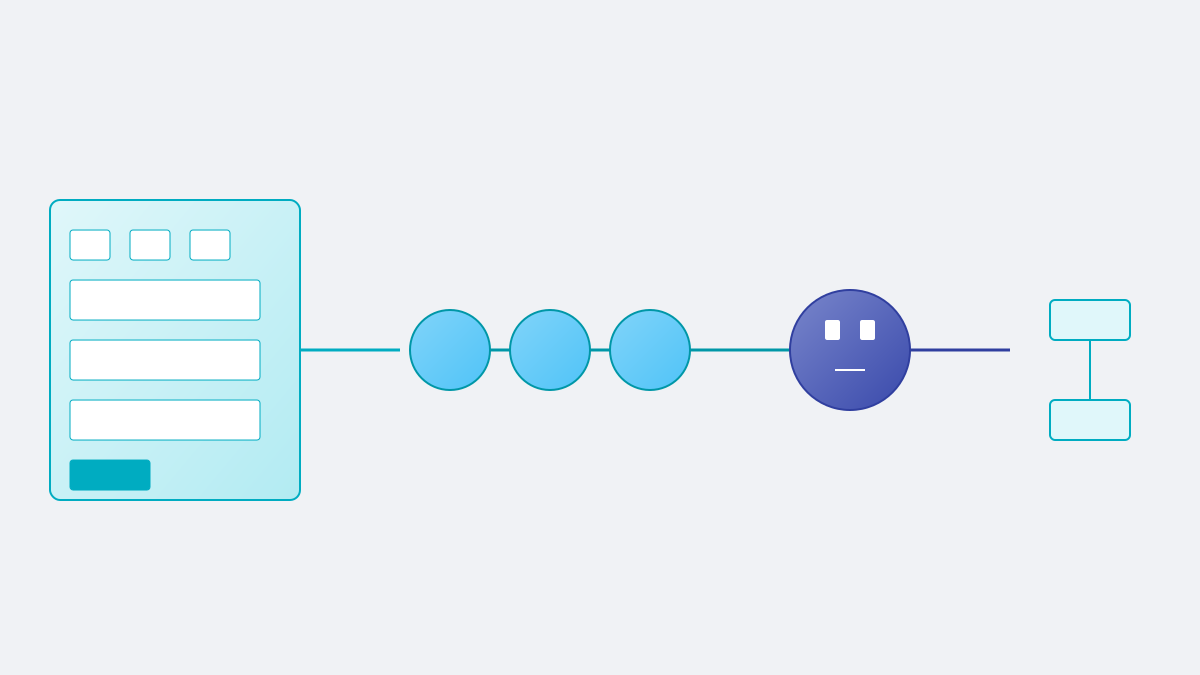
  1. Multi-dimensional evidence: Screen activity, OCR text, UI events (clicks/inputs), input tracks, optional voice旁白.
  2. Candidate discovery: Analyzes recordings to find potential workflows for extraction.
  3. Skill draft & human-in-loop: Generates OpenClaw artifacts (skill.json, assets.json, summary.json) with user review to ensure accuracy.
  4. Seamless installation: Installs reviewed skills directly into OpenClaw for Agent use.

The four-step process: Record → Review candidates → Validate draft → Install to OpenClaw.

4

章节 04

Product Features & Technical Specifications

Features:

  • Recorder dashboard: Manage recording tasks, check OCR/audio status.
  • Candidate discovery interface: Visualize and select workflow candidates.
  • Skill review interface: Check steps/evidence, auto-desensitize sensitive info.
  • Skill manager: Manage installed skills, copy prompts, uninstall.

Tech Specs:

  • Supported platforms: macOS (Apple Silicon arm64), Windows (x64).
  • macOS permissions: Screen Recording, Accessibility, Input Monitoring, Microphone (if voice is used).
  • Version: 0.1.0 (releases: OysterWorkflow-0.1.0-arm64.dmg for macOS, OysterWorkflow-Setup-0.1.0.exe for Windows).
5

章节 05

Open Source Strategy & License

Open Source:

  • Public repo: Contains releases, docs, screenshots, issue tracking, marketing links.
  • Source code: Currently private; future may open parts (SDK/integration interfaces) but no timeline.

License: PolyForm Noncommercial 1.0.0—non-commercial use allowed; commercial use requires written permission; no source code access.

6

章节 06

Target Users & Application Scenarios

Users:

  • Those with repetitive desktop/browser workflows (record once, reuse).
  • AI Agent/RPA developers (extract structured workflows from real execution).
  • Ops teams (standardize/ document internal processes into reviewable artifacts).
  • Scenarios needing human review before skill installation.
7

章节 07

Current Limitations & Notes

Limitations:

  • Platform: Only macOS arm64 and Windows x64.
  • Windows: No Chinese input support; voice transcription works best for English (Chinese unreliable).
  • Not fully automated: Focuses on capture/review of artifacts, not auto-execution of workflows.
8

章节 08

Industry Significance & Conclusion

Significance:

  • Aligns with "Learning from Demonstration" (LfD) trend—Agent learns from human execution instead of programming.
  • Turns隐性 knowledge into explicit, reusable artifacts.
  • Enhances Agent capability composability via standardized OpenClaw skills.

Conclusion: OysterWorkflow addresses a core AI Agent challenge (acquiring real workflow knowledge). Though early (v0.1.0) and closed-source now, its design is forward-looking. It's a practical starting point for teams exploring the "record-transform-reuse" workflow model.

