Zing Forum

Reading

document.ia: AI-Powered Automated Document Generation Pipeline

document.ia is an AI-integrated automated document pipeline that enables continuous generation, update, and maintenance of technical documents for software projects through RAG systems, DeepSeek large language models, and CI/CD workflows, addressing the common problem of document-code desynchronization.

自动化文档AI文档生成RAGCI/CDDeepSeekLlamaIndexChromaDB技术写作
Published 2026-05-23 19:41Recent activity 2026-05-23 19:51Estimated read 6 min
document.ia: AI-Powered Automated Document Generation Pipeline
1

Section 01

document.ia: Guide to the AI-Powered Automated Document Generation Pipeline

document.ia is an AI-integrated automated document pipeline that enables continuous generation, update, and maintenance of technical documents for software projects through RAG systems, DeepSeek large language models, and CI/CD workflows, addressing the common problem of document-code desynchronization. The project is maintained by AmpolStack, with source code hosted on GitHub (link: https://github.com/AmpolStack/document.ia), and was released on May 23, 2026.


2

Section 02

Project Background and Document Maintenance Challenges

Technical document maintenance in software development has long posed challenges: code evolution causes documents to become outdated, new features lack documentation, and obsolete content remains uncleaned—all increasing learning costs and maintenance risks. The traditional manual writing approach consumes developers' time, is prone to omissions and errors, and becomes unsustainable as projects scale up and iterations speed up. document.ia addresses this pain point by enabling continuous document synchronization via automated pipelines and AI technology.

3

Section 03

Core Architecture and Workflow

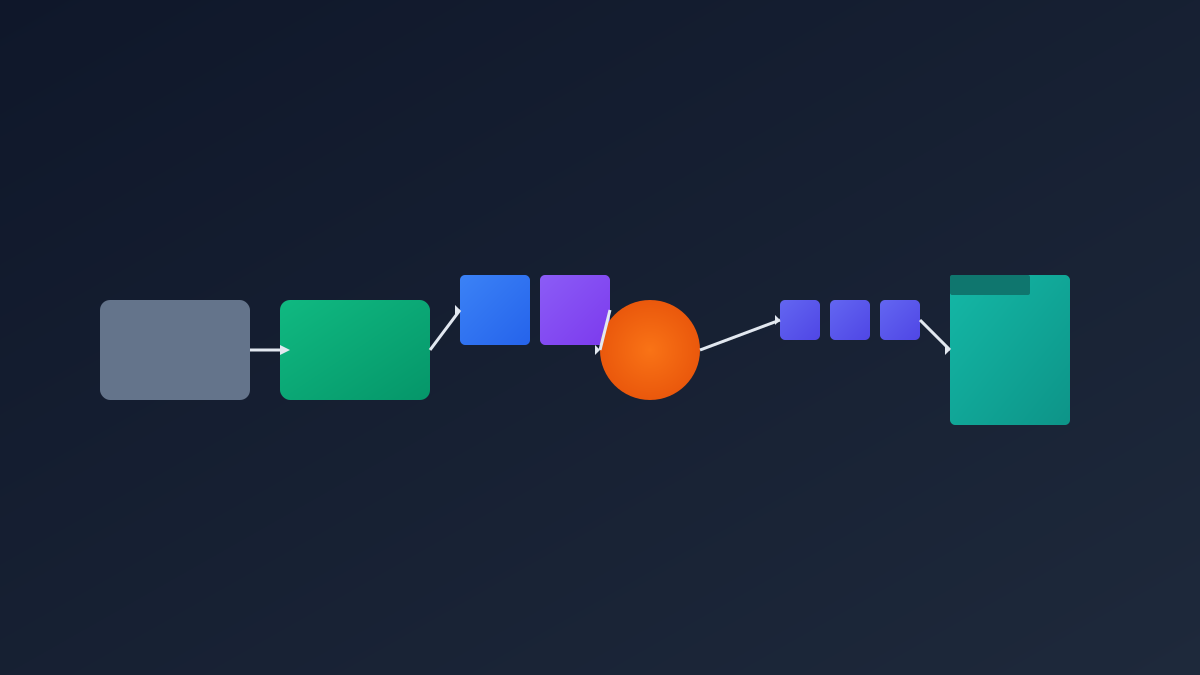
Adopting a pipeline architecture with GitHub Actions as the CI/CD orchestration engine, the workflow consists of four stages:

  1. Change Detection: Extract file change information in the src/ directory via git diff;
  2. RAG Retrieval: Build a semantic index using ChromaDB vector database + LlamaIndex to query historical document fragments related to the changes;
  3. LLM Decision: DeepSeek model analyzes the changes and decides on document add/delete/edit operations;
  4. Execution: Modify Markdown files in the docs/ directory, commit to the docs/ia branch, and sync to the Docusaurus static site.
4

Section 04

RAG System and Value of Semantic Retrieval

The RAG system is a key feature of document.ia: it vectorizes and stores existing documents, performs semantic retrieval before generation to avoid duplicate content, maintain document tone and terminology consistency, and provide context for the LLM; the vector index is persistent, accumulates knowledge as the project develops, and its retrieval quality self-enhances over time.

5

Section 05

Document Specifications and Tech Stack Selection

  • Document Specifications: Define style, structure (tutorial/guide/reference/explanation) and target audience (developer/user) via schema.yml, balancing flexibility and uniformity;
  • Tech Stack: Python (core implementation), ChromaDB (vector storage), LlamaIndex (data framework), sentence-transformers (text embedding), DeepSeek API (inference engine), Docusaurus (document site generation).
6

Section 06

Application Scenarios and Value Proposition

Suitable for agile projects, open-source projects, and API-intensive service development; its value includes: saving document writing time, improving document quality and consistency, reducing maintenance burden for open-source projects, and ensuring document-code synchronization for enterprise projects.

7

Section 07

Limitations and Improvement Directions

Limitations: AI-generated content may lack depth for readers to understand, relies on cloud APIs (requires network and quota), and document quality is affected by code readability; Improvement directions: support more LLM providers, enhance multilingual generation capabilities, and introduce manual review workflows.

8

Section 08

Integration and Deployment Guide

Integration steps: Copy the source code directory, configure the GitHub Actions workflow, set DEEPSEEK_API_KEY in GitHub Secrets; customize schema.yml and config.py; document updates are automatically triggered when code is pushed to the master branch, seamlessly integrating into the development workflow.

