Zing Forum

Reading

cy-ai: Use Natural Language to Automatically Generate End-to-End Test Code for Cypress

Introducing the cy-ai project, a Cypress plugin based on large language models that allows developers to describe test intentions in natural language and automatically generate E2E test code, significantly lowering the barrier to front-end testing.

CypressE2E测试大语言模型LLM自动化测试前端开发AI辅助开发LangChainOllama
Published 2026-06-11 12:07Recent activity 2026-06-11 12:21Estimated read 6 min
cy-ai: Use Natural Language to Automatically Generate End-to-End Test Code for Cypress
1

Section 01

cy-ai: AI-Powered Cypress Plugin for Natural Language E2E Test Generation

cy-ai is an open-source Cypress plugin developed by the ai-action organization. It integrates large language models (LLM) to let developers generate end-to-end (E2E) test code using natural language, reducing the barrier to writing Cypress tests. Key benefits include lowering cognitive load (no need to memorize Cypress APIs), improving efficiency, and enabling non-technical team members to participate in testing. The project is available on GitHub under the MIT License.


2

Section 02

The Need for cy-ai: Challenges in Cypress Test Writing

Writing Cypress E2E tests requires familiarity with its API and syntax, which can be a barrier for many. Complex interaction scenarios lead to冗长 and hard-to-maintain code. cy-ai addresses this by leveraging LLMs to translate natural language descriptions into valid Cypress code. The project was created in May 2025 and is actively updated as of June 2026.

3

Section 03

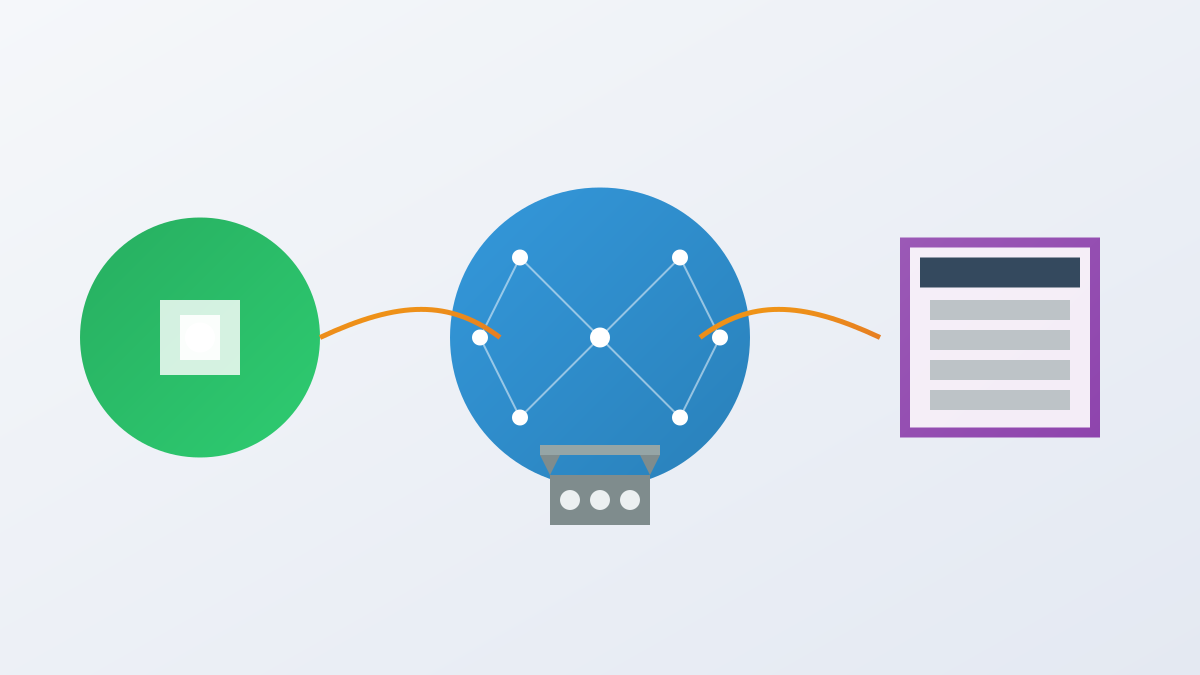
How cy-ai Works: From Natural Language to Test Code

cy-ai's workflow has three steps:

  1. Intent Capture: Developers use cy.ai() with natural language (e.g., cy.ai('see heading "Example Domain"')).
  2. Context Building: It captures current page HTML to provide context to the LLM.
  3. Code Generation: The LLM produces Cypress code following best practices (no redundant describe/it). Tech stack: Cypress (base framework), TypeScript (language), LangChain (LLM interaction), Ollama (local model support like qwen2.5-coder, codellama).
4

Section 04

Getting Started with cy-ai

Pre-requisites: Cypress installed, Ollama running locally. Installation:

  • NPM: npm install cy-ai --save-dev
  • Yarn: yarn add cy-ai --dev Configuration:
  1. Import command into Cypress support file (TypeScript: import 'cy-ai'; JS: require('cy-ai')).
  2. Start Ollama: ollama serve and pull model: ollama pull qwen2.5-coder.
  3. Chrome: Disable chromeWebSecurity in cypress.config.js to avoid CORS issues.
5

Section 05

Advanced Usage: Custom Models & Prompts

cy-ai supports customization:

  • Switch Models: Use other Ollama models (e.g., codellama) via LangChain.
  • Custom Prompts: Define your own prompt templates to control code generation.
  • Global Config: Use cy.aiConfig() to set options like custom LLM chain, log toggle, regenerate flag, and timeout. Example code snippets for custom models and prompts are available in the project docs.
6

Section 06

When to Use cy-ai: Key Scenarios

cy-ai is useful in:

  1. Quick Prototype Validation: Fast test generation for rapidly changing prototypes.
  2. Non-Technical Team Participation: Product managers/QA can write tests using natural language.
  3. Legacy Project Test Coverage: Quickly generate basic tests for projects with no existing test suite. These scenarios help teams save time and reduce communication gaps.
7

Section 07

cy-ai Project Status & Contribution

As of June 2026:

  • GitHub stars:7.
  • Tech stack: TypeScript.
  • CI: Configured build/test workflows.
  • Docs: Comprehensive README and Wiki.
  • Examples: cypress-ai-demo repository.
  • License: MIT. The project is actively developed. Community members can contribute via GitHub Issues or Discussions.
8

Section 08

Final Thoughts & Usage Tips

cy-ai is a valuable tool for AI-assisted E2E testing. Its core values are lowering entry barriers, improving efficiency, and enhancing code maintainability. Future prospects include AI integration in more dev areas (unit tests, code refactoring). Who should try: Front-end teams wanting easier E2E testing, AI tool explorers, agile teams needing quick test coverage. Tips: Start with simple tests, review generated code, and follow project updates for new features.

