Zing Forum

Reading

Building a Production-Grade SQL AI Agent: A Complete Workflow from Natural Language to Safe Execution

A local-first SQL AI Agent workflow that supports natural language to SQL conversion, dual-agent review, security validation, multi-database execution, and complete monitoring logs.

SQL AI Agent自然语言转SQLLangChainStreamlitDuckDBPostgreSQL数据查询LLM应用生产级AI数据安全
Published 2026-05-24 18:15Recent activity 2026-05-24 18:18Estimated read 5 min
Building a Production-Grade SQL AI Agent: A Complete Workflow from Natural Language to Safe Execution
1

Section 01

Building a Production-Grade SQL AI Agent: Complete Workflow Guide

This article introduces a local-first production-grade SQL AI Agent workflow that supports natural language to SQL conversion, dual-agent review, security validation, multi-database execution, and complete monitoring logs. The project is derived from the LinkedIn Learning course Build with AI: Safe and Scalable SQL AI Agents, developed by senior data science engineering manager Rami Krispin. It can run in a local environment, supports databases like DuckDB and PostgreSQL, and tracks performance via MLflow.


2

Section 02

Background: Why Do We Need a SQL AI Agent?

Data analysts and business professionals often face barriers to writing SQL. Traditional BI tools still require manual SQL writing for complex queries. While LLMs can convert natural language to SQL, productionization needs to address issues like semantic accuracy, security, observability, and scalability (e.g., preventing SQL injection, tracking execution processes, etc.).

3

Section 03

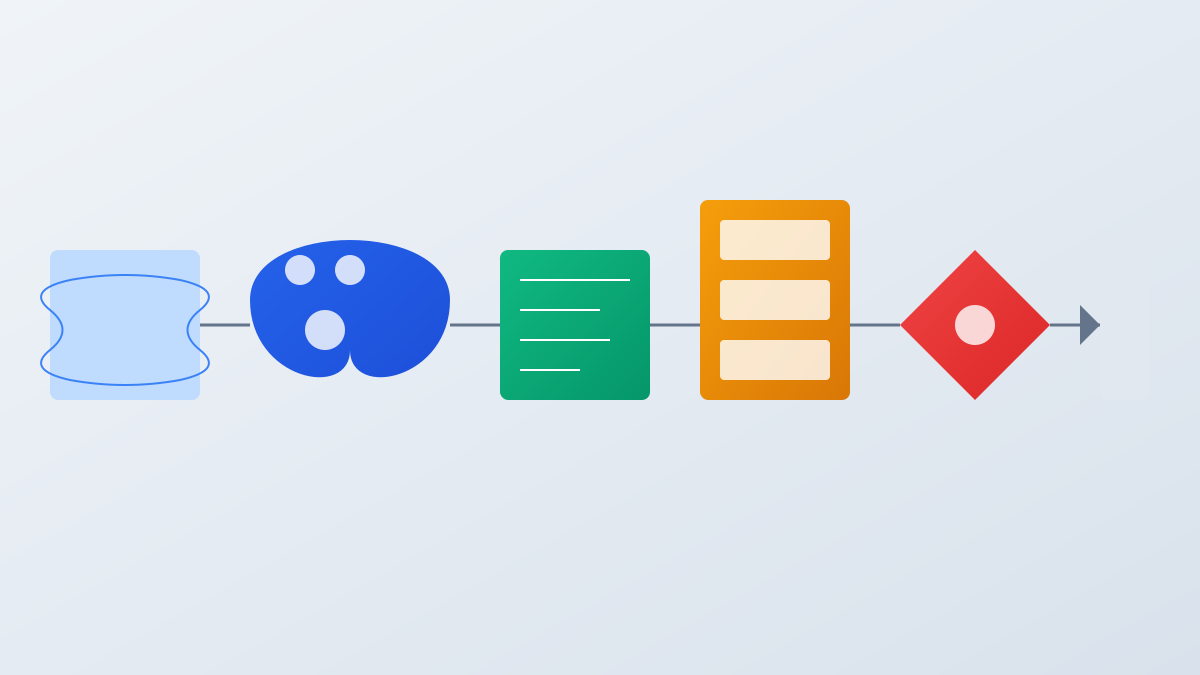
Core Architecture: Five-Stage Workflow

This Agent uses a phased design:

  1. Natural Language Understanding (parse user questions to extract key information);
  2. Context Injection (inject database schema information);
  3. SQL Generation and Dual-Agent Review (after generation, another Agent independently checks accuracy);
  4. Security Validation and Execution (checks for syntax, permissions, dangerous operation interception, etc., supports DuckDB/PostgreSQL);
  5. Result Presentation and Logging (display results via Streamlit, record complete logs via MLflow).
4

Section 04

Tech Stack and Implementation Details

Built on the Python ecosystem, key dependencies include LangChain (LLM calling and Agent framework), Streamlit (interactive interface), DuckDB/PostgreSQL (database support), MLflow (performance monitoring), and OpenAI API (default LLM). The modular design allows replacing LLM providers, testing phase functions independently, and extending business requirements.

5

Section 05

Practical Application Scenarios

Applicable to multiple scenarios:

  1. Self-service queries for business analysts (non-technical personnel ask questions in natural language);
  2. Data exploration and hypothesis validation (data scientists quickly explore datasets);
  3. Embedded data assistant (integrated into enterprise systems);
  4. Education and training (assist in learning SQL).
6

Section 06

Deployment and Usage Guide

Supports deployment in a local development environment:

  1. After cloning the project, activate the environment with Conda and install dependencies;
  2. Create a .env file to configure API keys and database connections;
  3. Launch the Agent interface (streamlit run app/agent_app.py) and log monitoring panel (streamlit run app/logs_app.py).
7

Section 07

Summary and Future Outlook

The core value of this project lies in its completeness (covering the entire workflow), security (multi-layer validation), observability (log monitoring), and flexibility (multi-database support). Future enhancements may include support for multi-turn conversations, automatic anomaly detection, proactive data insight recommendations, and other features.

