Zing Forum

Reading

Build a Local RAG Document Chatbot from Scratch: A Complete Practice with LangChain and Ollama

This article provides an in-depth analysis of an open-source RAG document chatbot project, covering its technical architecture, implementation details, and local deployment process. The project combines Streamlit, LangChain, ChromaDB, MongoDB, and Ollama to demonstrate how to build a localized AI assistant that supports interaction with multiple PDF documents.

RAGLangChainOllamaStreamlitChromaDB向量数据库文档问答本地部署Phi模型PDF处理
Published 2026-05-25 18:14Recent activity 2026-05-25 18:19Estimated read 7 min
Build a Local RAG Document Chatbot from Scratch: A Complete Practice with LangChain and Ollama
1

Section 01

【Introduction】Build a Local RAG Document Chatbot from Scratch: A Complete Practice with LangChain and Ollama

This article introduces the open-source project AI-RAG-DOCUMENT-CHATBOT, which uses Streamlit, LangChain, ChromaDB, MongoDB, and Ollama to implement a localized AI assistant for interacting with multiple PDF documents. The project addresses the issues of LLM knowledge cutoff and hallucinations while ensuring data privacy. The following sections will cover background, architecture, features, implementation, deployment, highlights, and a summary.


2

Section 02

Background: Value of RAG Technology and Project Origin

Core Value and Principles of RAG Technology

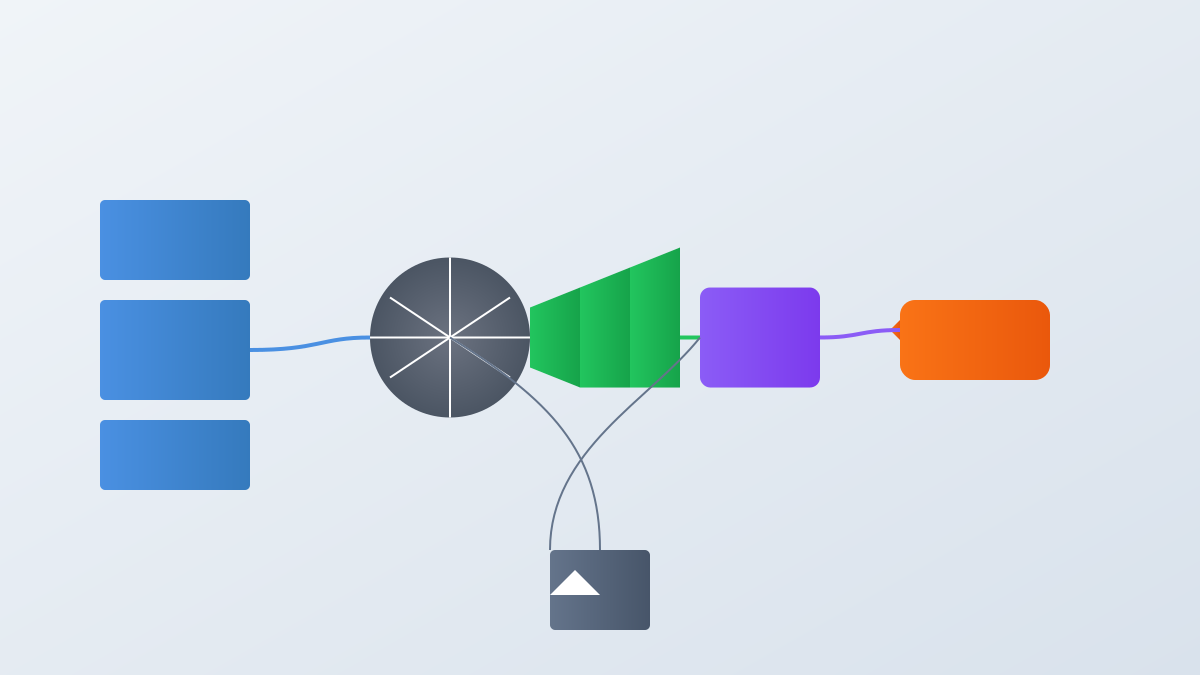
RAG guides LLMs to generate answers by retrieving fragments from external knowledge bases, solving the problems of traditional LLMs' knowledge cutoff (inability to access new information) and hallucinations (unfounded answers). Its process includes three stages: document processing and vectorization, semantic retrieval, and context-enhanced generation.

Project Origin

3

Section 03

Project Architecture and Tech Stack Analysis

Project Tech Stack:

  • Frontend: Streamlit (quickly build interactive interfaces)
  • Backend RAG: LangChain (simplify AI application development)
  • Vector Database: ChromaDB (lightweight embedded storage, optimized for vector retrieval)
  • Session Management: MongoDB (persist conversation history)
  • Local LLM: Ollama running Microsoft Phi model (small size, excellent performance, suitable for local deployment)
4

Section 04

Core Features and Application Scenarios

Core Features

  1. User authentication (password hash storage)
  2. Automatic processing of multiple PDF uploads (parsing, chunking, embedding, storage)
  3. Natural language Q&A (semantic retrieval + local Phi model generation)
  4. Persistent conversation history

Application Scenarios

  • Internal enterprise knowledge base Q&A
  • Academic research assistance (paper interaction)
  • Personal learning assistant (textbook/note Q&A) Advantage: Local deployment ensures data privacy; no need to upload sensitive documents.
5

Section 05

Implementation Details and Workflow

Document Processing Flow

  1. PDF upload → text extraction
  2. Overlapping chunking (balance context and retrieval accuracy)
  3. Sentence Transformers generate text vectors
  4. Vectors stored in ChromaDB to build indexes

Query Flow

  1. Encode the question into a vector
  2. Similarity search returns Top-K fragments
  3. Format fragments + question and send to Phi model for answer generation (encapsulated by LangChain)
6

Section 06

Local Deployment and Operation Guide

Deployment Steps

  1. Install dependencies: pip install -r requirements.txt
  2. Ollama setup: Install Ollama → ollama pull phi
  3. Start services:
    • ollama serve (model inference)
    • streamlit run app.py (web application)

Customization

The code structure is clear; you can replace the embedding model, adjust chunking strategies, switch to other models supported by Ollama, or extend document formats.

7

Section 07

Technical Highlights and Innovations

  1. Complete User Authentication: Rare in similar projects, considering production environment availability
  2. Multi-Document Support: Upload multiple PDFs simultaneously to build a knowledge base
  3. Context Awareness: Understand user intent by combining conversation history (supported by MongoDB)
  4. Fully Localized: Embedding and LLM inference are done locally, protecting privacy and incurring no API costs
8

Section 08

Summary and Outlook

Summary

The project demonstrates the feasibility of building an enterprise-level RAG system using open-source toolchains: Streamlit lowers the frontend barrier, LangChain simplifies the pipeline, and Ollama enables local LLM deployment.

Suggestions and Trends

  • For beginners: Start with the source code to understand component interactions
  • For practice: Try modifying the embedding model and adjusting retrieval parameters
  • Future: Multimodal RAG and Agent-enhanced retrieval will improve the intelligence level of the system