Zing Forum

Reading

Neural-Viz: An Interactive Learning Platform for Visualizing the Mathematical Principles of Neural Networks

A browser-only neural network visualization tool that helps learners understand the core mechanisms of deep learning from first principles by real-time demonstration of forward propagation, backpropagation, gradient calculation, and optimizer behavior.


neural networkvisualizationeducationbackpropagationgradient descentdeep learninginteractivePyTorchJavaScript
Published 2026-06-03 08:13Recent activity 2026-06-03 08:19Estimated read 8 min
Neural-Viz: An Interactive Learning Platform for Visualizing the Mathematical Principles of Neural Networks
1

Section 01

Introduction / Main Floor: Neural-Viz: An Interactive Learning Platform for Visualizing the Mathematical Principles of Neural Networks

A browser-only neural network visualization tool that helps learners understand the core mechanisms of deep learning from first principles by real-time demonstration of forward propagation, backpropagation, gradient calculation, and optimizer behavior.

3

Section 03

Project Background and Core Philosophy

There has been a long-standing pain point in the deep learning field: although frameworks like PyTorch and TensorFlow make building neural networks easy, many learners lack an intuitive understanding of the underlying mathematical principles. Core concepts such as backpropagation, gradient descent, and activation functions often remain at the formula level, making it difficult to form true intuition.

The neural-viz project was created to address this problem. It is not a machine learning framework for production environments, but an education-first interactive visualization platform. The core philosophy of the project can be summarized in one sentence: "Make the math visible". All displayed data is computed in real-time from first principles, with no simulated values or preset results.


4

Section 04

Network Architecture Configuration

Users can freely configure the architecture of a Multi-Layer Perceptron (MLP):

  • Hidden Layers: Supports 1 to 4 hidden layers, with 2 to 8 neurons per layer
  • Activation Functions: Each layer can independently choose ReLU, Tanh, or Sigmoid
  • Real-time Reload: Architecture modifications immediately reinitialize the network without needing to refresh the page

This flexibility allows learners to experiment with the impact of different configurations on model capabilities, such as verifying why the XOR problem requires at least one hidden layer to solve.

5

Section 05

Dataset Ecosystem

The project has 8 built-in datasets, divided into two categories:

Logic Gate Datasets (4-point classic truth tables):

  • Basic logical operations like XOR, AND, OR
  • These datasets are small but perfect starting points for understanding the nonlinear capabilities of neural networks

Geometrically Generated Datasets:

  • Distributions like circles, crescents, spirals, linear, clusters, etc.
  • Supports adjusting noise level, number of data points, and random seed
  • All data is normalized to the [0,1]² interval

Switching datasets automatically reinitializes the network and retrains it; the decision boundary, loss curve, and all panel data are updated synchronously.

6

Section 06

Training Control and Optimizers

The project implements four classic optimizers, all written from scratch to match PyTorch's default behavior:

  1. SGD (Stochastic Gradient Descent)
  2. Momentum
  3. RMSProp
  4. Adam

Training control provides fine-grained interactive options:

  • Continuous Training/Pause: Full-batch gradient descent
  • Step Forward: Observe changes per epoch
  • Explanatory Step: Four-stage interactive walkthrough (Forward Propagation → Loss Calculation → Backpropagation → Parameter Update), supporting auto-play and manual control
  • Reset: Reinitialize with new random weights

The convergence detection mechanism automatically stops training when the loss drops below 0.001 or when the classification confidence of all data points exceeds 95% for 50 consecutive epochs.


7

Section 07

Network Graph and Decision Boundary

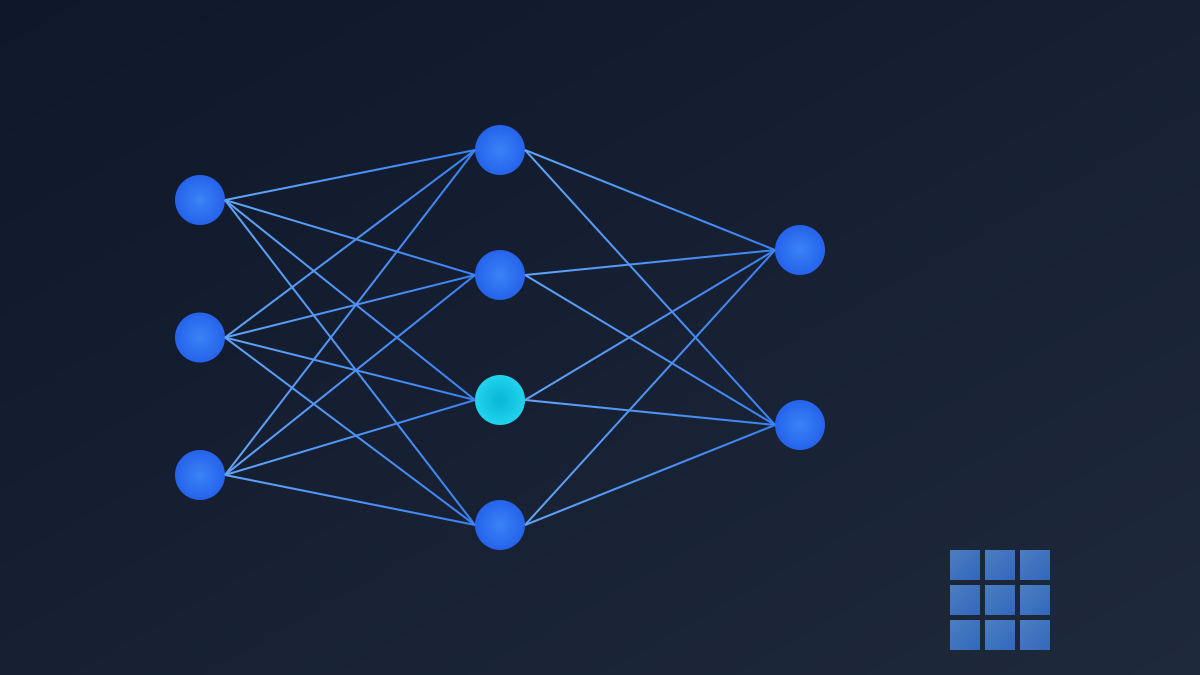
The Network Graph is rendered using SVG; neurons are colored based on the magnitude of their activation values, and connecting edges are colored based on the absolute value of the gradient |∂L/∂w|. This design allows learners to immediately see which connections are most important in the current training phase.

The Decision Boundary is computed via real forward propagation on a 40×40 grid and updated in real-time. Combined with the confidence heatmap (showing brightness as |p − 0.5| × 2), users can intuitively understand the model's prediction confidence in different regions.

8

Section 08

Audit and Verification Panels

The Audit Panel displays the forward propagation trajectory of each sample, including the symbolic BCE (Binary Cross-Entropy) formula and actual values. This dual display of "symbol + value" helps learners establish a mapping from formulas to calculations.

The Gradient Check Panel implements symmetric finite difference estimation: [L(w+ε)−L(w−ε)] / 2ε, which is used to verify the correctness of backpropagation calculations. The system automatically selects the weight with the largest absolute gradient for checking.