Zing Forum

Reading

LMSA: An Android Chat Client for Localized Large Language Models

The LMSA app developed by TechMitten provides a clean mobile chat interface for LM Studio, Ollama, and OpenRouter, making local LLMs easily accessible.

大语言模型Android应用LM StudioOllamaOpenRouter本地部署移动端AI
Published 2026-05-17 05:44Recent activity 2026-05-17 05:52Estimated read 5 min
LMSA: An Android Chat Client for Localized Large Language Models
1

Section 01

[Introduction] LMSA: An Android Chat Client Connecting Local and Cloud LLMs

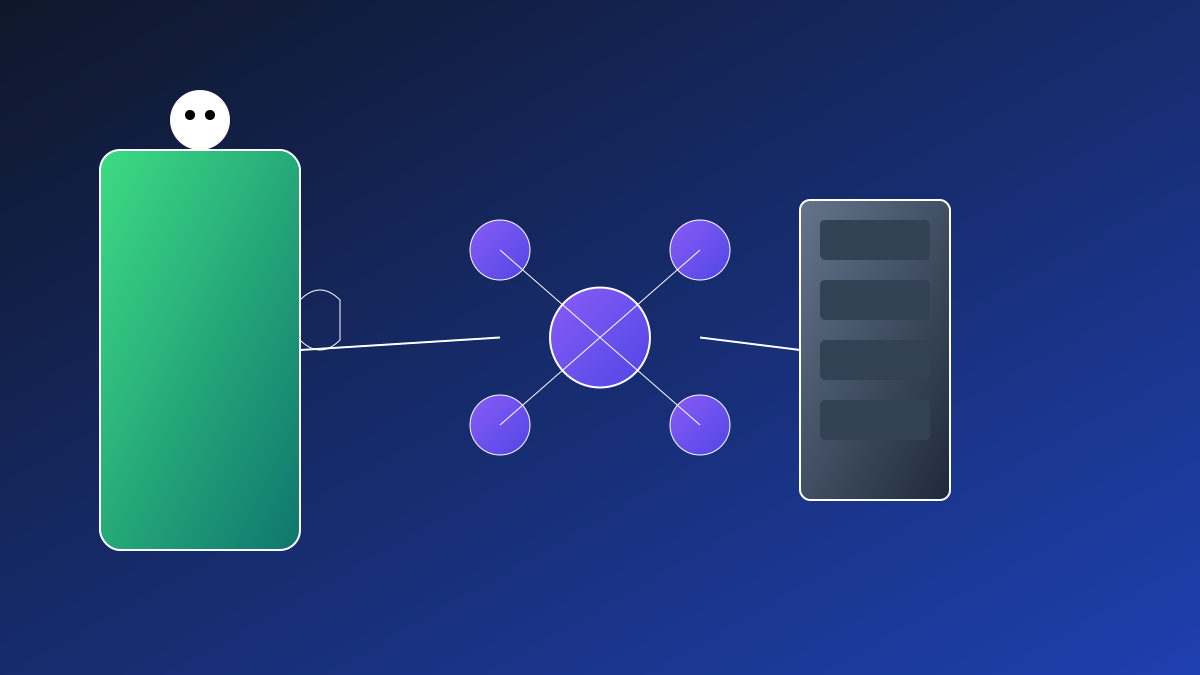
LMSA is an Android chat client developed by TechMitten, designed specifically for localized large language models. It supports connecting to three major service platforms: LM Studio, Ollama, and OpenRouter, addressing the pain point of poor mobile experience with local LLMs. It offers a clean and elegant interaction, balancing data privacy and the flexibility to switch between local and cloud models.


2

Section 02

Mobile Pain Points of Local LLMs and the Birth Background of LMSA

With the development of LLM technology, local deployment has gained attention due to its advantages in privacy protection, zero latency, and cost savings. However, most tools are designed for desktop use, leading to a subpar mobile experience. As an Android client, LMSA aims to fill this gap by supporting connections to three platforms and providing convenient mobile interaction.

3

Section 03

Detailed Explanation of the Three LLM Service Platforms Supported by LMSA

  • LM Studio: A popular desktop tool that supports running open-source models (e.g., Llama, Mistral) across multiple systems. LMSA communicates with desktop models via its local API server;
  • Ollama: A command-line tool that is lightweight and supports Docker deployment. LMSA connects to its REST API, making it easy for users to access private model servers;
  • OpenRouter: An API gateway aggregating multiple models, supporting commercial/open-source models like GPT-4 and Claude. After integration with LMSA, users can flexibly switch between local and cloud models.

4

Section 04

Core Design Highlights of LMSA: Balancing Simplicity and Flexibility

  • Clean UI: Removes redundant elements, focusing on the conversation experience;
  • Multi-session Management: Independent sessions prevent context interference;
  • Flexible Configuration: Customize server address, port, and key to adapt to different deployment environments;
  • Mobile Optimization: Details like quick input, message sharing, and dark mode enhance the experience.
5

Section 05

Advantages and Challenges of Local LLMs

Advantages:

  1. Data Privacy: Data runs locally without leaving the device, suitable for sensitive information processing;
  2. Cost Control: Avoids token-based billing, making it more economical in the long run;
  3. Offline Availability: Usable without an internet connection. Challenges:
  4. Hardware Requirements: Relies on desktop/server computing power;
  5. Model Limitations: Hardware performance limits the number of model parameters;
  6. Configuration Complexity: Requires certain technical knowledge to complete deployment.
6

Section 06

Application Scenarios of LMSA and the Future of AI Ecosystem

Application Scenarios:

  • Enterprise Private Knowledge Base: Securely query internal documents;
  • Personalized AI Assistant: Exclusive service fine-tuned based on personal data;
  • Education Sector: Schools deploy local models to protect student data;
  • Edge Computing: Upgrading dedicated models for scenarios like factories/hospitals. Conclusion: LMSA fills the gap in mobile local LLMs. In the future, with advancements in edge-side models and hardware, it will promote a more open and privacy-friendly AI ecosystem.
