Zing Forum

Reading

LLM-Screen-Bridge: Let Large Language Models 'See' and Control Your Screen

An innovative Python desktop tool that defines screen regions via visual anchors, enabling LLMs to perform real-time analysis of screen content and automated control, opening up new possibilities for AI-assisted workflows.

大语言模型屏幕自动化计算机视觉AI代理Python工具多模态AIGUI自动化人机协作
Published 2026-04-30 00:36Recent activity 2026-04-30 00:47Estimated read 5 min
LLM-Screen-Bridge: Let Large Language Models 'See' and Control Your Screen
1

Section 01

Introduction: LLM-Screen-Bridge—An Innovative Tool for Enabling Large Language Models to 'See' and Control Screens

LLM-Screen-Bridge is a Python desktop tool that defines screen regions using visual anchors, enabling large language models to perform real-time analysis of screen content and automated control. It breaks the limitation that existing AI assistants cannot directly interact with the screen, opening up new possibilities for AI-assisted workflows.


2

Section 02

Project Background: Interaction Pain Points of Existing AI Assistants

Most mainstream AI assistants currently interact via APIs or plugins, which have three major limitations: information silos (inability to obtain real-time visual screen information), operational gaps (manual transfer of content and execution suggestions required), and context loss (pure text struggles to convey complex interface states). LLM-Screen-Bridge aims to build a bridge, allowing AI to 'watch' the screen and perform operations like humans, enabling intelligent automated workflows.

3

Section 03

Technical Principle: Four-Step Cycle Mechanism for Closed-Loop Interaction

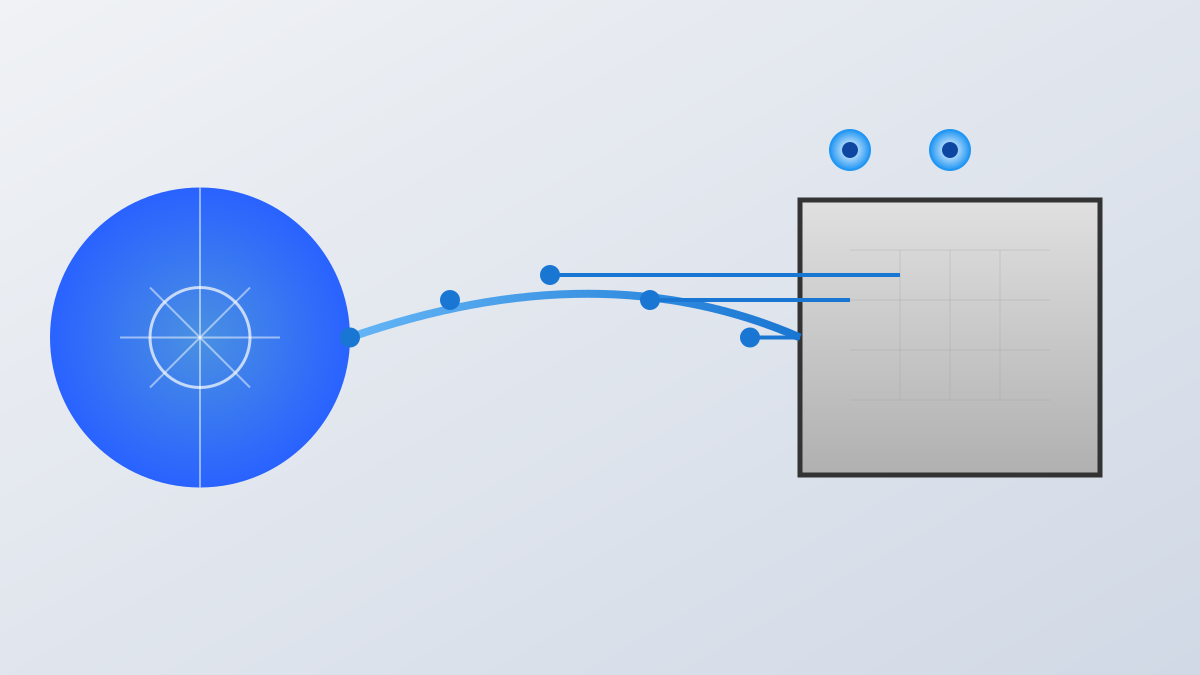
The project uses a four-step cycle mechanism: 1. Visual Anchor Detection: Locate top_element.png and bottom_element.png via image recognition to define the area of interest; 2. Intelligent Content Analysis: Capture screenshots and send them to LLMs that support image input (such as GPT-4V, Claude, etc.) for analysis; 3. Automated Execution: The LLM returns coordinate instructions, and the system automatically performs mouse clicks; 4. Continuous Interaction Cycle: After an operation, automatically capture a new screen and analyze it again, forming a dynamically adjusted collaborative cycle.

4

Section 04

Application Value: Automation and Collaboration Scenarios Across Multiple Domains

LLM-Screen-Bridge can be applied in: Automated Testing and QA (describe steps in natural language, AI executes automatically), Accessibility Assistance (help visually impaired or operationally limited users complete software operations), Workflow Automation (simplify repetitive tasks like data processing and report generation), and Intelligent Customer Service (real-time 'see' user interface issues and directly perform fixes).

5

Section 05

Safety Design: Risk Control and Human Supervision

The tool has a built-in emergency stop mechanism (press ESC to terminate operation), and it is clear that users must bear the risks themselves. The project uses a 'human supervision cycle' design to ensure AI behavior aligns with user intentions, balancing automation and safety.

6

Section 06

Open Source Ecosystem: Community Collaboration Under GPLv3 License

The project uses the GNU GPLv3 license, which allows commercial use, modification, and distribution. It requires derivative works to be open source and retain copyright notices, protecting the original author's rights while providing space for community innovation.

7

Section 07

Conclusion: Future Exploration of AI Interaction Paradigms

Although LLM-Screen-Bridge has concise code, its concept is far-reaching—it represents AI shifting from passive response to active perception, from text interaction to visual interaction, and from suggestion assistance to action execution. Future AI assistants will be more like intelligent colleagues, directly completing tasks under supervision, and this project is an early exploration of this future.

