Zing Forum

Reading

LLM-driven Intelligent Schedule Extraction: Chrome Extension Automatically Identifies Web Events and Syncs to Google Calendar

A Chrome browser extension that leverages the natural language understanding capabilities of large language models (LLMs) to automatically identify event information on web pages and add it to Google Calendar with one click, solving the tedious problem of manually copying and pasting schedules.

Chrome扩展Google日历LLM应用事件提取浏览器插件日程管理自然语言处理智能工具开源项目生产力工具
Published 2026-05-24 05:44Recent activity 2026-05-24 05:51Estimated read 7 min
LLM-driven Intelligent Schedule Extraction: Chrome Extension Automatically Identifies Web Events and Syncs to Google Calendar
1

Section 01

LLM-driven Intelligent Schedule Extraction Chrome Extension: One-click Sync of Web Events to Google Calendar

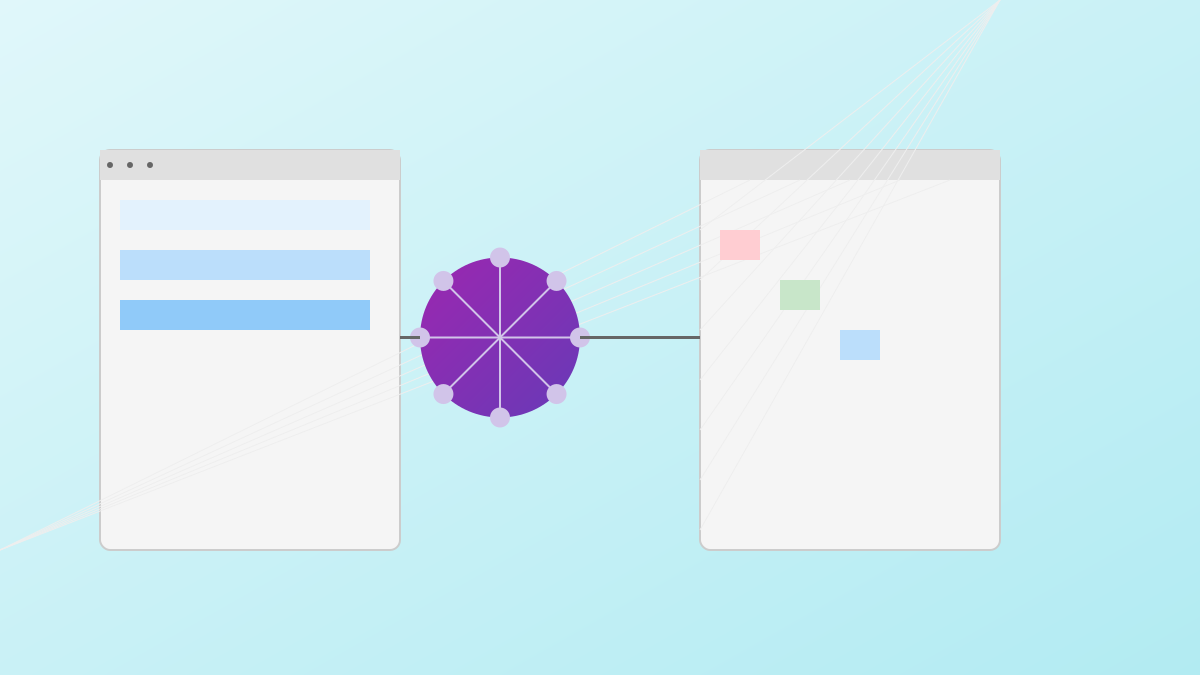
This Chrome extension is developed by ryoshumei (open-source project, GitHub link: https://github.com/ryoshumei/add-to-calendar). It uses the natural language understanding capabilities of large language models (LLMs) to automatically identify event information (such as title, time, location, and description) on web pages and sync it to Google Calendar with one click, solving the tedious problem of manually copying and pasting schedules. The extension supports cloud API calls (e.g., OpenAI GPT, Anthropic Claude) and local model inference (ONNX Runtime/Transformers.js), balancing accuracy and privacy protection, and is currently in the active development stage.


2

Section 02

Project Background: Pain Points of Manual Schedule Management and LLM Solutions

When browsing the web daily, users often encounter information about activities, meetings, performances, etc. The traditional method of manually extracting key information and filling in the calendar is tedious and error-prone, especially when the information is scattered or the format is inconsistent. With the improvement of LLM capabilities, it has become possible for AI to automatically understand web content and extract structured events. This project combines LLMs with the convenience of browser extensions to create an intelligent schedule extraction tool.

3

Section 03

Core Features and Technical Architecture: LLM Integration and Chrome Extension Design

Intelligent Event Recognition: LLMs process unstructured text to recognize natural language time (e.g., "next Wednesday at 2 PM"), relative time, complex locations, and multi-paragraph details, which is superior to traditional rule/regex methods. Chrome Extension Architecture: Adopts Manifest V3 configuration (permission definition), Content Script (page content scanning and triggering), Background Service Worker (API communication and authentication), and Popup interface (user interaction). LLM Integration Strategy: Supports cloud API calls (high accuracy) and local model inference (privacy/offline), and outputs structured JSON (including fields like title, startTime) through prompt engineering.

4

Section 04

Use Cases: Productivity Improvement Across Multiple Scenarios

  • Meetings and Event Invitations: Parse meeting topics, times, and participant links, add to the calendar with one click, and reduce the risk of missing events.
  • Performances and Ticketing: Extract show times, venues, and seat information to create complete events.
  • Course Plans: Batch extract online education schedules, sync to the calendar, and set reminders.
  • Travel Itineraries: Extract flight, hotel, and attraction information to build travel schedules.
5

Section 05

Privacy and Security: Design with Minimal Permissions and Local Processing Priority

  • Minimal Permission Principle: Only requests necessary permissions and does not collect irrelevant data.
  • Local Processing Priority: Supports local model inference, so sensitive content does not need to be transmitted to the cloud.
  • Transparent Data Processing: Clearly displays analyzed content, and users have control over their data.
  • Google OAuth Authentication: Uses OAuth 2.0 to access calendars, does not store passwords, and tokens are refreshed regularly.
6

Section 06

Technical Details: Event Structuring and User Interaction Optimization

Event Structuring: Convert LLM-extracted information into Google Calendar format, handling time zone conversion, all-day/timed events, recurrence rules, and location map link formatting. Interaction Optimization: Context-aware triggering (only displays the button on event pages/selected areas), progressive confirmation (form check and modification), and shortcut operations (hotkeys/right-click menu).

7

Section 07

Future Plans: Multi-Calendar Support and Intelligent Feature Expansion

Planned features include: supporting more calendar services (Outlook, Apple, Notion), intelligent conflict detection, batch event extraction, custom templates (optimization for specific websites), and team collaboration features (shared rules and calendars).

8

Section 08

Open Source Significance: Example of LLM-Application Integration and Community Contribution

As an open-source project, it not only provides a practical tool but also demonstrates an example of combining LLMs with traditional applications. The modular design facilitates community contributions; developers can refer to the architecture to integrate LLMs into extensions or web applications, with clear contribution paths (improving prompts, adding calendar support, optimizing UI, etc.).

