Zing Forum

Reading

Innovative Research on Enhancing Chart Accessibility for Low-Vision Users Based on Cursor Visual Context

This article introduces a study on chart accessibility for low-vision users, proposing an interaction design method based on cursor visual context. Through a combination of techniques such as Mini-map, Focus+Context, and Overview+Details, the experience of low-vision users in understanding and operating data charts has been significantly improved.

低视力可访问性数据可视化图表设计人机交互无障碍技术信息设计用户体验
Published 2026-04-13 08:00Recent activity 2026-04-14 14:57Estimated read 6 min
Innovative Research on Enhancing Chart Accessibility for Low-Vision Users Based on Cursor Visual Context
1

Section 01

Introduction: Research on Chart Accessibility for Low-Vision Users Based on Cursor Visual Context

This article addresses the barriers faced by low-vision users when accessing data charts, proposing an interaction design method based on cursor visual context. By combining techniques such as Mini-map, Focus+Context, and Overview+Details, it significantly improves the experience of low-vision users in understanding and operating charts. The study aims to fill the gap in existing accessibility solutions for the needs of low-vision users, and has important academic and social value.


2

Section 02

Research Background: The Chart Access Gap for Low-Vision Users

Data charts are widely used in various fields, but low-vision users (those with impaired vision even after correction, over 250 million globally) face many challenges: difficulty identifying small labels, inability to view the whole and details simultaneously, and easy disorientation when zooming in. Existing screen readers are designed for fully blind users, while low-vision users rely on vision and need specially designed solutions.

3

Section 03

Core Design Concept: Cursor Visual Context Paradigm

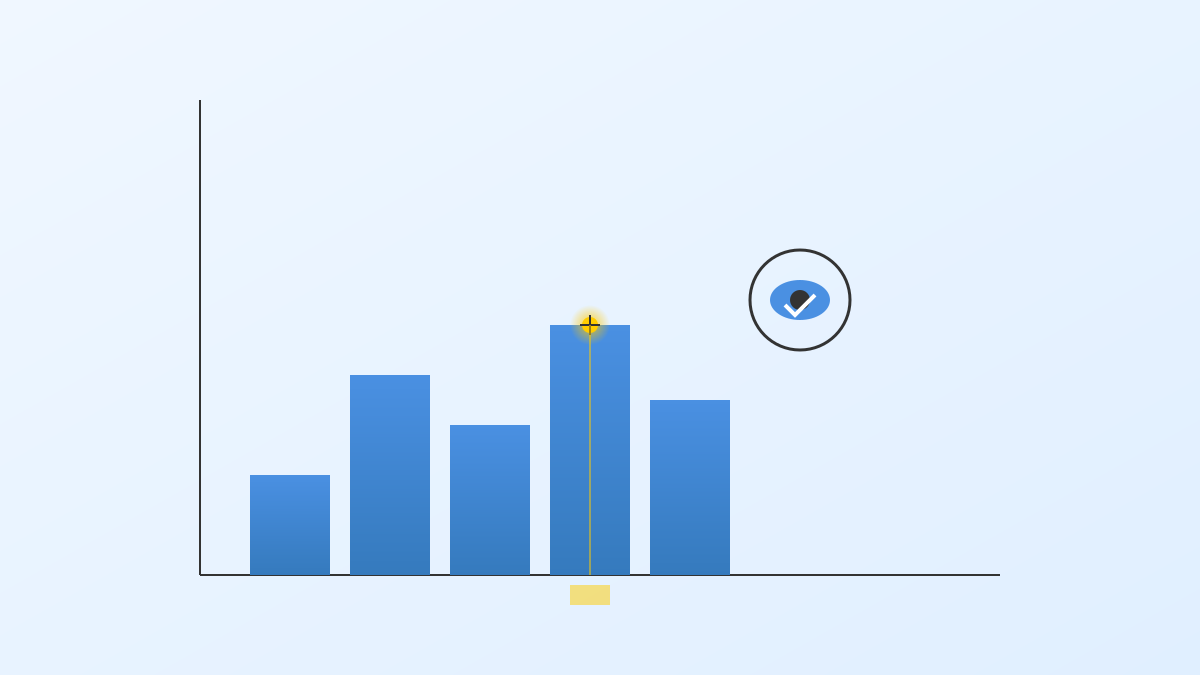
The core idea is to present auxiliary information near the cursor to reduce cognitive load. Based on observations: low-vision users rely on zoom functions, but after zooming, they easily lose overall awareness. By dynamically providing context near the cursor, it helps them understand the relationship between the local and the whole.

4

Section 04

Three Complementary Context Presentation Techniques

Mini-map: Global Positioning Guide

A thumbnail displays the entire chart, highlighting the current view position, solving the tunnel vision problem when zooming, and improving spatial positioning efficiency.

Focus+Context: Smooth Visual Transition

Local zoom centered on the cursor, maintaining peripheral visibility (e.g., fisheye distortion), balancing detail and peripheral perception.

Overview+Details: Split-Screen Architecture

Split-screen display of overall overview and local details, linked via visual cues, suitable for tasks involving switching between the whole and specific data.

5

Section 05

User Research and Evaluation Methods

22 low-vision participants (including those with macular degeneration and other causes) were recruited, and a mixed-method evaluation was used: Quantitative indicators: Task completion time, answer accuracy rate, number of navigation steps; Qualitative evaluation: SUS usability scale, NASA-TLX cognitive load, semi-structured interviews.

6

Section 06

Research Findings and Design Principles

Usability Improvement

Task completion time was reduced by 35%, accuracy increased by 28%, and disorientation cases decreased by 62%.

Technology Preferences

  • Mini-map is suitable for long-distance navigation;
  • Focus+Context is suitable for local and peripheral switching (some users need to adapt to distortion);
  • Overview+Details is suitable for complex chart analysis.

Design Principles

  1. Proactively present context;
  2. Multimodal redundancy;
  3. User-controlled customization;
  4. Progressive disclosure.
7

Section 07

Application Prospects and Expansion Directions

Application Scenarios

  • Business intelligence to assist low-vision employees in data analysis;
  • Education to support accessible data literacy;
  • Public information to improve the inclusiveness of statistical charts.

Future Directions

Personalized adaptation, multi-device compatibility, collaborative scenario support, AI-assisted enhancement.

8

Section 08

Conclusion: Building an Inclusive Digital World

This study provides practical solutions for accessibility design, emphasizing that technology should benefit everyone. With population aging and the growth of the low-vision population, this research has important social significance. We look forward to more attention to jointly build an inclusive digital world.