Zing Forum

Reading

Gesture-Controlled Music Player: A Practical Computer Vision Interaction Based on CNN

Explore how to build a touch-free music playback system controlled solely by gestures using convolutional neural networks (CNN) and WebSocket technology.

计算机视觉卷积神经网络手势识别WebSocket人机交互深度学习音乐播放器CNN
Published 2026-05-29 21:45Recent activity 2026-05-29 21:51Estimated read 6 min
Gesture-Controlled Music Player: A Practical Computer Vision Interaction Based on CNN
1

Section 01

Gesture-Controlled Music Player: Core Overview & Key Insights

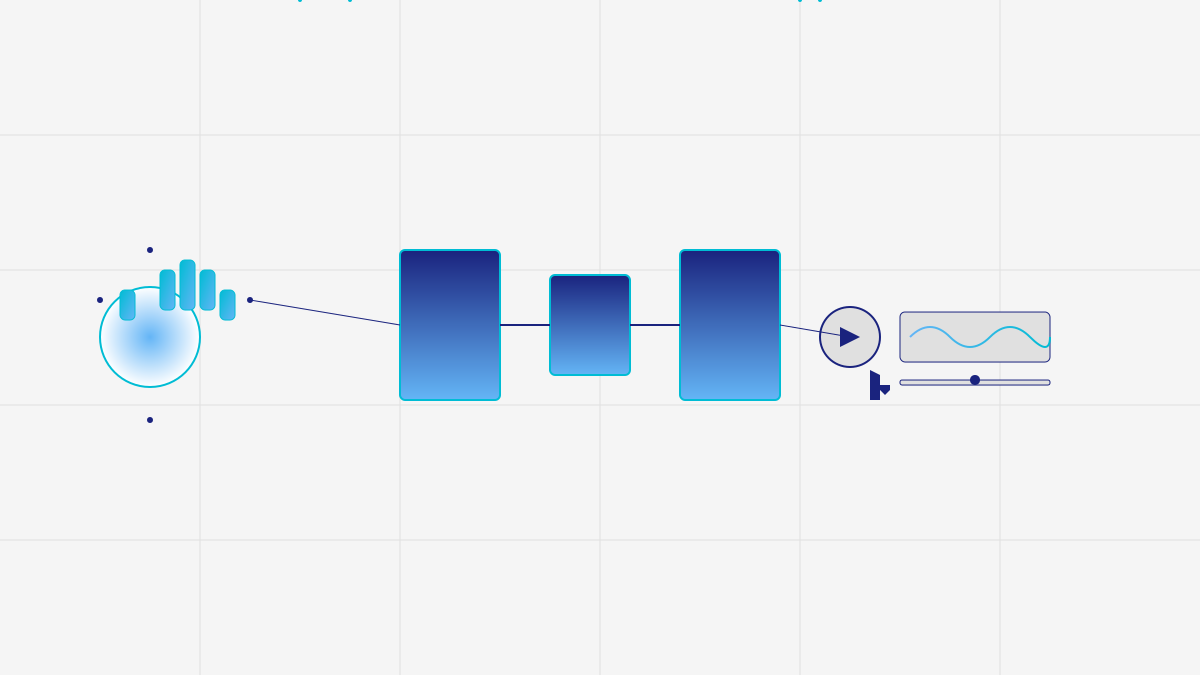
This project explores building a contactless music player controlled by gestures using convolutional neural networks (CNN) and WebSocket technology. It provides an end-to-end solution: capturing gestures via camera, recognizing them with a deep learning model, and converting to music control commands. This interaction is convenient for scenarios like cooking, exercise, or for users with hand mobility issues.


2

Section 02

Project Background & Source Information

Contactless control is a key focus in human-computer interaction (HCI) to address scenarios where hands are busy or traditional input methods are inconvenient.

3

Section 03

Technical Architecture & Key Components

Computer Vision & Gesture Capture

The system uses a camera to get video streams and extract static gestures. Focusing on static gestures reduces model complexity and improves accuracy/response speed.

CNN Model

A custom-trained CNN is used for recognition. Convolution layers extract local features (e.g., finger contours, palm shape), while pooling layers provide spatial invariance. It supports custom gesture categories like play/pause (single finger up), next (wave right), previous (wave left), volume up (palm up), volume down (palm down).

WebSocket Communication

WebSocket enables low-latency real-time communication between the recognition module and the music player, ensuring instant response to gestures—critical for music control.

4

Section 04

Practical Application Scenarios

  1. Accessibility: Alternative interaction for users with temporary or permanent hand disabilities, replacing mouse/keyboard.
  2. Multi-task Scenarios: Useful during cooking, exercise, or other hands-busy activities to control music without stopping.
  3. Smart Home Integration: Can integrate with other devices (e.g., a 'mute' gesture pauses music and dims lights).
5

Section 05

Technical Challenges & Optimization Directions

Light Condition Adaptability

Problem: Sensitivity to varying light (bright, dim, backlight). Optimizations: Data augmentation (add diverse light samples), adaptive preprocessing (adjust brightness/contrast), robust model architectures.

Background Interference

Problem: Complex backgrounds affect recognition accuracy. Solutions: Human segmentation (locate hand first), background subtraction, depth camera for 3D info.

Model Lightweight

Problem: Need to run smoothly on ordinary devices. Methods: Model pruning, quantization, knowledge distillation (maintain accuracy while reducing resource usage).

6

Section 06

Extending the Tech to Other Use Cases

The project's architecture is scalable to:

  • Smart Home Control: Gesture to switch lights, adjust AC temperature.
  • Presentation Control: Gesture for slide turning, laser pen function.
  • Game Interaction: Somatosensory input for games.
  • Industrial Control: Non-contact operation in industrial environments where touching screens is inconvenient.
7

Section 07

Conclusion & Future Outlook

PRODIGY_ML_04 combines deep learning, computer vision, and real-time communication to create an intuitive interaction experience. It's not just a tech demo but a practical tool prototype. As edge computing and model efficiency improve, such visual interaction schemes will be more widely applied, changing how we interact with digital devices.