Zing Forum

Reading

Self-hosted Large Language Model Server in Local Area Network: Using One Computer to Provide AI Services for All Devices in the House

This article explains how to turn a single computer into a local area network (LAN) AI inference server using Ollama, allowing multiple devices to share a local large language model without installing the model individually on each device, thus achieving a zero-API-cost multi-device AI access solution.

OllamaLLM局域网本地部署AI服务器Mistral开源模型私有部署
Published 2026-06-06 13:35Recent activity 2026-06-06 13:48Estimated read 6 min
Self-hosted Large Language Model Server in Local Area Network: Using One Computer to Provide AI Services for All Devices in the House
1

Section 01

[Introduction] Self-hosted LLM Server in LAN: One Computer for AI Services to All Home Devices

This article explains how to turn a single computer into a LAN AI inference server using Ollama, enabling multiple devices to share a local large language model without installing the model separately on each device—zero API cost and data privacy guaranteed. Original author/maintainer: ARAVINDH-1505, Source platform: GitHub, Original title: self-hosted-llm-server, Publication date: June 6, 2026. Below is a detailed explanation covering background, deployment steps, network configuration, client access, and other aspects.


2

Section 02

Background: Why Deploy LLM in LAN

Traditional local deployment requires installing the model separately on each device, which takes up a lot of storage and requires sufficient computing resources on each device. The LAN deployment solution uses a computer with better performance as the server, and other devices access it via HTTP requests. It is suitable for home, small office, or teaching scenarios, solving the pain point of sharing AI capabilities across multiple devices.

3

Section 03

Core Architecture and Server Deployment Process

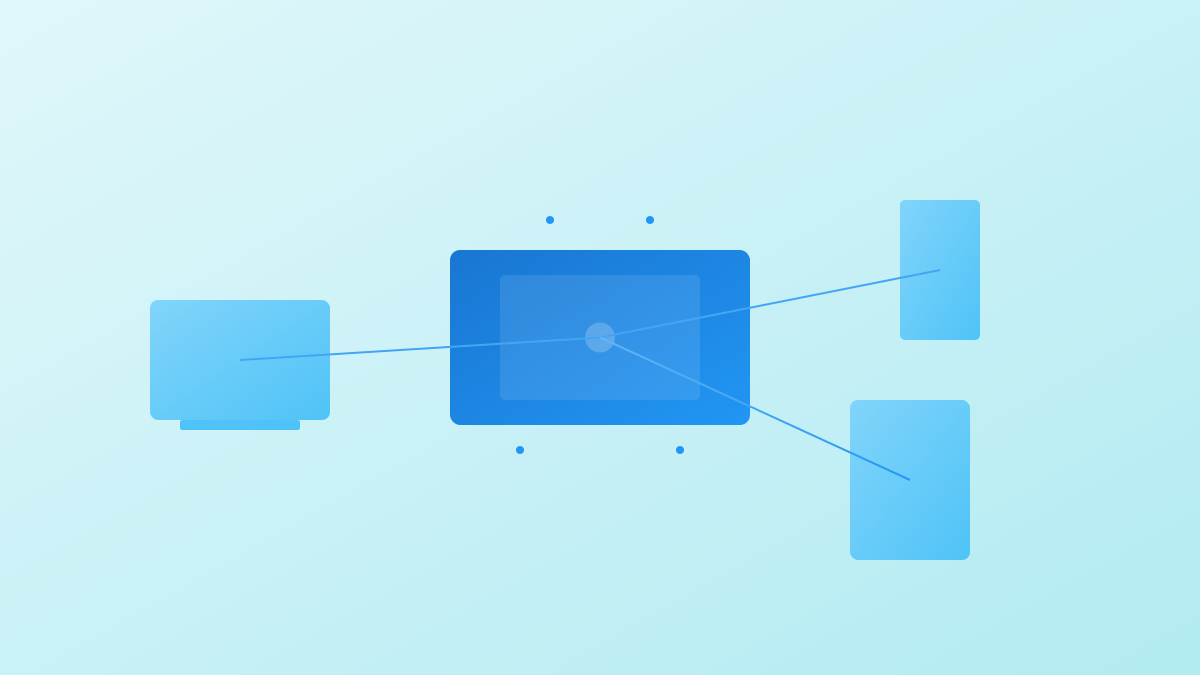
Architecture: The system consists of an AI server side (running Ollama service, loading models like Mistral/Llama3, listening for LAN requests) and client devices (interacting via HTTP requests). Deployment Steps: 1. Install the Ollama tool; 2. Download recommended models (e.g., Mistral); 3. Set the environment variable OLLAMA_HOST=0.0.0.0 to allow LAN connections; 4. Start the Ollama service (listening on port 11434).

4

Section 04

Network Configuration and Firewall Settings

  1. Obtain the server's LAN IP (via ipconfig/ifconfig command); 2. Configure the firewall to allow inbound connections on port 11434 (Windows Defender requires creating a TCP rule); 3. Test: Access http://[Server IP]:11434 in the client browser—if you see "Ollama is running", it's successful.
5

Section 05

Client Access Methods

Clients need to install the Python requests library and send prompts via POST requests to the server's /api/generate endpoint. It supports Python scripts, curl commands, or programs in other languages—almost any device that can send HTTP requests can access it.

6

Section 06

Hardware Requirements and Model Selection Recommendations

Hardware Reference: The author used an NVIDIA GTX1650 (4GB VRAM) to run the Mistral model with good performance. Model Recommendations: Prioritize Mistral (fast inference speed, low memory usage, suitable for simultaneous multi-user access); you can also choose open-source models like Llama3, Gemma3, Qwen3 based on hardware conditions and needs.

7

Section 07

Application Scenarios and Expansion Directions

Application Scenarios: Home AI assistant, team knowledge base, teaching demonstration, offline AI access (network-restricted environments). Expansion Directions: Integrate Open WebUI to provide a graphical interface, add an authentication layer to ensure security, build a multi-user chat interface, connect to MCP tools to expand capabilities, and enable remote access via VPN.

8

Section 08

Summary and Reflections

This solution is practical and cost-effective, solving the pain point of sharing AI capabilities across multiple devices while maintaining data privacy and zero operational cost advantages. It is suitable for users who want to explore local LLM applications but are unwilling to configure complex environments for each device. With the development of open-source models and improvements in hardware performance, local deployment solutions will become more practical.

